
jinji69 - Minecraft Skins & Skin History
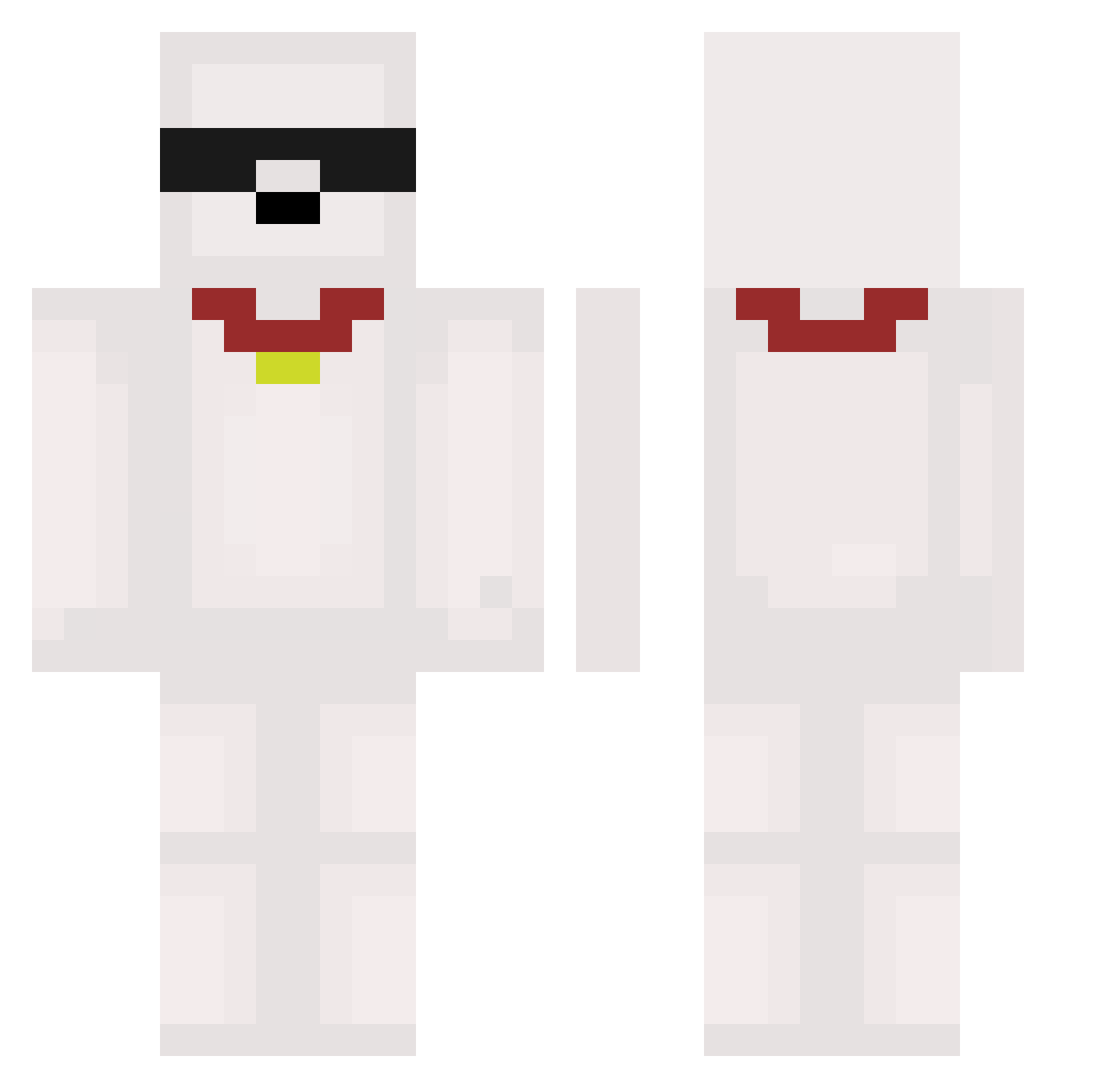
Current Minecraft skin of the player jinji69, loaded from the official Mojang API. Rotate the 3D model with your mouse or finger, then download the skin as a PNG file and use it in Minecraft: Bedrock Edition or Java Edition for free. When jinji69 changes their skin, this page updates automatically and the old skin stays in the history below.
Other players with this skin (536)
jinji69 was the 360th player we have seen with this skin, first spotted on 01.10.2026. The same skin was seen on these players. Open a nickname to see their current skin and skin history.
 Frostiqx Suuuuuuuuuung_Uk ZhenYE0319 SpR_Swung Parksihu2 Reimorin criseexistencial moilui danielKim89 miguelswifter LEEK_77 Jussieee Steinwayy BeanDog1million Inverso smartdoheon ghostein ionut001 DrAyri8239 meitianfu mrn2142 pharmaceuticaa flaryxx Minggo3 Beckenbauer_ xDexTex Eidam21 yusin7259 enqn1313 wnrbgk MaxGreen_ DCesarNG astxlic_ Tottenham_ Jagermix xiaofengwan666 Klimasek_1 GigaSeeder Hugo_doesntcare_ CAICAICA bbang_7 WhitePatoJr ishikonoheya mtzc_ dylonb05 jgh4 ImBetterThanU2 DCZH Is1AnD1 JBROCH JhinSakaii Ch0nix MclovingOF A2r3 xianyu Charlary yoruyoru911 o6ianni chw0902 ohScurvy
More Collar Minecraft skins
How to install the jinji69 skin
- Press the Download button above to save the skin as a PNG file.
- Minecraft: Bedrock Edition (PE): open the Dressing Room from the main menu (or tap your character → Edit Character), go to Classic Skins → Owned, press the + (new skin) button, choose the downloaded PNG and pick the Classic (Steve) model. Works on PC and mobile; consoles cannot import custom skins.
- Minecraft: Java Edition: open the Minecraft Launcher, go to the Skins tab, click New Skin, load the PNG, pick the Classic (Steve) model and press Save & Use. You can also upload it at minecraft.net → Profile → Change Skin.
The skin does not show up after import - what should I do?
Restart Minecraft and open the Dressing Room again - imported skins sometimes appear only after a restart. Also make sure you selected the imported skin and picked the Classic (Steve) model.
Which model should I choose, Classic or Slim?
This skin is designed for the Classic (Steve) model. If you pick the wrong model, the arms of the skin will look stretched or squeezed.
Is the skin of jinji69 free to download?
Yes. Press Download, save the PNG file and use it in Minecraft: Bedrock Edition or Java Edition - no payment or registration needed. The skin also works on multiplayer servers and Realms.
More skins
Looking for more? Go back to all Minecraft skins and check the top skins of the week, month and all time, or find any player's skin by nickname.