
j1nker - Minecraft Skins & Skin History
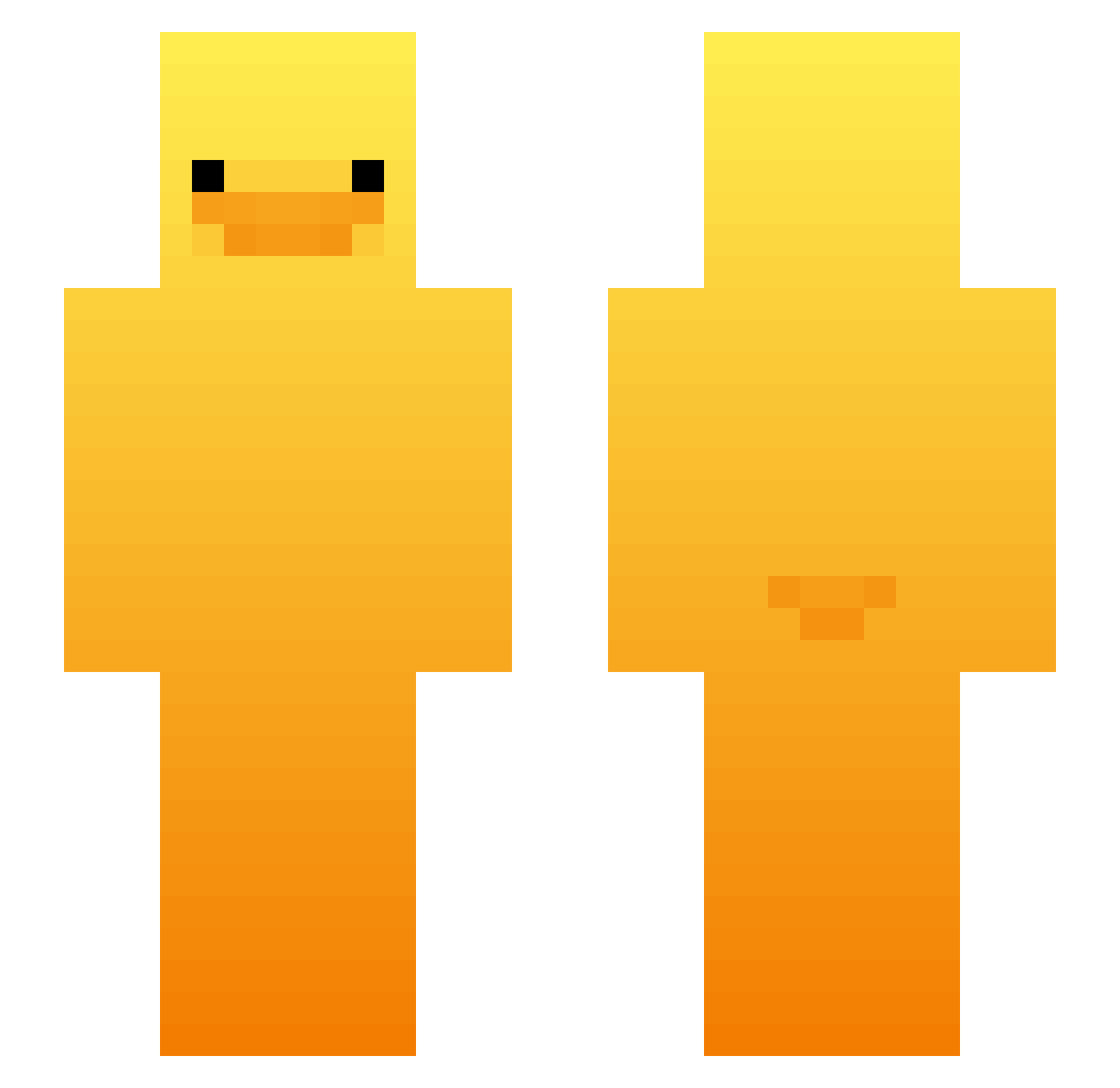
Current Minecraft skin of the player j1nker, loaded from the official Mojang API. Rotate the 3D model with your mouse or finger, then download the skin as a PNG file and use it in Minecraft: Bedrock Edition or Java Edition for free. When j1nker changes their skin, this page updates automatically and the old skin stays in the history below.
Other players with this skin (521)
j1nker was the 357th player we have seen with this skin, first spotted on 06.10.2026. The same skin was seen on these players. Open a nickname to see their current skin and skin history.
 obe1isk PESODEIDAD3000 PewPewPotatoes1 kocicc_ julia2k9 YaYa7618 Ninjamelon6994 PINYIE AqueleKraAli lilsaars Paul_xyz RaiN_DyiNasty HowieTsai Pajros JorjitoQm jird0n Scarlettaka miguelitorivera7 FSGalindo oogachacka patr111 madangori killerbug579 kjwsite Ducky5092 ThyVod BostonFireAA Noil5555 thebuster666 MapacheRar0xdd NotVixinity jid_2K BraydenMoggedYou adamkobobekk KLauncher_fgcvko Giganos69 juanpando m0rbyT Ducks_are_cool14 Kazza_51 Mendieta__ Jeoxre aidewode DoctorGoof Lord_Cheezequad floppylol fatmat707 Danonza Lele0k cotlet17 d4bt1 igorcesarcraft27 srta_lari Lee_gunwoo Quackz11 Viitzzz JeL07 bratvasya seventhcrow Tekkins_
More Duck Minecraft skins
How to install the j1nker skin
- Press the Download button above to save the skin as a PNG file.
- Minecraft: Bedrock Edition (PE): open the Dressing Room from the main menu (or tap your character → Edit Character), go to Classic Skins → Owned, press the + (new skin) button, choose the downloaded PNG and pick the Slim (Alex) model. Works on PC and mobile; consoles cannot import custom skins.
- Minecraft: Java Edition: open the Minecraft Launcher, go to the Skins tab, click New Skin, load the PNG, pick the Slim (Alex) model and press Save & Use. You can also upload it at minecraft.net → Profile → Change Skin.
The skin does not show up after import - what should I do?
Restart Minecraft and open the Dressing Room again - imported skins sometimes appear only after a restart. Also make sure you selected the imported skin and picked the Slim (Alex) model.
Which model should I choose, Classic or Slim?
This skin is designed for the Slim (Alex) model. If you pick the wrong model, the arms of the skin will look stretched or squeezed.
Is the skin of j1nker free to download?
Yes. Press Download, save the PNG file and use it in Minecraft: Bedrock Edition or Java Edition - no payment or registration needed. The skin also works on multiplayer servers and Realms.
More skins
Looking for more? Go back to all Minecraft skins and check the top skins of the week, month and all time, or find any player's skin by nickname.