
exzeary - Minecraft Skins & Skin History
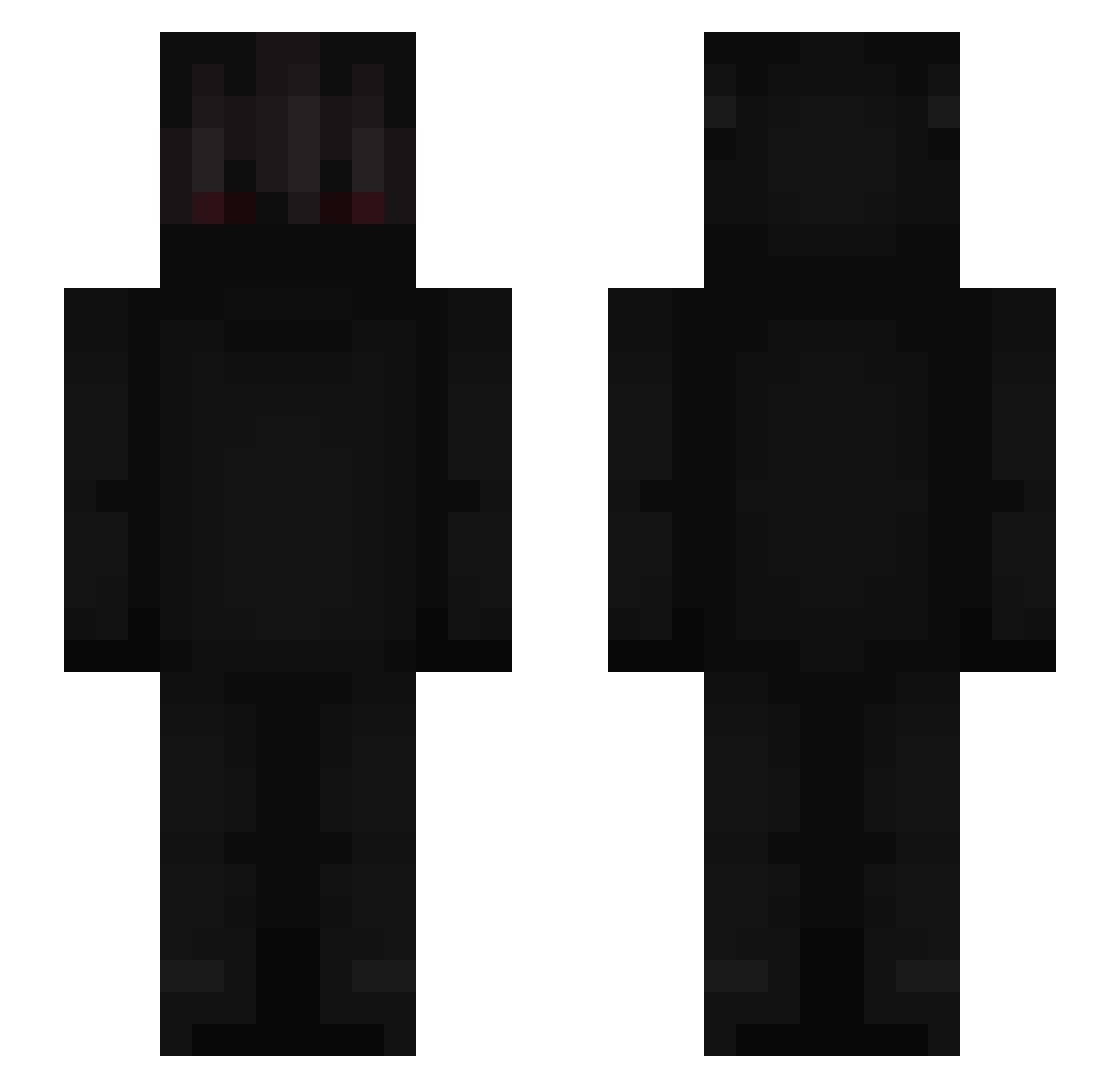
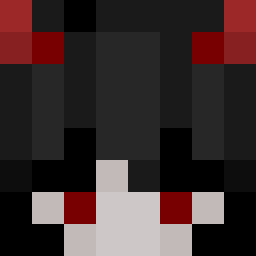
Current Minecraft skin of the player exzeary, loaded from the official Mojang API. Rotate the 3D model with your mouse or finger, then download the skin as a PNG file and use it in Minecraft: Bedrock Edition or Java Edition for free. When exzeary changes their skin, this page updates automatically and the old skin stays in the history below.
Other players with this skin (669)
exzeary was the 168th player we have seen with this skin, first spotted on 22.08.2026. The same skin was seen on these players. Open a nickname to see their current skin and skin history.
 tataro23 jsayles Verzitah Cyrilshadow MF55555 Storm_Shadow_yt kimrawrr ParanoidKlick LunarDeity Bosqunn ZitrusFruchtUwE asoris44 JFR14123 PAGAZ_ JabbaDaniels iDeadlyClaW NautosHD jacob_1111 Dean_06 Bit45 Asuna_fps bigsugarcane rinshase RainManL Rylander _Browski_ Lemetti esip eept Ozgur2502 holybeatus TOMahawk1968 KingStan30 Tornation06 Roxxo77 GxSwervo vernux Vlexzin L34NDR0X1
 MartiniEats ghosthunter_69 UnLecitBurak gdsks Kajmanix PortLily Odizek caosWT
 Emelko77 muhandiss DariusSix Gugduf Cannebee SlayRay andayyy proxyking
 ZenIt_Ace maSiiQ Nescalzin BigZeno ColtPvPz
More Shadow Minecraft skins
How to install the exzeary skin
- Press the Download button above to save the skin as a PNG file.
- Minecraft: Bedrock Edition (PE): open the Dressing Room from the main menu (or tap your character → Edit Character), go to Classic Skins → Owned, press the + (new skin) button, choose the downloaded PNG and pick the Slim (Alex) model. Works on PC and mobile; consoles cannot import custom skins.
- Minecraft: Java Edition: open the Minecraft Launcher, go to the Skins tab, click New Skin, load the PNG, pick the Slim (Alex) model and press Save & Use. You can also upload it at minecraft.net → Profile → Change Skin.
The skin does not show up after import - what should I do?
Restart Minecraft and open the Dressing Room again - imported skins sometimes appear only after a restart. Also make sure you selected the imported skin and picked the Slim (Alex) model.
Which model should I choose, Classic or Slim?
This skin is designed for the Slim (Alex) model. If you pick the wrong model, the arms of the skin will look stretched or squeezed.
Is the skin of exzeary free to download?
Yes. Press Download, save the PNG file and use it in Minecraft: Bedrock Edition or Java Edition - no payment or registration needed. The skin also works on multiplayer servers and Realms.
More skins
Looking for more? Go back to all Minecraft skins and check the top skins of the week, month and all time, or find any player's skin by nickname.