
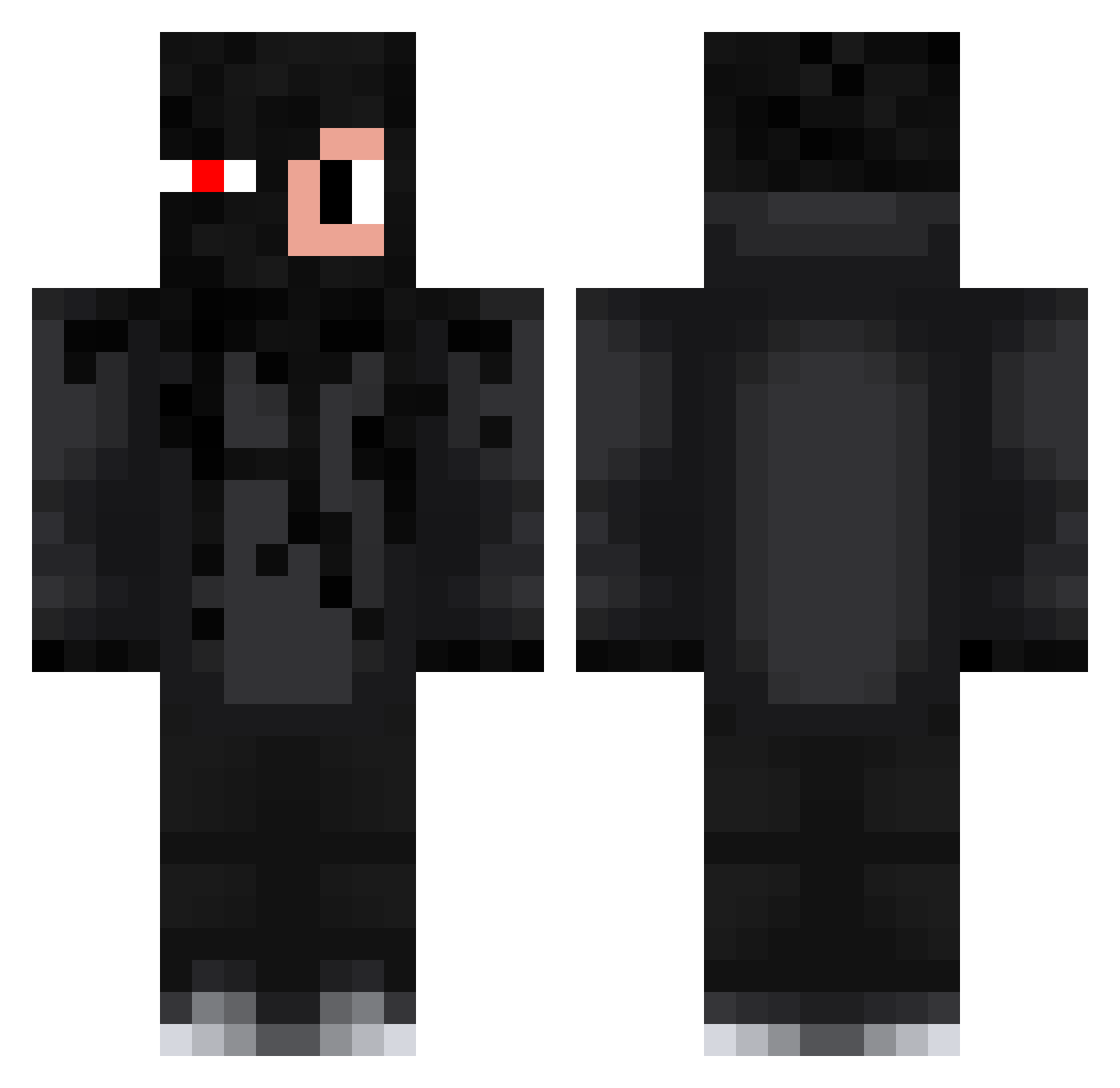
Current Minecraft skin of the player dudekjr2, loaded from the official Mojang API. Rotate the 3D model with your mouse or finger, then download the skin as a PNG file and use it in Minecraft: Bedrock Edition or Java Edition for free. When dudekjr2 changes their skin, this page updates automatically and the old skin stays in the history below.
Other players with this skin (165)
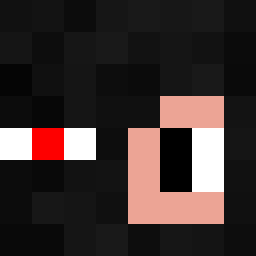
dudekjr2 was the 137th player we have seen with this skin, first spotted on 06.10.2026. The same skin was seen on these players. Open a nickname to see their current skin and skin history.
 trampek_123 rayquaza_12 _Tobixas WP_Kuba teeeejj ShustOlolz KarolGamer1 Morrson seruud szefuu_pl listogej Szymon1345 Wojtek_usss Culerr Strow_ mejs0n K0T3K355 aluniek NIKOS201205 KostiTosti Hubert0704 klusek96 doruksi 1trox milydobry Wojnat10 KLMS17 beast4940 vpr44 Gwiazdawieczoru1 MacGrac NocnyRycerz kuba160402 Kajtek80085 Milequ2137 Top1_Madluk Kalitas1000 LEONIDXGd _Black_Demon__ Kolanko__ spocony_ogurek3 young_Maksio Pellerini DawidAdam25 Sz3f0o pontoon__ xdominikx2117 Skalson_ kactrykgaming7 TaperPL Lubie_Kacper Krzysiu_maslana nezkiii MikuBim Leszekxd hollouise MateuszGaming69 THHKarol zDronyPvP Adiator11
More Glowing Eyes Minecraft skins
See all 2272 Glowing Eyes skins
How to install the dudekjr2 skin
- Press the Download button above to save the skin as a PNG file.
- Minecraft: Bedrock Edition (PE): open the Dressing Room from the main menu (or tap your character → Edit Character), go to Classic Skins → Owned, press the + (new skin) button, choose the downloaded PNG and pick the Classic (Steve) model. Works on PC and mobile; consoles cannot import custom skins.
- Minecraft: Java Edition: open the Minecraft Launcher, go to the Skins tab, click New Skin, load the PNG, pick the Classic (Steve) model and press Save & Use. You can also upload it at minecraft.net → Profile → Change Skin.
The skin does not show up after import - what should I do?
Restart Minecraft and open the Dressing Room again - imported skins sometimes appear only after a restart. Also make sure you selected the imported skin and picked the Classic (Steve) model.
Which model should I choose, Classic or Slim?
This skin is designed for the Classic (Steve) model. If you pick the wrong model, the arms of the skin will look stretched or squeezed.
Is the skin of dudekjr2 free to download?
Yes. Press Download, save the PNG file and use it in Minecraft: Bedrock Edition or Java Edition - no payment or registration needed. The skin also works on multiplayer servers and Realms.
More skins
Looking for more? Go back to all Minecraft skins and check the top skins of the week, month and all time, or find any player's skin by nickname.