
dolmalikpatlican - Minecraft Skins & Skin History
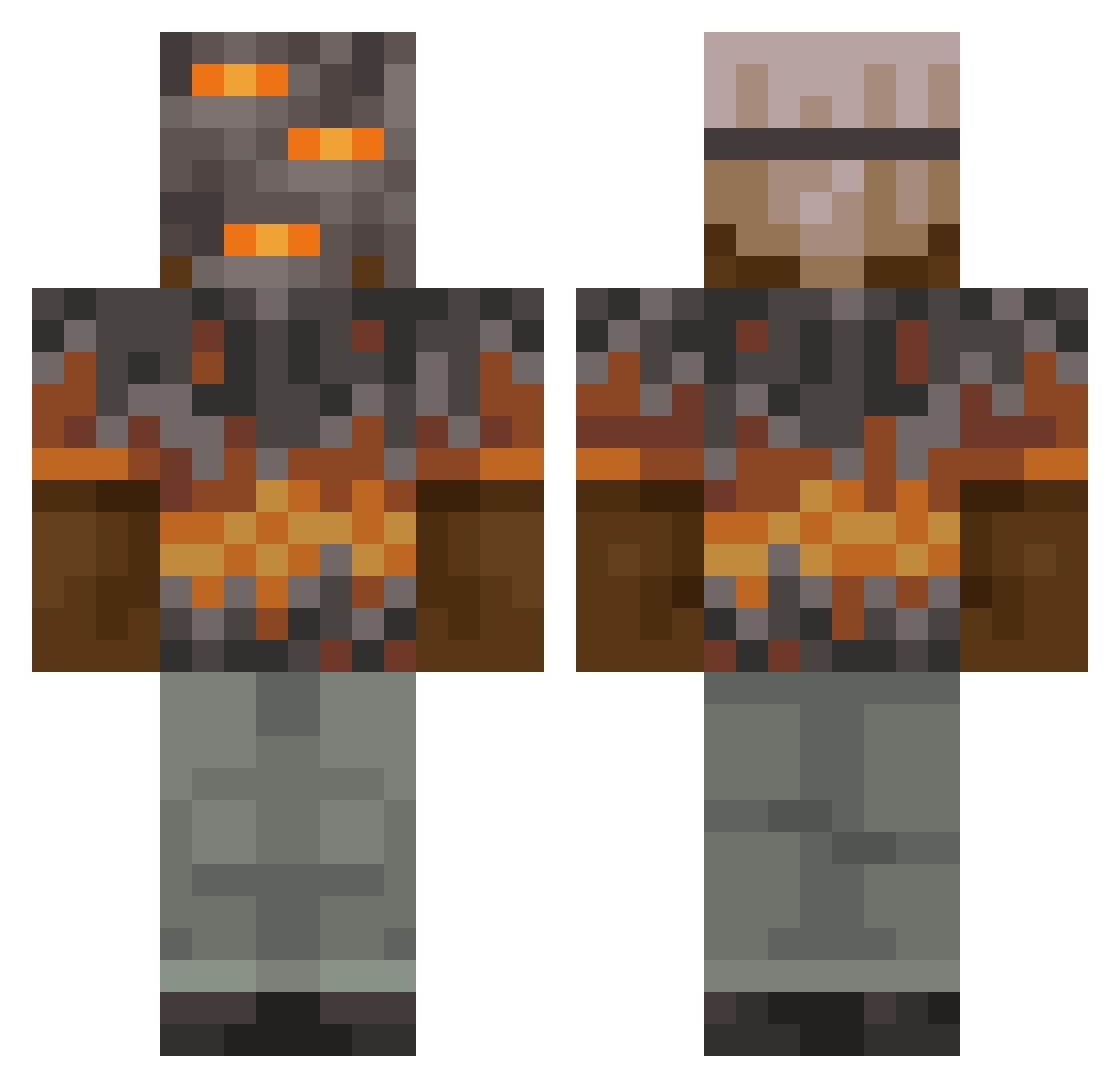
Current Minecraft skin of the player dolmalikpatlican, loaded from the official Mojang API. Rotate the 3D model with your mouse or finger, then download the skin as a PNG file and use it in Minecraft: Bedrock Edition or Java Edition for free. When dolmalikpatlican changes their skin, this page updates automatically and the old skin stays in the history below.
Other players with this skin (852)
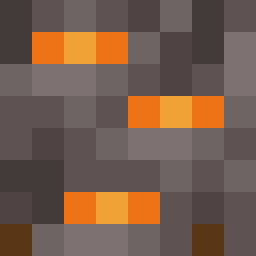
dolmalikpatlican was the 52nd player we have seen with this skin, first spotted on 29.07.2026. The same skin was seen on these players. Open a nickname to see their current skin and skin history.
 Basimgaming BDEN Manepyre light0625 TheCypriotChappy Bubbawhale9521 Nell79 schne2 BigBoySim Mpcbear husklemuskle Reguria Diamonds444 JulienCeasar805 MiniGibbon AndrogeosMed xEvolucion DemonLord_Keik Sillysoldier05 drilea12 Shelby9585
 elcemenbailero danielszerencses ReservT Trafalger_ Grungyrock2 birzaman13 NBLuddy SupportDarius roberuto245 Sgt_Gummy networkzerg Bbrock25 enderboy779 gamerkid5646 Tymanskii _Morath pinkdragonpower Brenuxx secadius Soup1241 syfq Ferrof1
 itsk1ng0 PennyplusSelley Satook chickenman32 ZephyrStrike Xploid_101 Emo_Treter BIVOLUL28 Light223_ Monsterbearchen vhqb _XeNoX247 Yeou13 MrAnt9911 adrianee_752y2 SDNator Haliwaka
More Rock Minecraft skins
How to install the dolmalikpatlican skin
- Press the Download button above to save the skin as a PNG file.
- Minecraft: Bedrock Edition (PE): open the Dressing Room from the main menu (or tap your character → Edit Character), go to Classic Skins → Owned, press the + (new skin) button, choose the downloaded PNG and pick the Classic (Steve) model. Works on PC and mobile; consoles cannot import custom skins.
- Minecraft: Java Edition: open the Minecraft Launcher, go to the Skins tab, click New Skin, load the PNG, pick the Classic (Steve) model and press Save & Use. You can also upload it at minecraft.net → Profile → Change Skin.
The skin does not show up after import - what should I do?
Restart Minecraft and open the Dressing Room again - imported skins sometimes appear only after a restart. Also make sure you selected the imported skin and picked the Classic (Steve) model.
Which model should I choose, Classic or Slim?
This skin is designed for the Classic (Steve) model. If you pick the wrong model, the arms of the skin will look stretched or squeezed.
Is the skin of dolmalikpatlican free to download?
Yes. Press Download, save the PNG file and use it in Minecraft: Bedrock Edition or Java Edition - no payment or registration needed. The skin also works on multiplayer servers and Realms.
More skins
Looking for more? Go back to all Minecraft skins and check the top skins of the week, month and all time, or find any player's skin by nickname.