
 TqxElias DerFisch88990 HamidAufIphone3G _TwentyOne SchreinexJunior Dylyx HSam1 Jontesto Freddy_Bravo MorganDinowaty gdfhfgh Marcilo291 Wasserflasche007 xXRussiaXx Amgi1 jovester Jox_07 kivi90 chickenjockeymin Typischnele dinci2509 AlphaEnes yihui1990 SadSucuk14 wally8 suuunaaa KimDripleX sinki05 Sigma239 ttsilverhdx timexx_777 Gochamaru Zuckrigtorte CraftyExplorer51 alphasteinJR BabaOnFireeee elijas2012 Knumskull LoloW345 w2trx gymads AlphadioritOG brelsnd Nico_GotyABC123 MarwinderFisch bernhard_714 Talih2012 nixfixxx ToastUhr9618568 Ferdi1F CrazyLuBa Der_Fette_Lauch_ KauaFer 1Yourdad Gameressa6 Tamtam628 AidanLD Werleon Hugo_6225 WauliBull
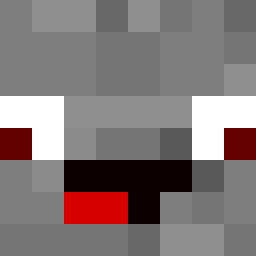
Minecraft skin of EierKopf5000. Rotate the 3D model with your mouse or finger to view the skin from every angle, then download it as a PNG file and use it in Minecraft: Bedrock Edition or Java Edition for free. Rate the skin with stars to help other players find the best skins in our collection.
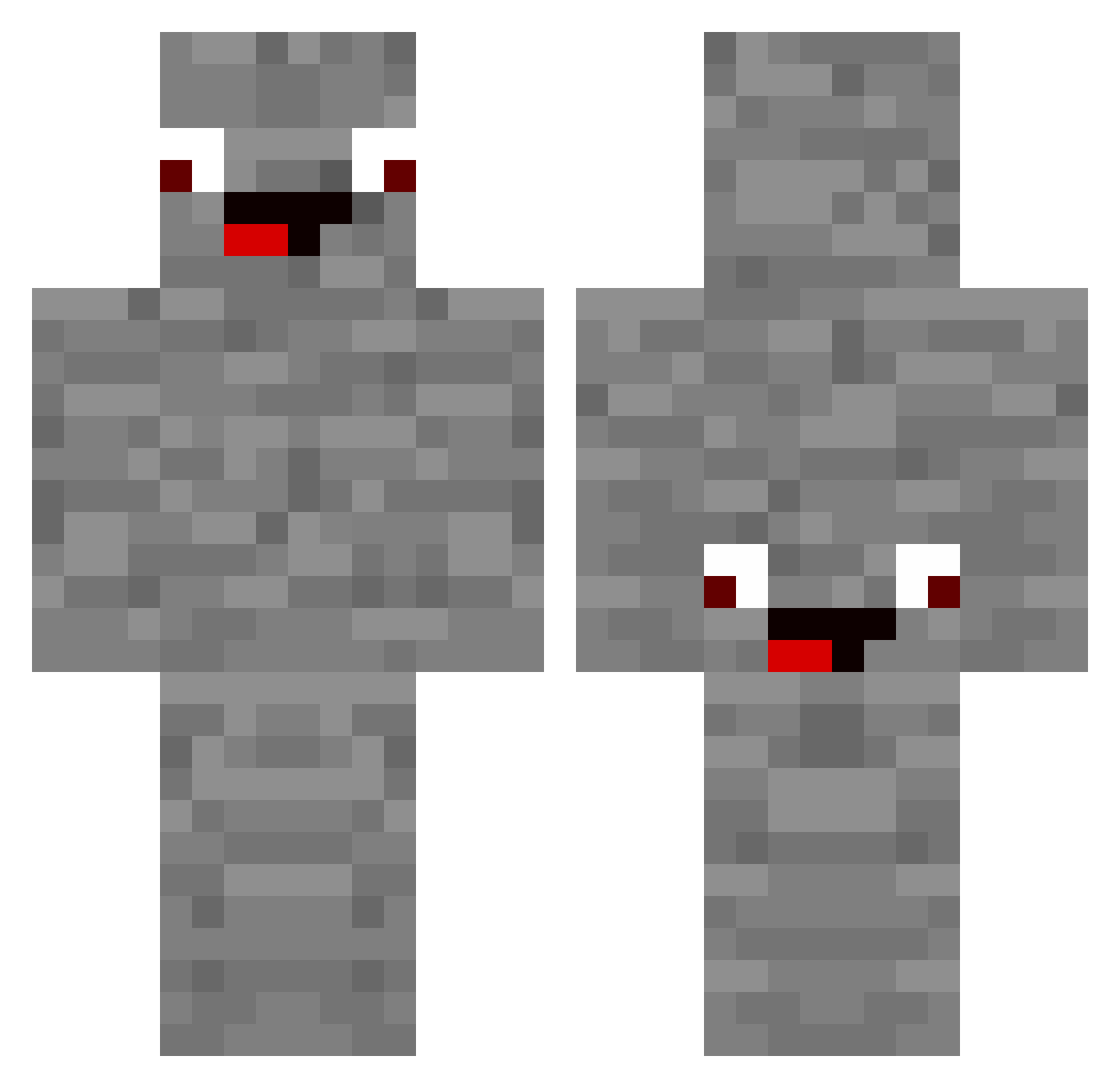
How to install the EierKopf5000 skin
- Press the Download button above to save the skin as a PNG file.
- Minecraft: Bedrock Edition (PE): open the Dressing Room from the main menu (or tap your character → Edit Character), go to Classic Skins → Owned, press the + (new skin) button, choose the downloaded PNG and pick the Classic (Steve) model. Works on PC and mobile; consoles cannot import custom skins.
- Minecraft: Java Edition: open the Minecraft Launcher, go to the Skins tab, click New Skin, load the PNG, pick the Classic (Steve) model and press Save & Use. You can also upload it at minecraft.net → Profile → Change Skin.
The skin does not show up after import - what should I do?
Restart Minecraft and open the Dressing Room again - imported skins sometimes appear only after a restart. Also make sure you selected the imported skin and picked the Classic (Steve) model.
Which model should I choose, Classic or Slim?
This skin is designed for the Classic (Steve) model. If you pick the wrong model, the arms of the skin will look stretched or squeezed.
Is this skin free to use?
Yes. Press Download, save the PNG file and use it in Minecraft: Bedrock Edition or Java Edition - no payment or registration needed. The skin also works on multiplayer servers and Realms.
More Rock Minecraft skins
More skins
Looking for more? Go back to all Minecraft skins and check the top skins of the week, month and all time, or find any player's skin by nickname.