
1Yourdad - Minecraft Skins & Skin History
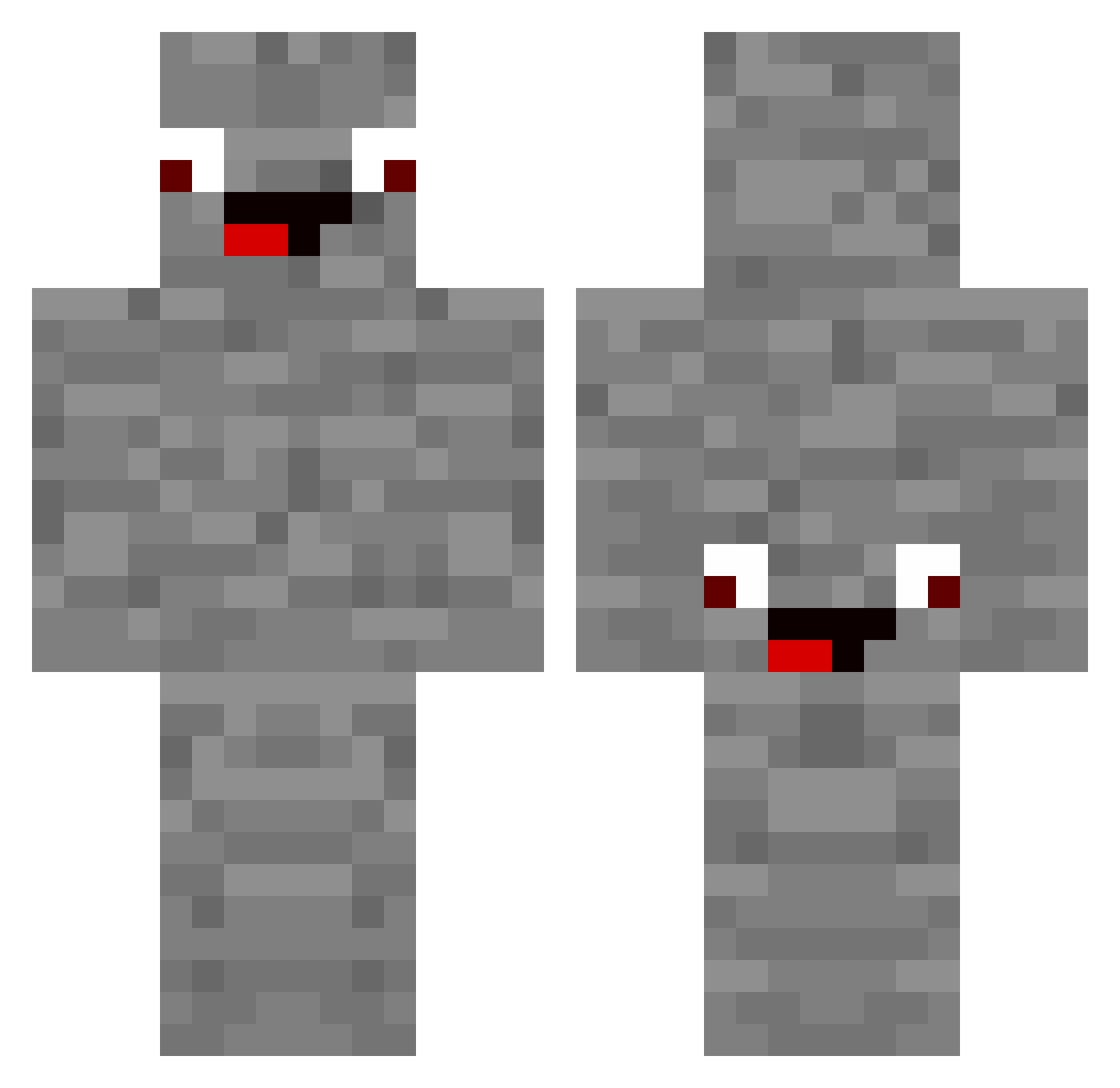
Current Minecraft skin of the player 1Yourdad, loaded from the official Mojang API. Rotate the 3D model with your mouse or finger, then download the skin as a PNG file and use it in Minecraft: Bedrock Edition or Java Edition for free. When 1Yourdad changes their skin, this page updates automatically and the old skin stays in the history below.
Other players with this skin (178)
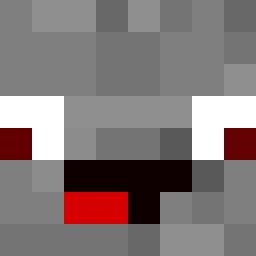
1Yourdad was the 137th player we have seen with this skin, first spotted on 12.10.2026. The same skin was seen on these players. Open a nickname to see their current skin and skin history.
 Werleon Ferdi1F Nikla6 Familienzocker75 Nico_GotyABC123 LoloW345 xmrtara welly_gamer01 Knumskull elijas2012 2_Takt_Max XOkingXO2703 Vachei009 rexorr04 BabaOnFireeee piccy76 alphasteinJR CraftyExplorer51 Zuckrigtorte Shakil_XD Gochamaru JeSchaJe timexx_777 Florian_1210 ttsilverhdx MrFrostyreal Mateo0906 lemming2010 PetrusDerWeise Sigma239 sinki05 Gnaisse KimDripleX Aldrin_Der_Echte suuunaaa wally8 SadSucuk14 yihui1990 AlphaSteinReal Pandaa_Twitch AlphaEnes 999Simon19 dinci2509 joegamer300 Typischnele MarlonSchmidt TwentyTea471186 chickenjockeymin Turkey1924 bloooooo123 Steckis_Mum strausgibbon kivi90 Jox_07 jovester Amgi1 kjellmarek xXRussiaXx Wasserflasche007 Marcilo291
More Rock Minecraft skins
How to install the 1Yourdad skin
- Press the Download button above to save the skin as a PNG file.
- Minecraft: Bedrock Edition (PE): open the Dressing Room from the main menu (or tap your character → Edit Character), go to Classic Skins → Owned, press the + (new skin) button, choose the downloaded PNG and pick the Classic (Steve) model. Works on PC and mobile; consoles cannot import custom skins.
- Minecraft: Java Edition: open the Minecraft Launcher, go to the Skins tab, click New Skin, load the PNG, pick the Classic (Steve) model and press Save & Use. You can also upload it at minecraft.net → Profile → Change Skin.
The skin does not show up after import - what should I do?
Restart Minecraft and open the Dressing Room again - imported skins sometimes appear only after a restart. Also make sure you selected the imported skin and picked the Classic (Steve) model.
Which model should I choose, Classic or Slim?
This skin is designed for the Classic (Steve) model. If you pick the wrong model, the arms of the skin will look stretched or squeezed.
Is the skin of 1Yourdad free to download?
Yes. Press Download, save the PNG file and use it in Minecraft: Bedrock Edition or Java Edition - no payment or registration needed. The skin also works on multiplayer servers and Realms.
More skins
Looking for more? Go back to all Minecraft skins and check the top skins of the week, month and all time, or find any player's skin by nickname.