
 a8pc Alphapro101 YII114 thatboibeet treeeeeeeeeeeeea Kulhoid OfferedOwl832 GxMnc RayKlynn OsiGG SirLagsALot2490 ChewyCanadian S_a_r_i_u_s likeporpoise ferwi56 HAYTHAMPRO10 PalPoul r1naaa_ Porvalov 3vd3 RaDriv MaxNor Flode__ SolarLK __4nshh Water_Bottle361 iluzi0n_ 123Theo golf_340 CampDaPin harambeloverog SShaydee0 SkibbidiToilet67 OneEyeFlyntLocke TKTornado15 mr_SereQ JustinKP dcf808 MatthewBall1 Tabare03 topfit_Vanille donny1122 M0nekrit CaraOnTheRadio IsraelGODwembyy MSPSHS SwXp3r Elmeep ThezNutz sebass2501 ZupraX Kpain REIVER__ framssss tubbywubby1126 Ski13 The_Final_Saint Dak05 eastonboy _xmrY
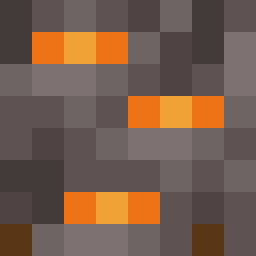
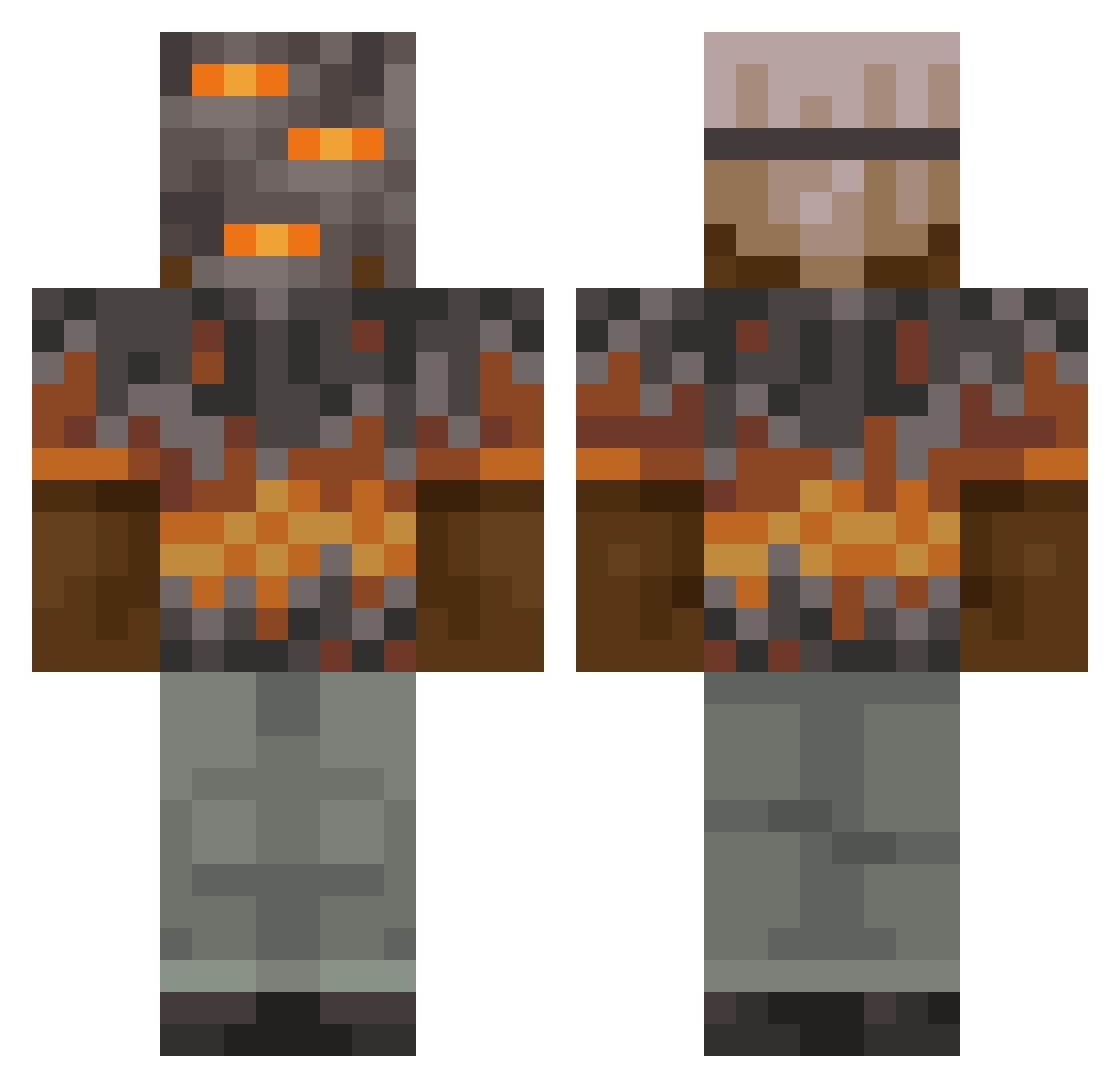
Minecraft skin of msimoj. Rotate the 3D model with your mouse or finger to view the skin from every angle, then download it as a PNG file and use it in Minecraft: Bedrock Edition or Java Edition for free. Rate the skin with stars to help other players find the best skins in our collection.
How to install the msimoj skin
- Press the Download button above to save the skin as a PNG file.
- Minecraft: Bedrock Edition (PE): open the Dressing Room from the main menu (or tap your character → Edit Character), go to Classic Skins → Owned, press the + (new skin) button, choose the downloaded PNG and pick the Classic (Steve) model. Works on PC and mobile; consoles cannot import custom skins.
- Minecraft: Java Edition: open the Minecraft Launcher, go to the Skins tab, click New Skin, load the PNG, pick the Classic (Steve) model and press Save & Use. You can also upload it at minecraft.net → Profile → Change Skin.
The skin does not show up after import - what should I do?
Restart Minecraft and open the Dressing Room again - imported skins sometimes appear only after a restart. Also make sure you selected the imported skin and picked the Classic (Steve) model.
Which model should I choose, Classic or Slim?
This skin is designed for the Classic (Steve) model. If you pick the wrong model, the arms of the skin will look stretched or squeezed.
Is this skin free to use?
Yes. Press Download, save the PNG file and use it in Minecraft: Bedrock Edition or Java Edition - no payment or registration needed. The skin also works on multiplayer servers and Realms.
More Rock Minecraft skins
More skins
Looking for more? Go back to all Minecraft skins and check the top skins of the week, month and all time, or find any player's skin by nickname.