
corzd - Minecraft Skins & Skin History
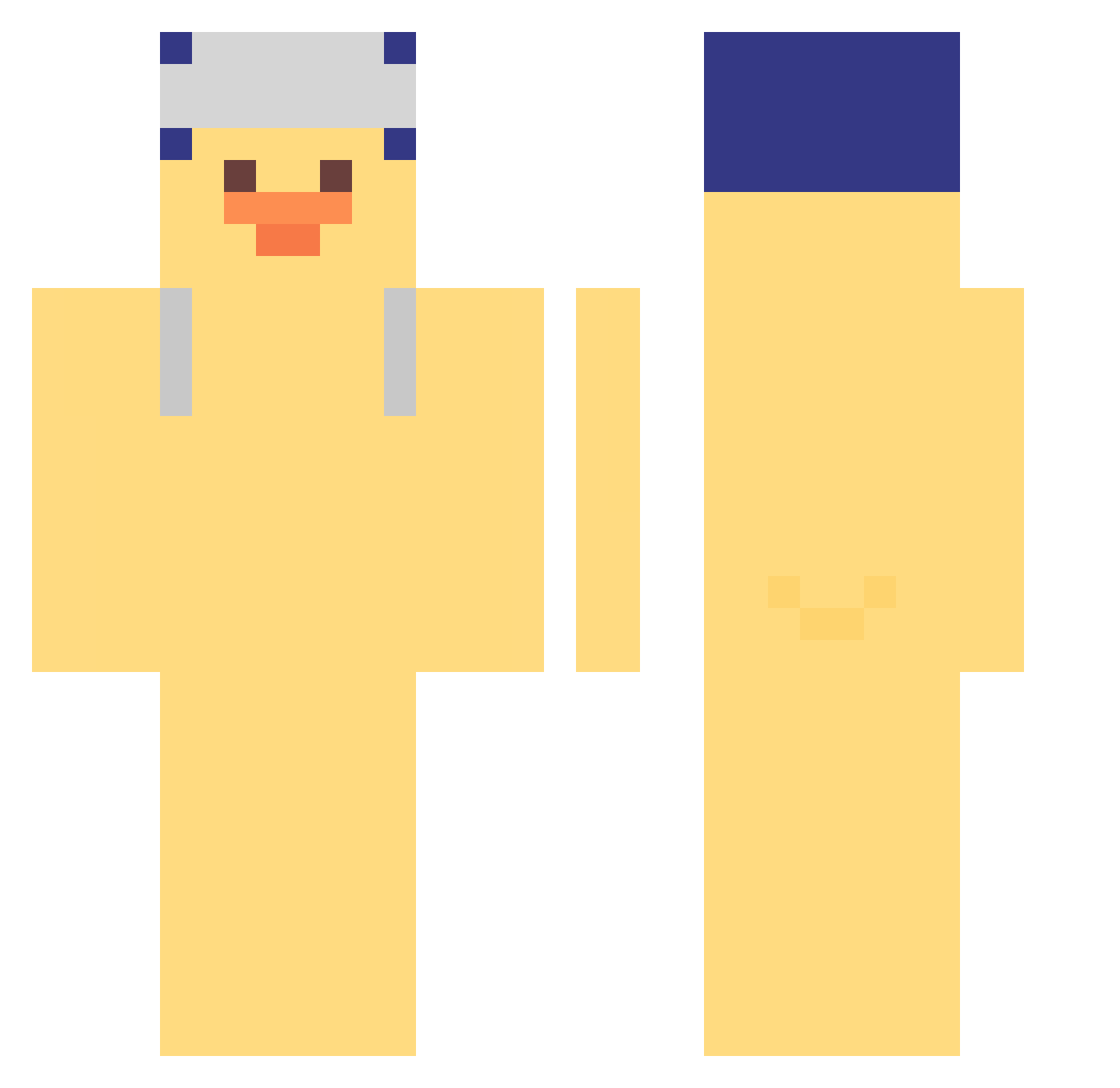
Current Minecraft skin of the player corzd, loaded from the official Mojang API. Rotate the 3D model with your mouse or finger, then download the skin as a PNG file and use it in Minecraft: Bedrock Edition or Java Edition for free. When corzd changes their skin, this page updates automatically and the old skin stays in the history below.
Other players with this skin (308)
corzd was the 173rd player we have seen with this skin, first spotted on 14.09.2026. The same skin was seen on these players. Open a nickname to see their current skin and skin history.
 laowang1103 bedwarskill Dypsy09 Drataraz27 No__Chang ludai0103 jcxfy cfuud prws Melissagtz EntenFahne Quokka0_0 limbo2525 quuuXD antilur IMHANSWANG Skeeboza alstjd1030 hokzuny_ PaninoDelMC ItsnotRubi LIFCboy JAVA_LAVA3 pikus25 Yailpar gangsoms Daniel2123 m1nim4 Sh8rdyy matus247 GTname corediver uriael1978 sowal3087 Jenerros Mathy_iraqi nnnoaaa paynrn xei4 SeismicIsland55 Ztsuu_ kaczor8635 VioVita __Gray___ SpicyTakis non_ww Alshamsi91 gaengsik 1jinshin xWh1tney
 msjomama 2DoongE novita795 ggininthe Blinding2 zhaoyan__ mmurek ryan_137 Ca0n _Vetta2
More Duck Minecraft skins
How to install the corzd skin
- Press the Download button above to save the skin as a PNG file.
- Minecraft: Bedrock Edition (PE): open the Dressing Room from the main menu (or tap your character → Edit Character), go to Classic Skins → Owned, press the + (new skin) button, choose the downloaded PNG and pick the Classic (Steve) model. Works on PC and mobile; consoles cannot import custom skins.
- Minecraft: Java Edition: open the Minecraft Launcher, go to the Skins tab, click New Skin, load the PNG, pick the Classic (Steve) model and press Save & Use. You can also upload it at minecraft.net → Profile → Change Skin.
The skin does not show up after import - what should I do?
Restart Minecraft and open the Dressing Room again - imported skins sometimes appear only after a restart. Also make sure you selected the imported skin and picked the Classic (Steve) model.
Which model should I choose, Classic or Slim?
This skin is designed for the Classic (Steve) model. If you pick the wrong model, the arms of the skin will look stretched or squeezed.
Is the skin of corzd free to download?
Yes. Press Download, save the PNG file and use it in Minecraft: Bedrock Edition or Java Edition - no payment or registration needed. The skin also works on multiplayer servers and Realms.
More skins
Looking for more? Go back to all Minecraft skins and check the top skins of the week, month and all time, or find any player's skin by nickname.