
 Lippethegod AKADZD zhaoyan__ xuxuppppp Kazetabb TonyLaSauces malaytb North__Ming Frinzy gangsoms quuuXD Xx_oX tayha1011 ageqoudagis enen945 hokzuny_ xxb555 doufu1454 SPACE_GAOT antilur silbe_on_033 GTname error0018 Jenerros Jarveys TaeHyun2_ yalishandahu M7rage J4naB gnslgnsl JadeFox8682 Tectonn ji_yo3 michaeleog nnnoaaa Sl0th22 N4pt0 TrackpadsHyper jcxfy Guidus_k Dan_Ga TSUDDRAFT AnEunse qiesesto OldfoxV No__Chang ludai0103 AL3XX07 Superchutoro Lu__1 MisakaXGP_mxp641 G2Lepa java24k xotvlsh923 BlackGragon1 15ffplz jacy0 Beluga813 sung_19 rymmmm
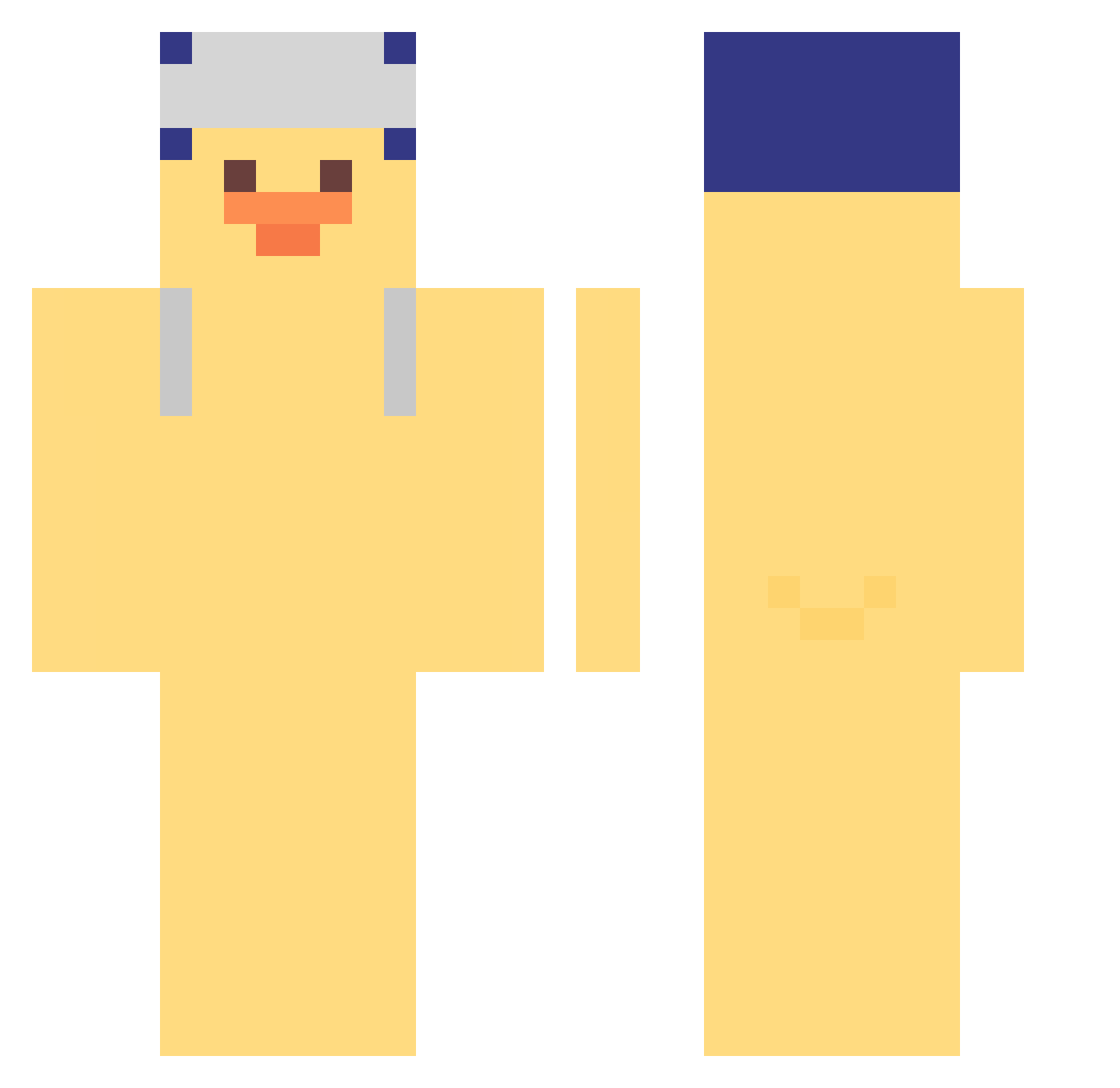
Minecraft skin of tayha1011. Rotate the 3D model with your mouse or finger to view the skin from every angle, then download it as a PNG file and use it in Minecraft: Bedrock Edition or Java Edition for free. Rate the skin with stars to help other players find the best skins in our collection.
How to install the tayha1011 skin
- Press the Download button above to save the skin as a PNG file.
- Minecraft: Bedrock Edition (PE): open the Dressing Room from the main menu (or tap your character → Edit Character), go to Classic Skins → Owned, press the + (new skin) button, choose the downloaded PNG and pick the Classic (Steve) model. Works on PC and mobile; consoles cannot import custom skins.
- Minecraft: Java Edition: open the Minecraft Launcher, go to the Skins tab, click New Skin, load the PNG, pick the Classic (Steve) model and press Save & Use. You can also upload it at minecraft.net → Profile → Change Skin.
The skin does not show up after import - what should I do?
Restart Minecraft and open the Dressing Room again - imported skins sometimes appear only after a restart. Also make sure you selected the imported skin and picked the Classic (Steve) model.
Which model should I choose, Classic or Slim?
This skin is designed for the Classic (Steve) model. If you pick the wrong model, the arms of the skin will look stretched or squeezed.
Is this skin free to use?
Yes. Press Download, save the PNG file and use it in Minecraft: Bedrock Edition or Java Edition - no payment or registration needed. The skin also works on multiplayer servers and Realms.
More Duck Minecraft skins
More skins
Looking for more? Go back to all Minecraft skins and check the top skins of the week, month and all time, or find any player's skin by nickname.