
coobblestone - Minecraft Skins & Skin History
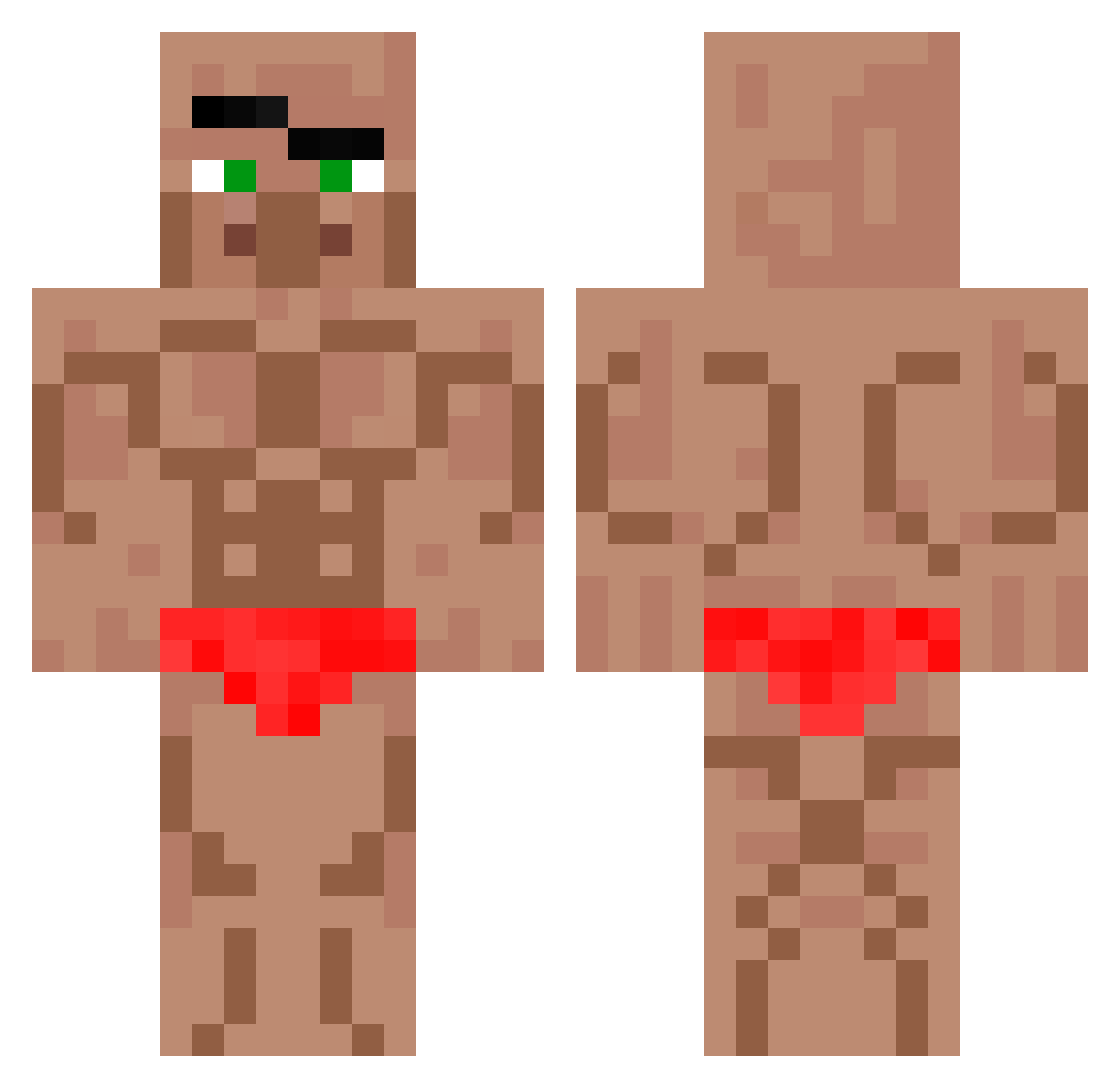
Current Minecraft skin of the player coobblestone, loaded from the official Mojang API. Rotate the 3D model with your mouse or finger, then download the skin as a PNG file and use it in Minecraft: Bedrock Edition or Java Edition for free. When coobblestone changes their skin, this page updates automatically and the old skin stays in the history below.
Other players with this skin (724)
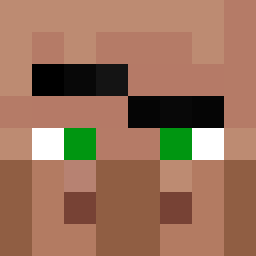
coobblestone was the 420th player we have seen with this skin, first spotted on 01.10.2026. The same skin was seen on these players. Open a nickname to see their current skin and skin history.
 B6tman SlotkiDawit pentakiller01 FireClover ronnie_222 Danm6969 ALEXR1234 Tephany Arlooo HHHENION n1Popka amoeder420 Dzsoti minseo0718 noth1ng8787 Klossen_ Shadowinfernalx Bioluck Verllasen kbs2844 Terri1208 uni_227 kirito0929 Kimpanties Willy_mbuele tasos2012 battalbaba66tr zDementw codytoe OriginalSpoon15 TheResidentt EXELSIOR26 Esohteric Zedum poape523 Koenay Macminecraft22 ONNARIUSMAHTAVA Mar_co2 Budunc arbuzixpl Nexus291 Louri_2009 HungryGh0st mumumumumu1 Failmiki333 AoraWalle Inhyuk0 virusoverload Xx_Manuel_xX Ora667 Bolathebeast2 Impo0o NaczelnyHuciarz FlipperMoss houtt OFF_Kawusa QZONTOP dversity Karton77
More Buff Minecraft skins
How to install the coobblestone skin
- Press the Download button above to save the skin as a PNG file.
- Minecraft: Bedrock Edition (PE): open the Dressing Room from the main menu (or tap your character → Edit Character), go to Classic Skins → Owned, press the + (new skin) button, choose the downloaded PNG and pick the Classic (Steve) model. Works on PC and mobile; consoles cannot import custom skins.
- Minecraft: Java Edition: open the Minecraft Launcher, go to the Skins tab, click New Skin, load the PNG, pick the Classic (Steve) model and press Save & Use. You can also upload it at minecraft.net → Profile → Change Skin.
The skin does not show up after import - what should I do?
Restart Minecraft and open the Dressing Room again - imported skins sometimes appear only after a restart. Also make sure you selected the imported skin and picked the Classic (Steve) model.
Which model should I choose, Classic or Slim?
This skin is designed for the Classic (Steve) model. If you pick the wrong model, the arms of the skin will look stretched or squeezed.
Is the skin of coobblestone free to download?
Yes. Press Download, save the PNG file and use it in Minecraft: Bedrock Edition or Java Edition - no payment or registration needed. The skin also works on multiplayer servers and Realms.
More skins
Looking for more? Go back to all Minecraft skins and check the top skins of the week, month and all time, or find any player's skin by nickname.