
alswp3298 - Minecraft Skins & Skin History
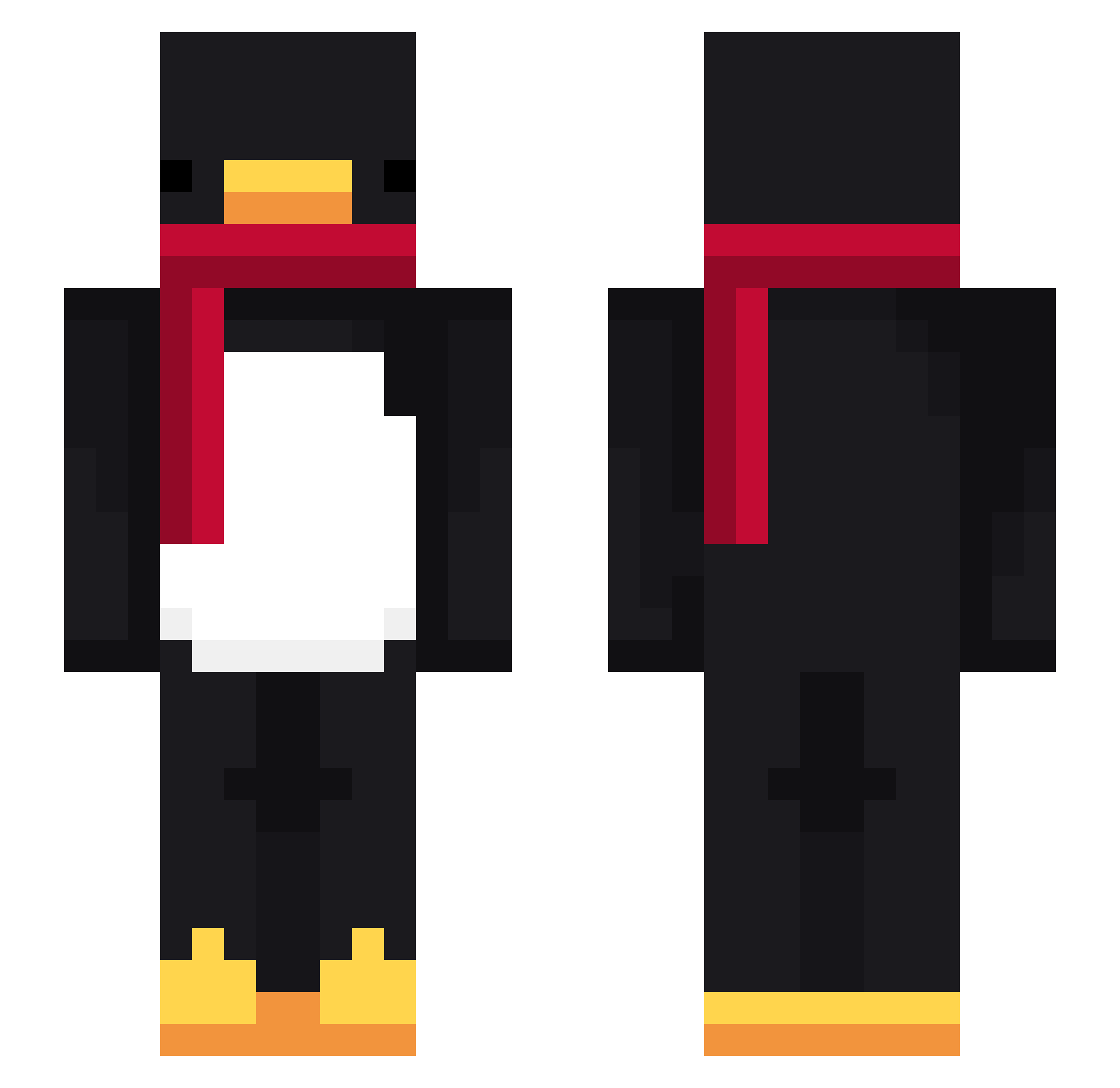
Current Minecraft skin of the player alswp3298, loaded from the official Mojang API. Rotate the 3D model with your mouse or finger, then download the skin as a PNG file and use it in Minecraft: Bedrock Edition or Java Edition for free. When alswp3298 changes their skin, this page updates automatically and the old skin stays in the history below.
Other players with this skin (714)
alswp3298 was the 492nd player we have seen with this skin, first spotted on 05.10.2026. The same skin was seen on these players. Open a nickname to see their current skin and skin history.
 KingElite69 TheTruePlayer Bangobo b3ta_UwuKQ Relekoz NetanelOren BrenleyJ Django3741 surprise_bubble WastedKaisen x2ub yoftie alonsoguachin alexdyy DitNatLonEm DundeeWong LittleEdd2 MinChanZZ Bowzerss v4Lentina_ Jing_H_L sai_Game_r Bananenmann31 EasyWin_o untropya16 Moxden skycron_yFNEI_02 JacaGOD Chaelena nosoyperuanoh barti67 MartinRuc Piana14 72120 NlL0K 15nx absolllll chauzwer Mkyej905 rezxooooo jian1004 ProxuuPL Leoych03 MUYOLEMA zJacobino linaKk0 leanxdd23 NotYashRumbles MrLiKr XarnageEzze ChristopherS_ MorisPL ade5ilva YoDiabolical AltVerseJTR3eSv2 Sv2_Dawn_dl7 nomi991 YT_LIGHT_OG rugeovo GodOvHate
More Penguin Minecraft skins
How to install the alswp3298 skin
- Press the Download button above to save the skin as a PNG file.
- Minecraft: Bedrock Edition (PE): open the Dressing Room from the main menu (or tap your character → Edit Character), go to Classic Skins → Owned, press the + (new skin) button, choose the downloaded PNG and pick the Slim (Alex) model. Works on PC and mobile; consoles cannot import custom skins.
- Minecraft: Java Edition: open the Minecraft Launcher, go to the Skins tab, click New Skin, load the PNG, pick the Slim (Alex) model and press Save & Use. You can also upload it at minecraft.net → Profile → Change Skin.
The skin does not show up after import - what should I do?
Restart Minecraft and open the Dressing Room again - imported skins sometimes appear only after a restart. Also make sure you selected the imported skin and picked the Slim (Alex) model.
Which model should I choose, Classic or Slim?
This skin is designed for the Slim (Alex) model. If you pick the wrong model, the arms of the skin will look stretched or squeezed.
Is the skin of alswp3298 free to download?
Yes. Press Download, save the PNG file and use it in Minecraft: Bedrock Edition or Java Edition - no payment or registration needed. The skin also works on multiplayer servers and Realms.
More skins
Looking for more? Go back to all Minecraft skins and check the top skins of the week, month and all time, or find any player's skin by nickname.