
__Mast3r - Minecraft Skins & Skin History
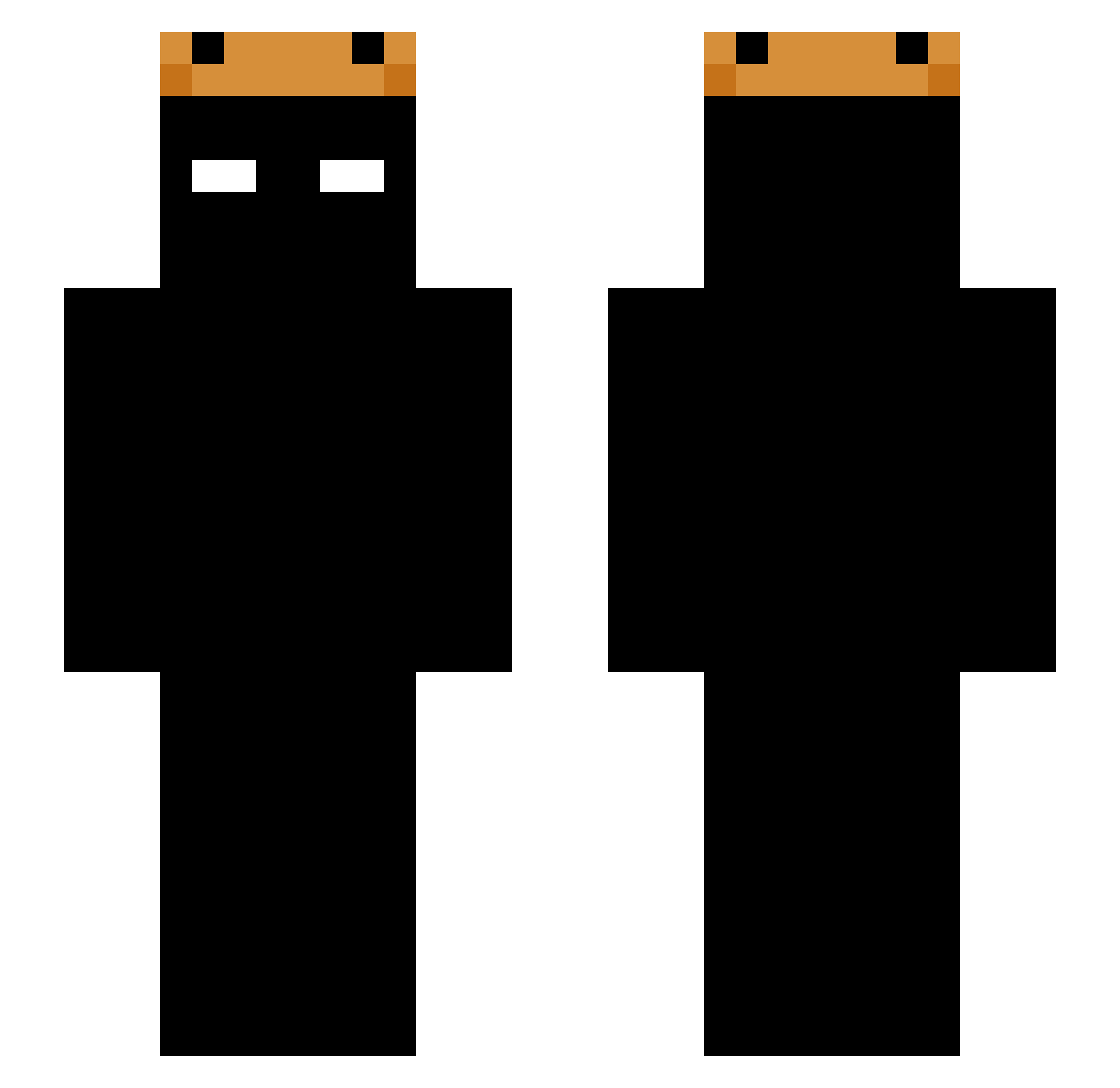
Current Minecraft skin of the player __Mast3r, loaded from the official Mojang API. Rotate the 3D model with your mouse or finger, then download the skin as a PNG file and use it in Minecraft: Bedrock Edition or Java Edition for free. When __Mast3r changes their skin, this page updates automatically and the old skin stays in the history below.
Other players with this skin (225)
__Mast3r was the 120th player we have seen with this skin, first spotted on 24.09.2026. The same skin was seen on these players. Open a nickname to see their current skin and skin history.
 Preslej54 RoseAnne0809 imbotSAD fnrelic NOPE_VR InitiumGanou stzrdgfzf maypel_ thiagoo2310 TheZaWizard Noitaql chrystianbender IamZiX Cldc89 Timbiik MysticNpc Yottaexe Ahmed12zu Dr3wniany ItsYaBOI13 GoldDanDabs rndm78 energetyk600 OpaAufKocka Guicho1914 revalib matuteee userdodoss _Tuy_ Daniellevinson LuisEstebanHD jiangxin2021 0WERL0RD Abcd12de MrWilch818 jiajia00 Kotoow Drexar uFaasteyUS James45st choiwon1011 mowu33 4peter2lustig0 Tenezo zedvoid goldenrabbit2 xCiticuss SwitchHeels Luxuz_ tukitruki iSanEG SCNR305 RLARJSDNXX Rollie Mangos112 sylorde Gekjurh FielzinZN Mal_xUIecw luckrique
More Shadow Minecraft skins
How to install the __Mast3r skin
- Press the Download button above to save the skin as a PNG file.
- Minecraft: Bedrock Edition (PE): open the Dressing Room from the main menu (or tap your character → Edit Character), go to Classic Skins → Owned, press the + (new skin) button, choose the downloaded PNG and pick the Slim (Alex) model. Works on PC and mobile; consoles cannot import custom skins.
- Minecraft: Java Edition: open the Minecraft Launcher, go to the Skins tab, click New Skin, load the PNG, pick the Slim (Alex) model and press Save & Use. You can also upload it at minecraft.net → Profile → Change Skin.
The skin does not show up after import - what should I do?
Restart Minecraft and open the Dressing Room again - imported skins sometimes appear only after a restart. Also make sure you selected the imported skin and picked the Slim (Alex) model.
Which model should I choose, Classic or Slim?
This skin is designed for the Slim (Alex) model. If you pick the wrong model, the arms of the skin will look stretched or squeezed.
Is the skin of __Mast3r free to download?
Yes. Press Download, save the PNG file and use it in Minecraft: Bedrock Edition or Java Edition - no payment or registration needed. The skin also works on multiplayer servers and Realms.
More skins
Looking for more? Go back to all Minecraft skins and check the top skins of the week, month and all time, or find any player's skin by nickname.