
_26is__ - Minecraft Skins & Skin History
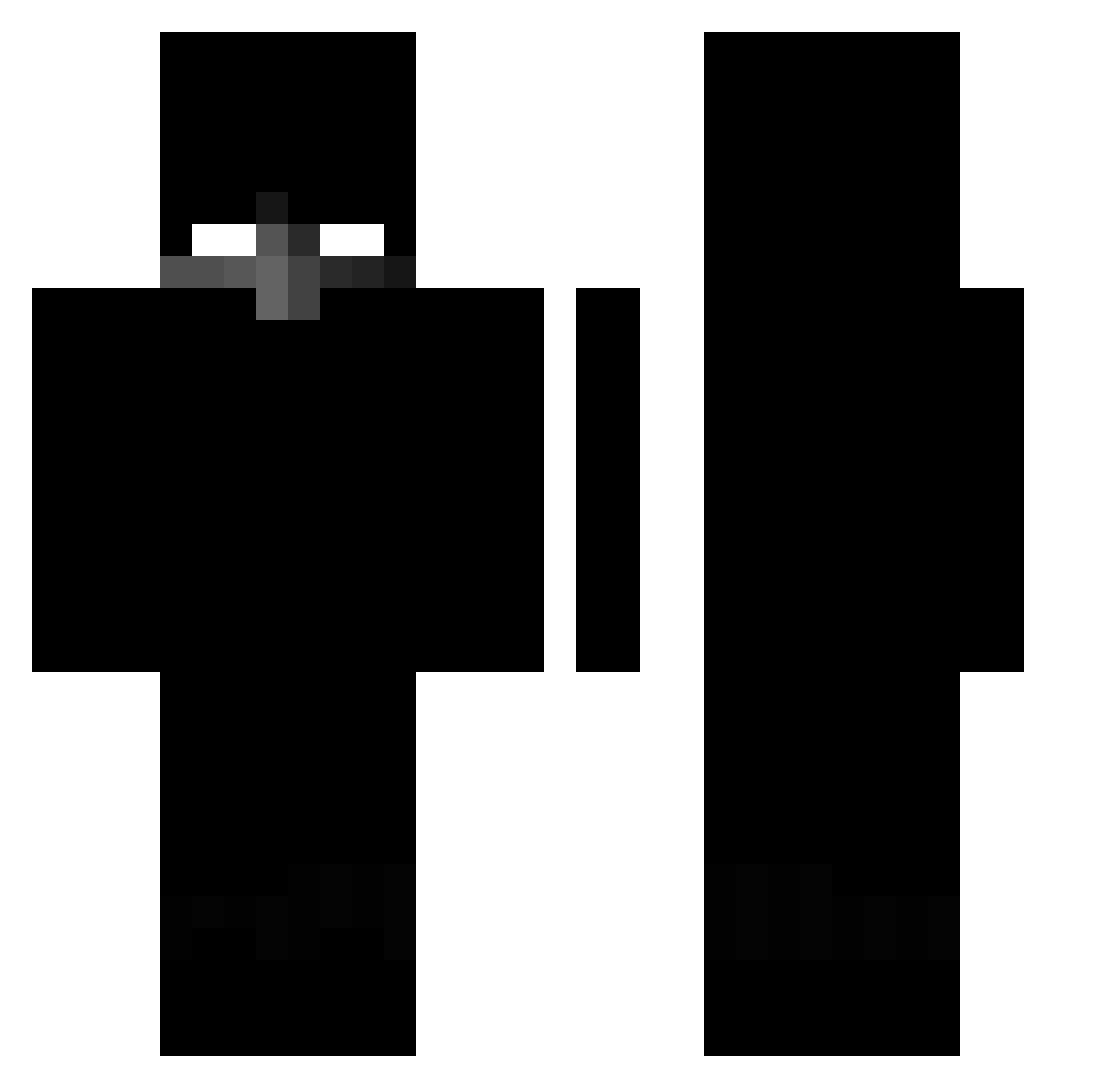
Current Minecraft skin of the player _26is__, loaded from the official Mojang API. Rotate the 3D model with your mouse or finger, then download the skin as a PNG file and use it in Minecraft: Bedrock Edition or Java Edition for free. When _26is__ changes their skin, this page updates automatically and the old skin stays in the history below.
Other players with this skin (432)
_26is__ was the 127th player we have seen with this skin, first spotted on 28.08.2026. The same skin was seen on these players. Open a nickname to see their current skin and skin history.
 stormkk92 minidieud LOLLO899 Hydra_F4 SynthNovaX ChipeurLaBicrave Santandor MekmZ agentrixzy Wifidown7 WolfNinja34 EntrosaN Tahq_ 13bhau LucioFerrando SANTIXv bielrsrs 450Sins MarlonLPX 00MAMAD Metoxxx Pietro1NT BubbaDaBomb321 axzytex lluanrf NOIRALEX insanitydbr Y0rel reed2faded dex281 LB_11_ Gokuco Fleayz Kaymeatra xadao_pvp SuperYugih rwyz douradoxp Tokugaming Emirhxnss Gonkas2007 Jerutu YouRushMe Thoought2000 King_Halt LastWarrior_46 wigewhitebotox lucas5119 unsucked Licomon05 opala344 gabrielfg3 qpii Davalka3000 SKYxHUNT EnioMino qhealtti n4miki positivado Trustiness
More Herobrine Minecraft skins
How to install the _26is__ skin
- Press the Download button above to save the skin as a PNG file.
- Minecraft: Bedrock Edition (PE): open the Dressing Room from the main menu (or tap your character → Edit Character), go to Classic Skins → Owned, press the + (new skin) button, choose the downloaded PNG and pick the Classic (Steve) model. Works on PC and mobile; consoles cannot import custom skins.
- Minecraft: Java Edition: open the Minecraft Launcher, go to the Skins tab, click New Skin, load the PNG, pick the Classic (Steve) model and press Save & Use. You can also upload it at minecraft.net → Profile → Change Skin.
The skin does not show up after import - what should I do?
Restart Minecraft and open the Dressing Room again - imported skins sometimes appear only after a restart. Also make sure you selected the imported skin and picked the Classic (Steve) model.
Which model should I choose, Classic or Slim?
This skin is designed for the Classic (Steve) model. If you pick the wrong model, the arms of the skin will look stretched or squeezed.
Is the skin of _26is__ free to download?
Yes. Press Download, save the PNG file and use it in Minecraft: Bedrock Edition or Java Edition - no payment or registration needed. The skin also works on multiplayer servers and Realms.
More skins
Looking for more? Go back to all Minecraft skins and check the top skins of the week, month and all time, or find any player's skin by nickname.