
 ItzMrDubzzz GunshyVolcano30 SprinkVII badwolf3556 xxMike44xx BeatsMcGee Ghrentin BurritoBalito HadriaYT RuinedBear Jaalbrad Ek3n hanselplast bluebarry24 Schnoblin Flareonevony Jestertriks Oddi_116 Utillus ItalianBreadHead syunja MajesticMilkMN DividedTime DrPoofenDefloofe FalloutObsessed jacksky7682 Pr0snippz69 uglystranger LethalAce588 HappyColt7299 Camm123_4 ShadoPrime nyaams Blue_Biker Cunardooo LordGazura BigBrice Spiffyshirt Anderson17 OllieLey yelzn Tunahan1337 Topshelf1967 Lord_Remulus ET396 CodeingGS robertgp lugh1x TheOneThomas akoro617 Robgor QuirckyDonut69 llCrazy_Gamell Witman009 deuxmang sebastianfath Umbrageous OncelerCraft BoliverXD Robimsel
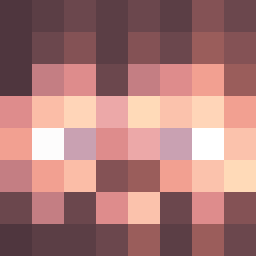
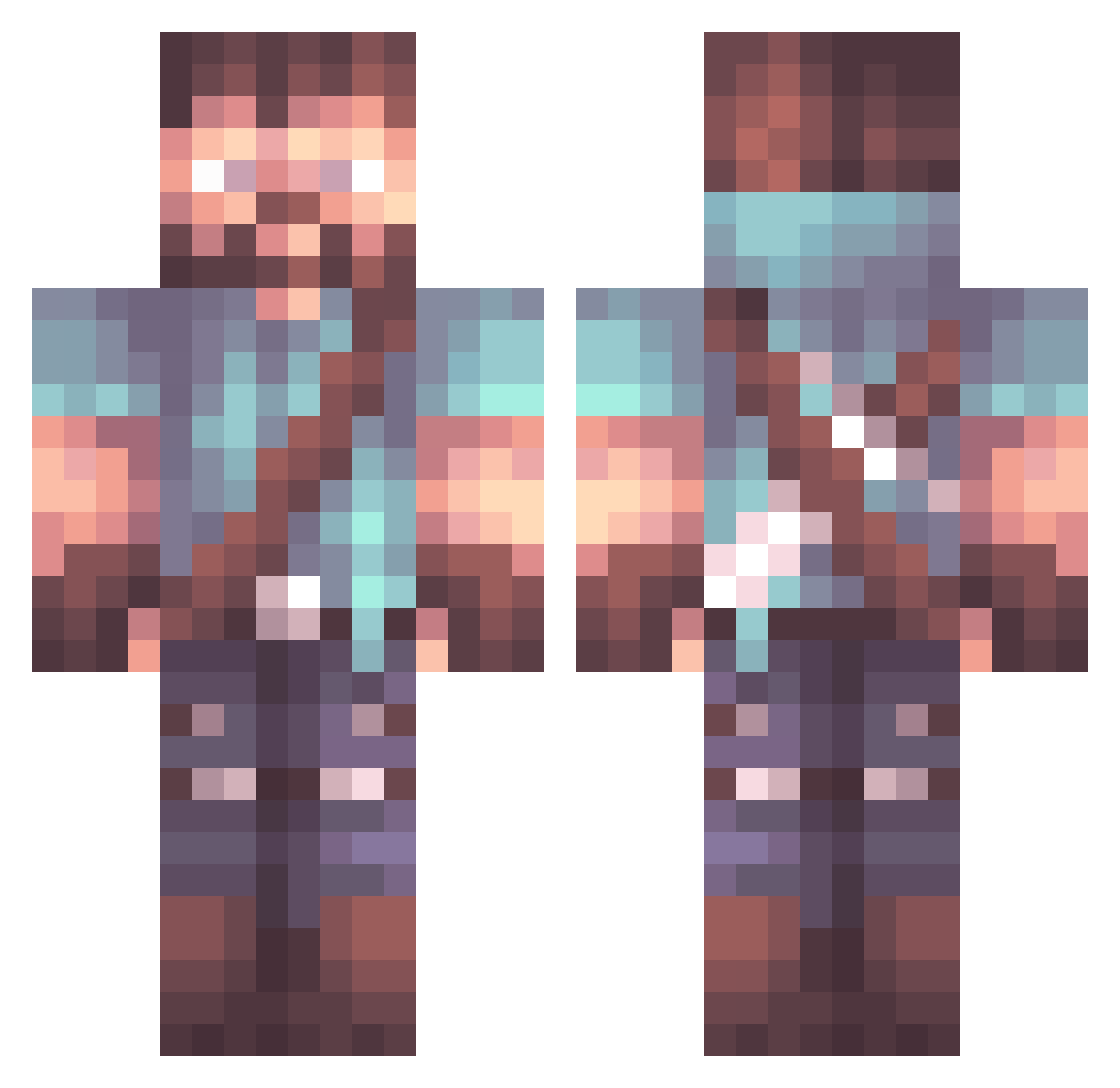
Minecraft skin of bradyk98. Rotate the 3D model with your mouse or finger to view the skin from every angle, then download it as a PNG file and use it in Minecraft: Bedrock Edition or Java Edition for free. Rate the skin with stars to help other players find the best skins in our collection.
How to install the bradyk98 skin
- Press the Download button above to save the skin as a PNG file.
- Minecraft: Bedrock Edition (PE): open the Dressing Room from the main menu (or tap your character → Edit Character), go to Classic Skins → Owned, press the + (new skin) button, choose the downloaded PNG and pick the Classic (Steve) model. Works on PC and mobile; consoles cannot import custom skins.
- Minecraft: Java Edition: open the Minecraft Launcher, go to the Skins tab, click New Skin, load the PNG, pick the Classic (Steve) model and press Save & Use. You can also upload it at minecraft.net → Profile → Change Skin.
The skin does not show up after import - what should I do?
Restart Minecraft and open the Dressing Room again - imported skins sometimes appear only after a restart. Also make sure you selected the imported skin and picked the Classic (Steve) model.
Which model should I choose, Classic or Slim?
This skin is designed for the Classic (Steve) model. If you pick the wrong model, the arms of the skin will look stretched or squeezed.
Is this skin free to use?
Yes. Press Download, save the PNG file and use it in Minecraft: Bedrock Edition or Java Edition - no payment or registration needed. The skin also works on multiplayer servers and Realms.
More Herobrine Minecraft skins
More skins
Looking for more? Go back to all Minecraft skins and check the top skins of the week, month and all time, or find any player's skin by nickname.