
Yosu_chan - Minecraft Skins & Skin History
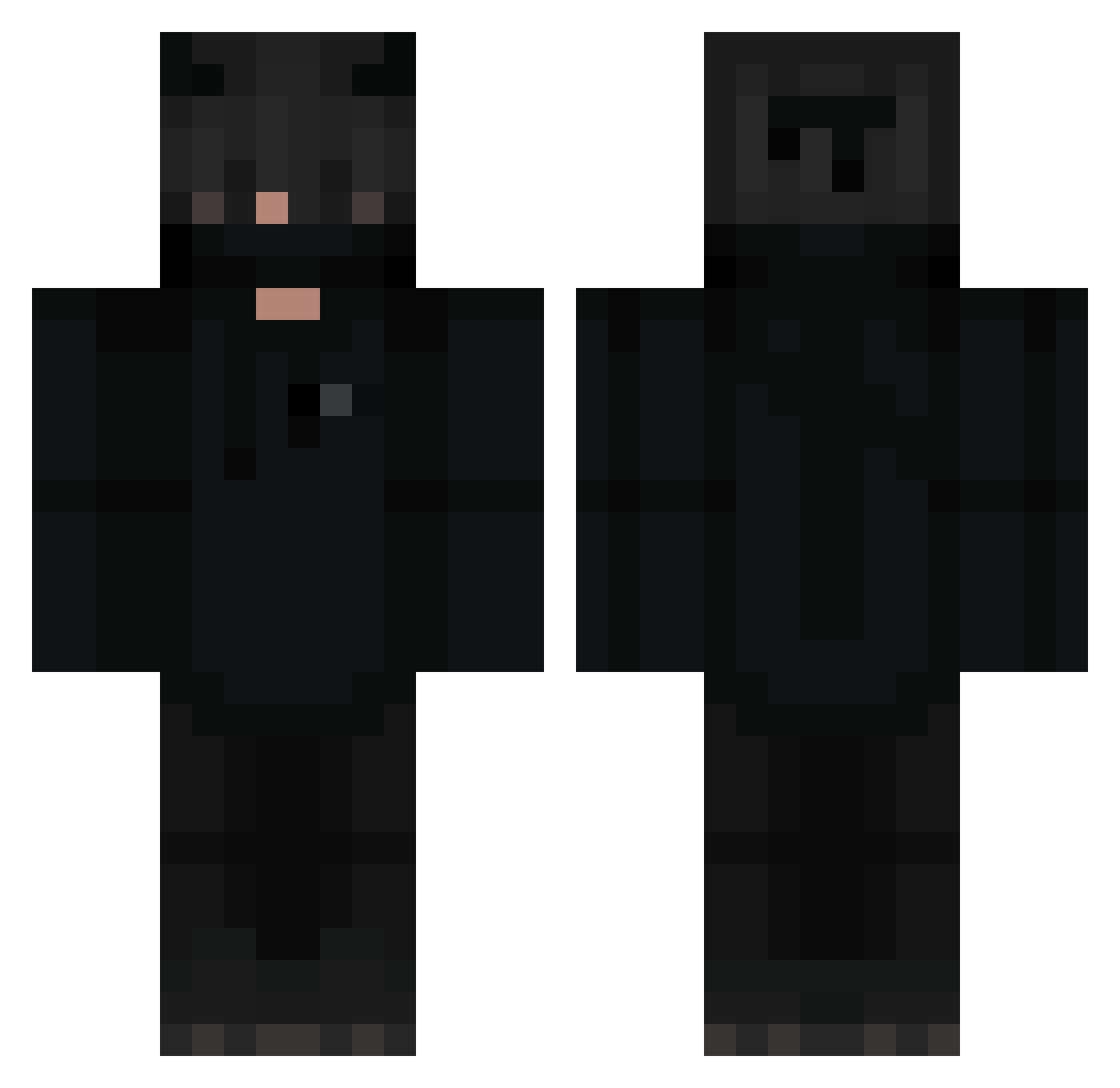
Current Minecraft skin of the player Yosu_chan, loaded from the official Mojang API. Rotate the 3D model with your mouse or finger, then download the skin as a PNG file and use it in Minecraft: Bedrock Edition or Java Edition for free. When Yosu_chan changes their skin, this page updates automatically and the old skin stays in the history below.
Other players with this skin (298)
Yosu_chan was the 37th player we have seen with this skin, first spotted on 04.08.2026. The same skin was seen on these players. Open a nickname to see their current skin and skin history.
 specmm69 Mutantsnake99 GoldenPoland YYMLOK Lampader KINGOSVALDO pkb11 dbrumer_exe 3mk77 Tchoupi6 _The_DarK _AstroPL_ yuhmee xLogic_ baktubak 0ut1ine Weeped Flash_DW DrumBunz_ barkaii_ arminiussy Anonim69 sl3mka Binilbongji adi3985 RoRvzzz GildiaZGON aboode5333 Agonistic zun_nny Shaad__ SayMako fernlol tefterX Gyombar Ricci0708 Ic3Tv yusefgamer123gg UnaaiiiRomaan ManOffMinecraft MajsterLujek ImLuke_03 faced_thunder Aerest zqtxbi Gorkem_ars LuKisBACK Prizival Dark_mangooo night5051 MdfK_DaV MrMonsterCake Burnt_mello _Zeneth_ IZGG Misofux keiracupcakee MaiZo3x Suprem62 Roanake
More Demon Minecraft skins
How to install the Yosu_chan skin
- Press the Download button above to save the skin as a PNG file.
- Minecraft: Bedrock Edition (PE): open the Dressing Room from the main menu (or tap your character → Edit Character), go to Classic Skins → Owned, press the + (new skin) button, choose the downloaded PNG and pick the Classic (Steve) model. Works on PC and mobile; consoles cannot import custom skins.
- Minecraft: Java Edition: open the Minecraft Launcher, go to the Skins tab, click New Skin, load the PNG, pick the Classic (Steve) model and press Save & Use. You can also upload it at minecraft.net → Profile → Change Skin.
The skin does not show up after import - what should I do?
Restart Minecraft and open the Dressing Room again - imported skins sometimes appear only after a restart. Also make sure you selected the imported skin and picked the Classic (Steve) model.
Which model should I choose, Classic or Slim?
This skin is designed for the Classic (Steve) model. If you pick the wrong model, the arms of the skin will look stretched or squeezed.
Is the skin of Yosu_chan free to download?
Yes. Press Download, save the PNG file and use it in Minecraft: Bedrock Edition or Java Edition - no payment or registration needed. The skin also works on multiplayer servers and Realms.
More skins
Looking for more? Go back to all Minecraft skins and check the top skins of the week, month and all time, or find any player's skin by nickname.