
WAMETHEMASTA - Minecraft Skins & Skin History
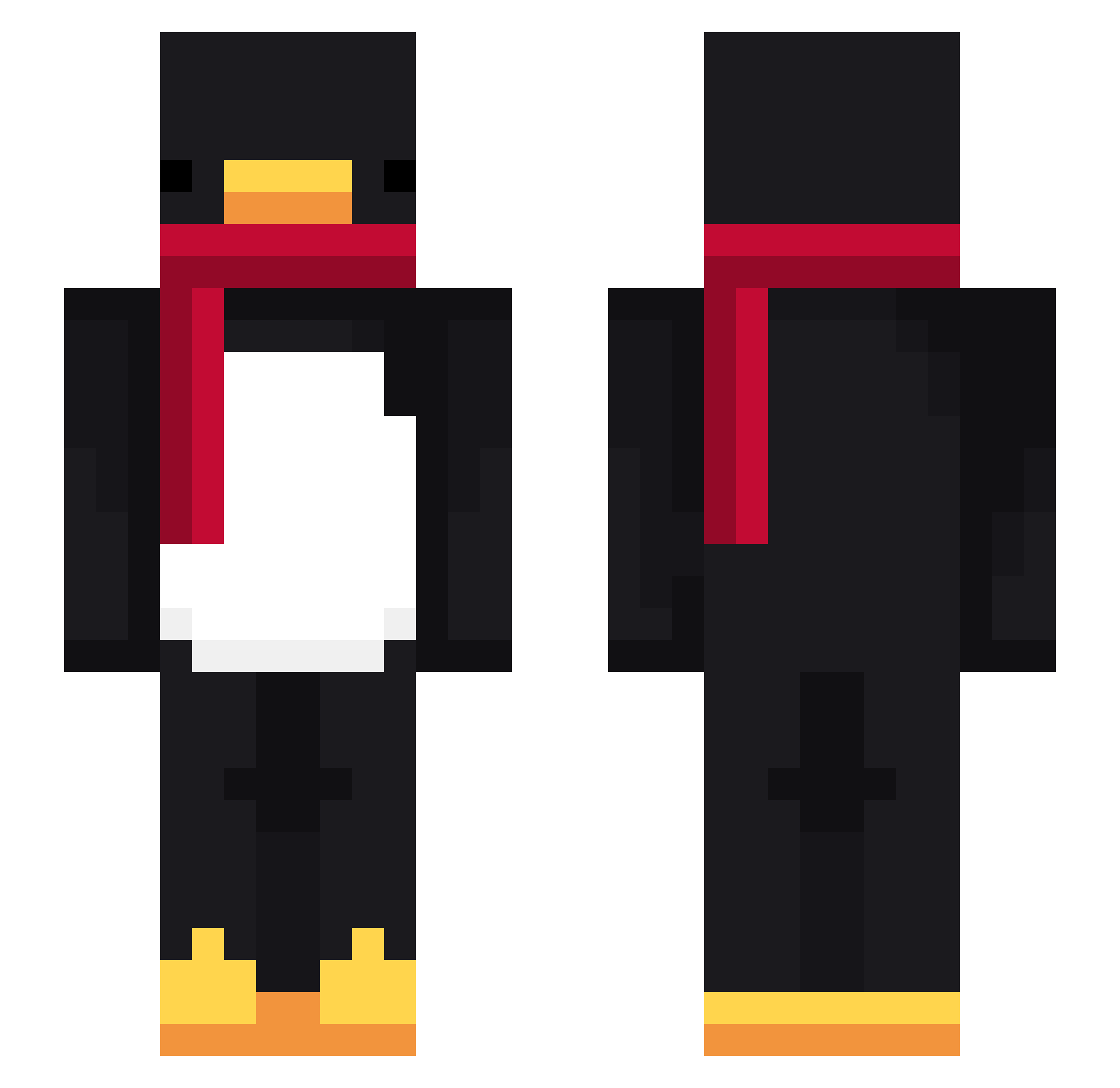
Current Minecraft skin of the player WAMETHEMASTA, loaded from the official Mojang API. Rotate the 3D model with your mouse or finger, then download the skin as a PNG file and use it in Minecraft: Bedrock Edition or Java Edition for free. When WAMETHEMASTA changes their skin, this page updates automatically and the old skin stays in the history below.
Other players with this skin (715)
WAMETHEMASTA was the 420th player we have seen with this skin, first spotted on 25.09.2026. The same skin was seen on these players. Open a nickname to see their current skin and skin history.
 FurryGodJerome Entitilo_GelXE msftzz_ Wizzyft Sv26C4kZwc1RqSv2 Sweet_and_shyy VladC1 ItzShvrp tzi_8TbIJ_03_03 Riogi Trust_4 Gekojr18 Adolf_rizzler879 Kangi0103 LinhHJoto0209 StopperMC Sad_Tommy HayGoiChoSaul ki11_ Doguito_ pjoter24 JEmirBey slizenka no_1_Barca Banbans dareaIb0b realduck26 Kerrigan07 Sv2ZLH04As1s4Sv2 Maaas94 Anto_94 maxifischie Cornamenta1 voemflqwkddls StanczyQ Ethophonix Veiga_PT Connoro23 mysterypolice11 Seong_o9o9 beaver_2077 LinhGlowspwUwU RaykoLeZozo byKalameet14 Meyrio12 SirButtlicker Spielzeuge Eguene Taeyun_lee enytu oTezz Nowb3ker Raad105 X_Luks_X Rukiefn zzeon123q Darkskys67 PardonME2000 PASIRqb63ztfd35h Dont36
More Penguin Minecraft skins
How to install the WAMETHEMASTA skin
- Press the Download button above to save the skin as a PNG file.
- Minecraft: Bedrock Edition (PE): open the Dressing Room from the main menu (or tap your character → Edit Character), go to Classic Skins → Owned, press the + (new skin) button, choose the downloaded PNG and pick the Slim (Alex) model. Works on PC and mobile; consoles cannot import custom skins.
- Minecraft: Java Edition: open the Minecraft Launcher, go to the Skins tab, click New Skin, load the PNG, pick the Slim (Alex) model and press Save & Use. You can also upload it at minecraft.net → Profile → Change Skin.
The skin does not show up after import - what should I do?
Restart Minecraft and open the Dressing Room again - imported skins sometimes appear only after a restart. Also make sure you selected the imported skin and picked the Slim (Alex) model.
Which model should I choose, Classic or Slim?
This skin is designed for the Slim (Alex) model. If you pick the wrong model, the arms of the skin will look stretched or squeezed.
Is the skin of WAMETHEMASTA free to download?
Yes. Press Download, save the PNG file and use it in Minecraft: Bedrock Edition or Java Edition - no payment or registration needed. The skin also works on multiplayer servers and Realms.
More skins
Looking for more? Go back to all Minecraft skins and check the top skins of the week, month and all time, or find any player's skin by nickname.