
Vopz - Minecraft Skins & Skin History
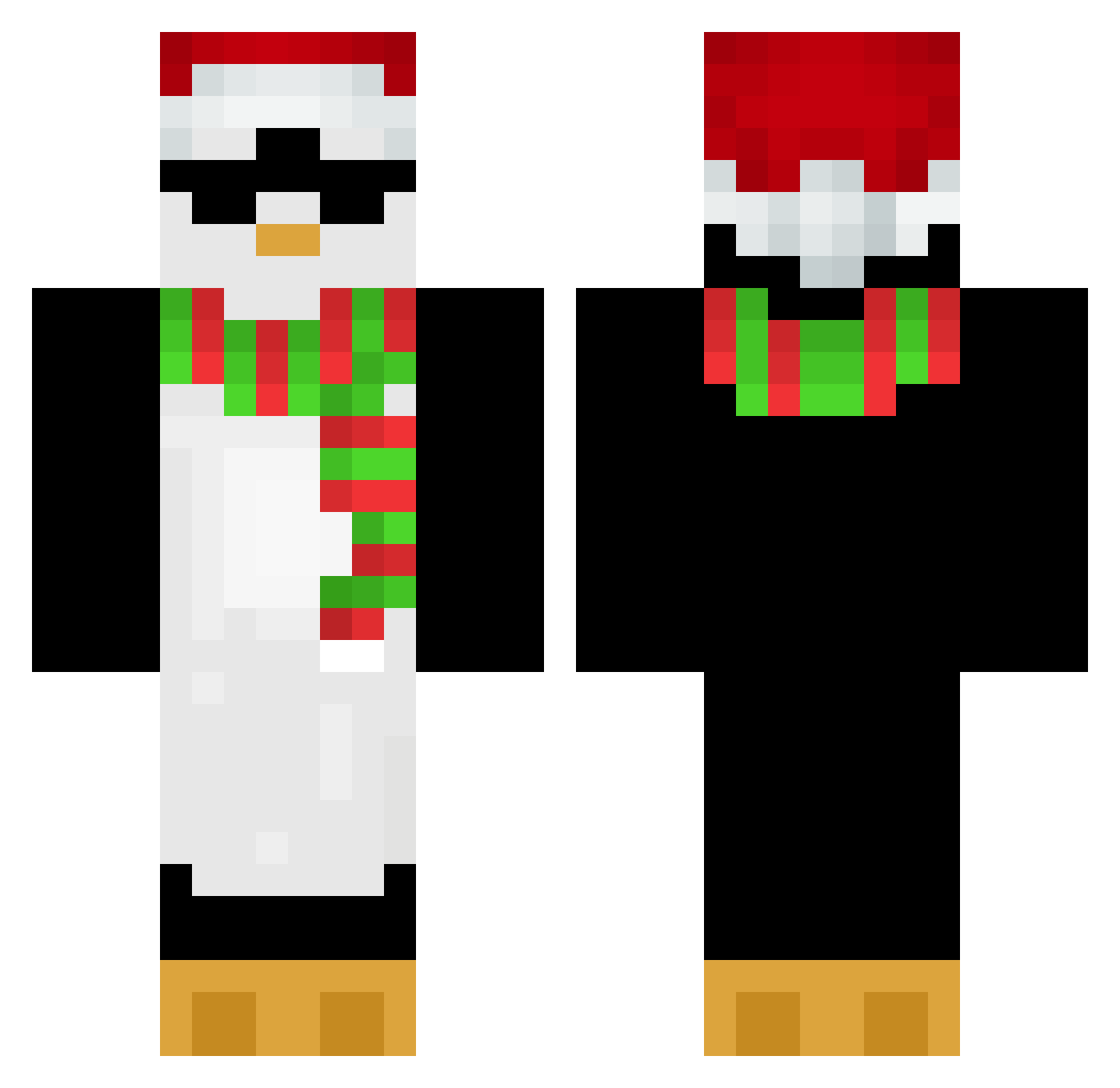
Current Minecraft skin of the player Vopz, loaded from the official Mojang API. Rotate the 3D model with your mouse or finger, then download the skin as a PNG file and use it in Minecraft: Bedrock Edition or Java Edition for free. When Vopz changes their skin, this page updates automatically and the old skin stays in the history below.
Other players with this skin (654)
Vopz was the 188th player we have seen with this skin, first spotted on 23.08.2026. The same skin was seen on these players. Open a nickname to see their current skin and skin history.
 truevasiiikq Formann ZencoDylan69 mrPrecell senpai_rick Eireneo PlatinumTerra mrsbaguette afrodisiac9372 Metmetz pastelek2137 oniongan Aqurwi GeileBeer_ LeoLeo100 XxZuluPenguinxX DaughterDrake99 daniolixx sominikk yu2099 JJH0306 Whitemoon815 kostja132 Benjamu SOL0425 greninjabr V3ko24 Darlig_Ulv pinguincalorento Foodie31 oliver44 ThEDY_0 SKIDD0 GARPUNATOR SergeantEdi Lipka2360 YoshiCactus74 jinh_o2010 Piloza SLOMNO Gekojr LagitLers itsyaboysamm GangGangW KubaKra04 Donald3310 FortniteBot112 seoyoonLeee harrypotta1315 AleHered
 V57y_ minsijie MinesuchtAdmin vanyaromanov Rain_via pingvin114 P1nkPenguin
 Funky_Monkey78 yGhuuzz JYW1010
More Penguin Minecraft skins
How to install the Vopz skin
- Press the Download button above to save the skin as a PNG file.
- Minecraft: Bedrock Edition (PE): open the Dressing Room from the main menu (or tap your character → Edit Character), go to Classic Skins → Owned, press the + (new skin) button, choose the downloaded PNG and pick the Classic (Steve) model. Works on PC and mobile; consoles cannot import custom skins.
- Minecraft: Java Edition: open the Minecraft Launcher, go to the Skins tab, click New Skin, load the PNG, pick the Classic (Steve) model and press Save & Use. You can also upload it at minecraft.net → Profile → Change Skin.
The skin does not show up after import - what should I do?
Restart Minecraft and open the Dressing Room again - imported skins sometimes appear only after a restart. Also make sure you selected the imported skin and picked the Classic (Steve) model.
Which model should I choose, Classic or Slim?
This skin is designed for the Classic (Steve) model. If you pick the wrong model, the arms of the skin will look stretched or squeezed.
Is the skin of Vopz free to download?
Yes. Press Download, save the PNG file and use it in Minecraft: Bedrock Edition or Java Edition - no payment or registration needed. The skin also works on multiplayer servers and Realms.
More skins
Looking for more? Go back to all Minecraft skins and check the top skins of the week, month and all time, or find any player's skin by nickname.