
VisitingDragon - Minecraft Skins & Skin History
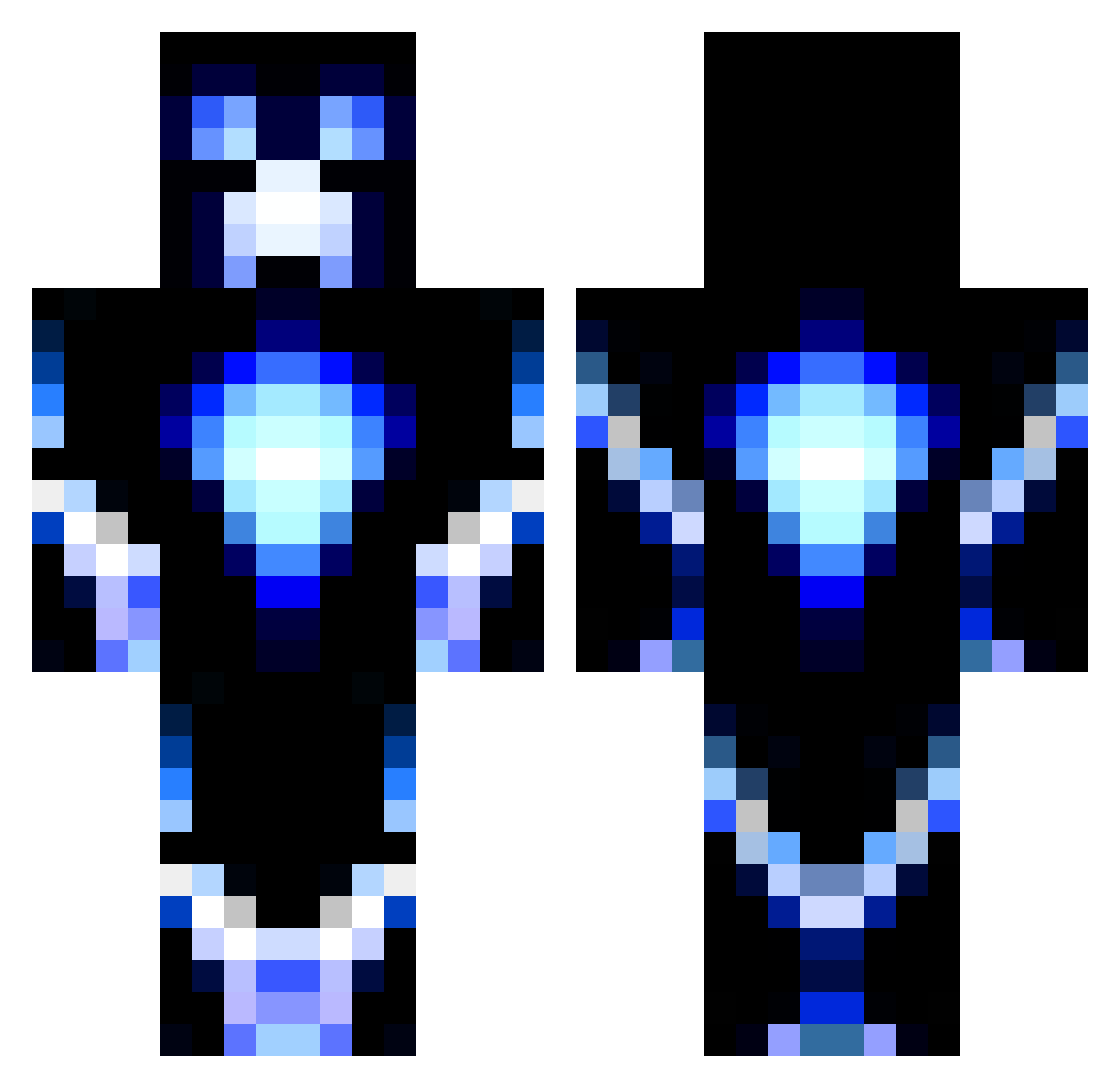
Current Minecraft skin of the player VisitingDragon, loaded from the official Mojang API. Rotate the 3D model with your mouse or finger, then download the skin as a PNG file and use it in Minecraft: Bedrock Edition or Java Edition for free. When VisitingDragon changes their skin, this page updates automatically and the old skin stays in the history below.
Other players with this skin (1186)
VisitingDragon was the 992nd player we have seen with this skin, first spotted on 20.10.2026. The same skin was seen on these players. Open a nickname to see their current skin and skin history.
 jaffacake8097 CasperH14 Snellcrafterzz sigcraftsan repcreep BraboLP TheMineBlocks isabellaolsson Rowayton1 DamFra09 B0y123 lucastio1312 Eika2003 DRZL_221 iDannyMonsta Dlainir elmarc_48 doctor_who_02 hippysg2 Chaseguster MinersUTD JoBaNteR Messier_54 Brotherat creeper777 DarkMaster_35 Destroyer0099 Spartan_Hunter13 C4Effort MirrorZin roccoiscool1 DrewRoberson etoo56400 OscTROOPER LeroyJenkins50 ThomasIrishHD Pulse_Tc MrSprinklz5 iRavyy savage2002 Jeremlp Thenuk22 timlarson98 Jacobbruhh crashmask PeteTheFunBoy Superpizzaman05 dmax789 TURTLE2758 _CandyBoi kaput86 BLueBane2 Dues_Ex_Machina brenfree 123jeppej JLJJ7 CraftersFurnce27 StickyTubeGaming Redmanbmx030 BlackDarkOS
More Glowing Minecraft skins
How to install the VisitingDragon skin
- Press the Download button above to save the skin as a PNG file.
- Minecraft: Bedrock Edition (PE): open the Dressing Room from the main menu (or tap your character → Edit Character), go to Classic Skins → Owned, press the + (new skin) button, choose the downloaded PNG and pick the Classic (Steve) model. Works on PC and mobile; consoles cannot import custom skins.
- Minecraft: Java Edition: open the Minecraft Launcher, go to the Skins tab, click New Skin, load the PNG, pick the Classic (Steve) model and press Save & Use. You can also upload it at minecraft.net → Profile → Change Skin.
The skin does not show up after import - what should I do?
Restart Minecraft and open the Dressing Room again - imported skins sometimes appear only after a restart. Also make sure you selected the imported skin and picked the Classic (Steve) model.
Which model should I choose, Classic or Slim?
This skin is designed for the Classic (Steve) model. If you pick the wrong model, the arms of the skin will look stretched or squeezed.
Is the skin of VisitingDragon free to download?
Yes. Press Download, save the PNG file and use it in Minecraft: Bedrock Edition or Java Edition - no payment or registration needed. The skin also works on multiplayer servers and Realms.
More skins
Looking for more? Go back to all Minecraft skins and check the top skins of the week, month and all time, or find any player's skin by nickname.