
ToxicHubz - Minecraft Skins & Skin History
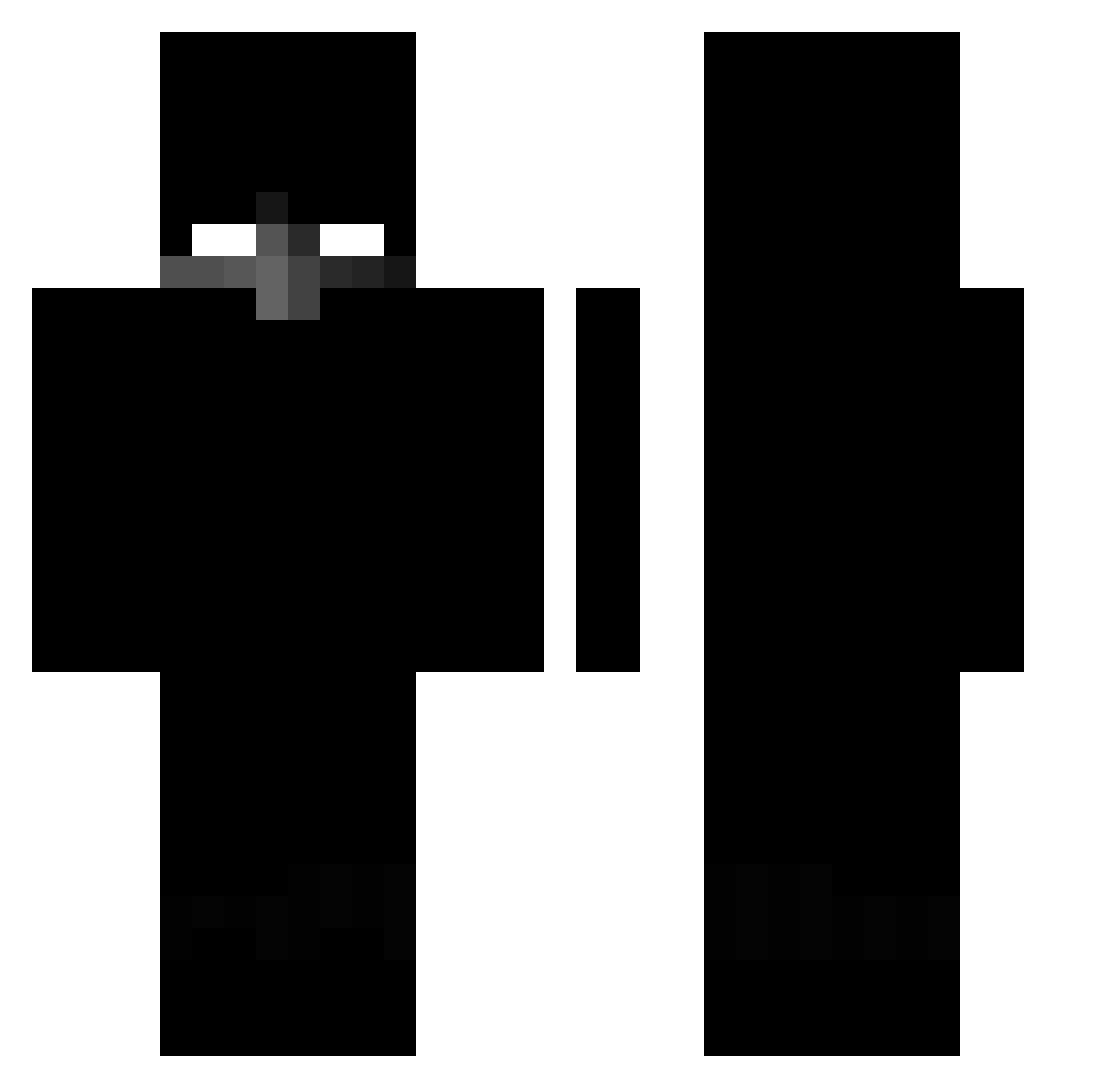
Current Minecraft skin of the player ToxicHubz, loaded from the official Mojang API. Rotate the 3D model with your mouse or finger, then download the skin as a PNG file and use it in Minecraft: Bedrock Edition or Java Edition for free. When ToxicHubz changes their skin, this page updates automatically and the old skin stays in the history below.
Other players with this skin (423)
ToxicHubz was the 253rd player we have seen with this skin, first spotted on 29.09.2026. The same skin was seen on these players. Open a nickname to see their current skin and skin history.
 cryxprince AleksikUwU NogenDerSagdeVK OxPx1 IDixPLUS SrTactico Desgastar Beboy77 N1Liwox daisy_ty Angel0053 JeSuisCookie Conqueris21 Thyzonn guuguu_ qlx_00 NoXx_Dz vxki9999 _NotImmortal_ miragexhg KennysE darksky ezaytix1978 Santiebbero Odkl3jk4 KrystekYT BlackPxnda iKqname imhelex milosnikkobiet Narter_ xSova72 dima9865 SOUBOTkk AuReLieN_30 Hellgamer7584 Krtqeek_ wholeDingus crowned2314 Vatlix LucasKKKKK xan_dev catlo0ver145 JAUNEK neyzen999 landy_Chris agentxe DaviZero IamDeo 6lov Dorekeq fulchx magikzin Haiaoclient Corsa_of Kubus_B4biarz Nicholas0804111 Mkobus Aurora_Ilkw8QK 32423017
More Herobrine Minecraft skins
How to install the ToxicHubz skin
- Press the Download button above to save the skin as a PNG file.
- Minecraft: Bedrock Edition (PE): open the Dressing Room from the main menu (or tap your character → Edit Character), go to Classic Skins → Owned, press the + (new skin) button, choose the downloaded PNG and pick the Classic (Steve) model. Works on PC and mobile; consoles cannot import custom skins.
- Minecraft: Java Edition: open the Minecraft Launcher, go to the Skins tab, click New Skin, load the PNG, pick the Classic (Steve) model and press Save & Use. You can also upload it at minecraft.net → Profile → Change Skin.
The skin does not show up after import - what should I do?
Restart Minecraft and open the Dressing Room again - imported skins sometimes appear only after a restart. Also make sure you selected the imported skin and picked the Classic (Steve) model.
Which model should I choose, Classic or Slim?
This skin is designed for the Classic (Steve) model. If you pick the wrong model, the arms of the skin will look stretched or squeezed.
Is the skin of ToxicHubz free to download?
Yes. Press Download, save the PNG file and use it in Minecraft: Bedrock Edition or Java Edition - no payment or registration needed. The skin also works on multiplayer servers and Realms.
More skins
Looking for more? Go back to all Minecraft skins and check the top skins of the week, month and all time, or find any player's skin by nickname.