
 kq070724 Dr_Gey jungmh Sky_J1 463_lilb KiryaSanta yajangsan Awesomerphoenix AidanWasTaken Webbcode YimHanJOOOOOOOO void2752 mineglich hbnnz58586 TripperAmBallin Taebi Loco1ny1 samyxxng ArtemF06 Azuki_77 BlueKet4up Zalupendra O80 Grozdnyi SanokK_ YiNuoya Ryongjoon CBS79 NoisyNof gusyminyu DankSteam Abroadteapack PlaySMG Tapon86 JesusBros krn1z BlazingTag00 heyo4569 SanNB SmallyCow Worldeditz jcmurie CmdLeo AstroNot7 L0rdr3spawn Karrless Need4Nothing LoveAt3690 _Musi_ S0DaY0 NOrfaf zzzxdrago WhiteSoul95 zlekgndspkgnd goontoon68 dolmen9 Default_Model LtSmash_ SuperSex_ JavaMaster9011
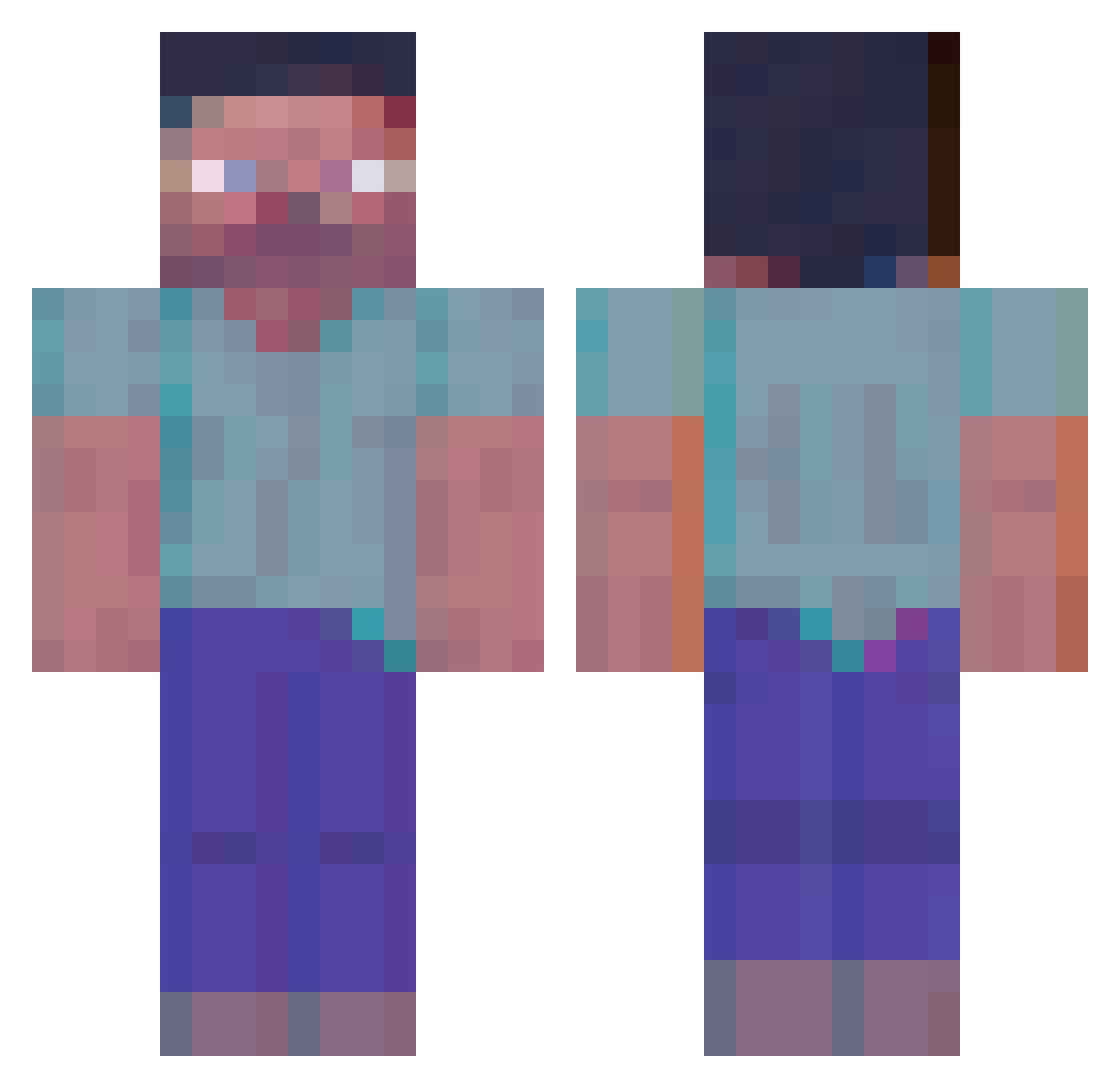
Minecraft skin of DarkOaaak. Rotate the 3D model with your mouse or finger to view the skin from every angle, then download it as a PNG file and use it in Minecraft: Bedrock Edition or Java Edition for free. Rate the skin with stars to help other players find the best skins in our collection.
How to install the DarkOaaak skin
- Press the Download button above to save the skin as a PNG file.
- Minecraft: Bedrock Edition (PE): open the Dressing Room from the main menu (or tap your character → Edit Character), go to Classic Skins → Owned, press the + (new skin) button, choose the downloaded PNG and pick the Classic (Steve) model. Works on PC and mobile; consoles cannot import custom skins.
- Minecraft: Java Edition: open the Minecraft Launcher, go to the Skins tab, click New Skin, load the PNG, pick the Classic (Steve) model and press Save & Use. You can also upload it at minecraft.net → Profile → Change Skin.
The skin does not show up after import - what should I do?
Restart Minecraft and open the Dressing Room again - imported skins sometimes appear only after a restart. Also make sure you selected the imported skin and picked the Classic (Steve) model.
Which model should I choose, Classic or Slim?
This skin is designed for the Classic (Steve) model. If you pick the wrong model, the arms of the skin will look stretched or squeezed.
Is this skin free to use?
Yes. Press Download, save the PNG file and use it in Minecraft: Bedrock Edition or Java Edition - no payment or registration needed. The skin also works on multiplayer servers and Realms.
More Herobrine Minecraft skins
More skins
Looking for more? Go back to all Minecraft skins and check the top skins of the week, month and all time, or find any player's skin by nickname.