
Toooooobias - Minecraft Skins & Skin History
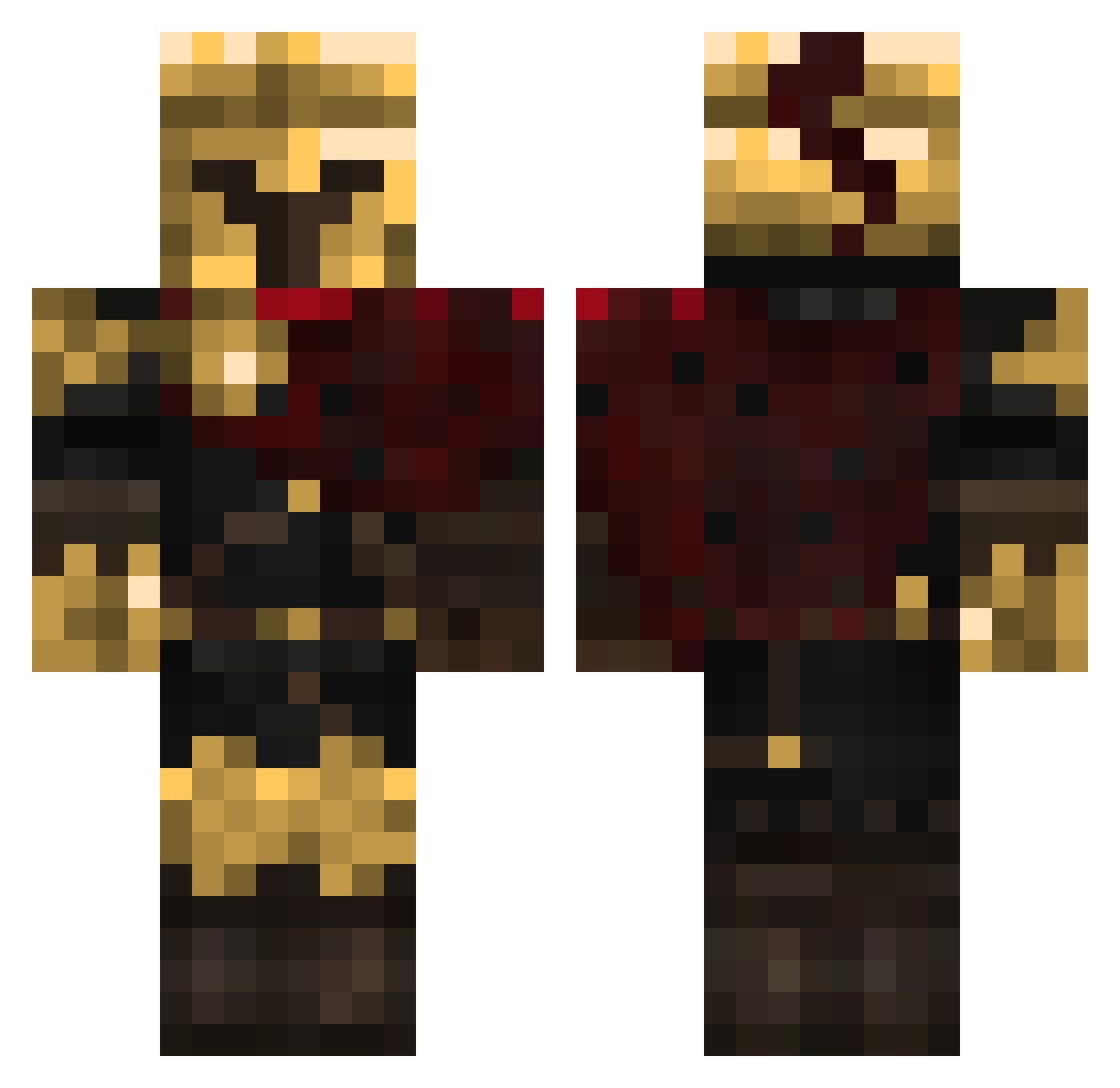
Current Minecraft skin of the player Toooooobias, loaded from the official Mojang API. Rotate the 3D model with your mouse or finger, then download the skin as a PNG file and use it in Minecraft: Bedrock Edition or Java Edition for free. When Toooooobias changes their skin, this page updates automatically and the old skin stays in the history below.
Other players with this skin (336)
Toooooobias was the 186th player we have seen with this skin, first spotted on 21.09.2026. The same skin was seen on these players. Open a nickname to see their current skin and skin history.
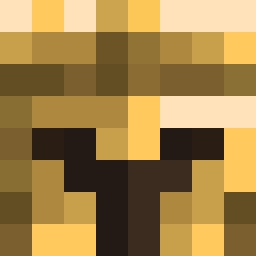 miniperper David_202 Darebear546 Atarax1as Linglong99 NISIITO timocha2006 1ceNine ducphuc1234 Tenrec3435 Gravity_Bun Sunthetic LcsYT Paulord avemqczc WinstonBlack45 alex5644 DeepZoom TheRaffofGameYT supee__ TopArtistGirl Omgitstylerrrr AyiSama PinkNinjaTurtle notkratrons MaksimusPrime69 Tommy1939 2BDMNED _TOLKI_ GansLanda PapaValorPA Hanashi818 J0nni33 ItsKy0to tlShuva 1D3rLord3 Awjones14 pureandclean Khalvarous 6zerb WitcherPau PrinceZyzz Nazez blu_ski2k Dustyjr_34 808player ItzR4Ze THIS_IS_SPARTA_7 Vortex_467 Panda_Atomico_05 d1xv4 Blackhorse777 Cretozaver KrampusZ3ro Mranterconix junotificate Bonceman selleshanzafranz Sxlfish Nova_99
More Spartan Minecraft skins
How to install the Toooooobias skin
- Press the Download button above to save the skin as a PNG file.
- Minecraft: Bedrock Edition (PE): open the Dressing Room from the main menu (or tap your character → Edit Character), go to Classic Skins → Owned, press the + (new skin) button, choose the downloaded PNG and pick the Classic (Steve) model. Works on PC and mobile; consoles cannot import custom skins.
- Minecraft: Java Edition: open the Minecraft Launcher, go to the Skins tab, click New Skin, load the PNG, pick the Classic (Steve) model and press Save & Use. You can also upload it at minecraft.net → Profile → Change Skin.
The skin does not show up after import - what should I do?
Restart Minecraft and open the Dressing Room again - imported skins sometimes appear only after a restart. Also make sure you selected the imported skin and picked the Classic (Steve) model.
Which model should I choose, Classic or Slim?
This skin is designed for the Classic (Steve) model. If you pick the wrong model, the arms of the skin will look stretched or squeezed.
Is the skin of Toooooobias free to download?
Yes. Press Download, save the PNG file and use it in Minecraft: Bedrock Edition or Java Edition - no payment or registration needed. The skin also works on multiplayer servers and Realms.
More skins
Looking for more? Go back to all Minecraft skins and check the top skins of the week, month and all time, or find any player's skin by nickname.