
 Lick101 mr_mike12 Drachonick Galaxype SpartanShannon IceyFlames Saboorek Pako28 FeelGoodInc_ Solveiner FreakyAfro12 ahda LucidOutcast Nimotshu Ren121 Thomas755 Thatonepotato4 Chunky00 munkyyyyy YourNemesisV Rocket_ninja10 Reckah WannerDZ Hftub PeanutBUTTA97867 Void_17_17 Kemonito14 glizzy455 Paulpoh98 ZEUS4LESS thestrongdragon RoverGamer FireBallMan31 Crudel_King Shewy11 pure_88 Juanxo354 _TheRealRyu 0Teck BOBYBIN uncommon_black weingartner CapriSun20 HuanHuanZhu Herbymitt leopard123412 EhScutes HeyItzColors iTzzMessy Abodian SUPERGAMER02 yaressss MlodyMarzyciel VladRax12 minibacker oops234 Thunfisch_ Mendzote CommanderBalor wetly29
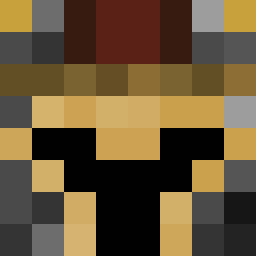
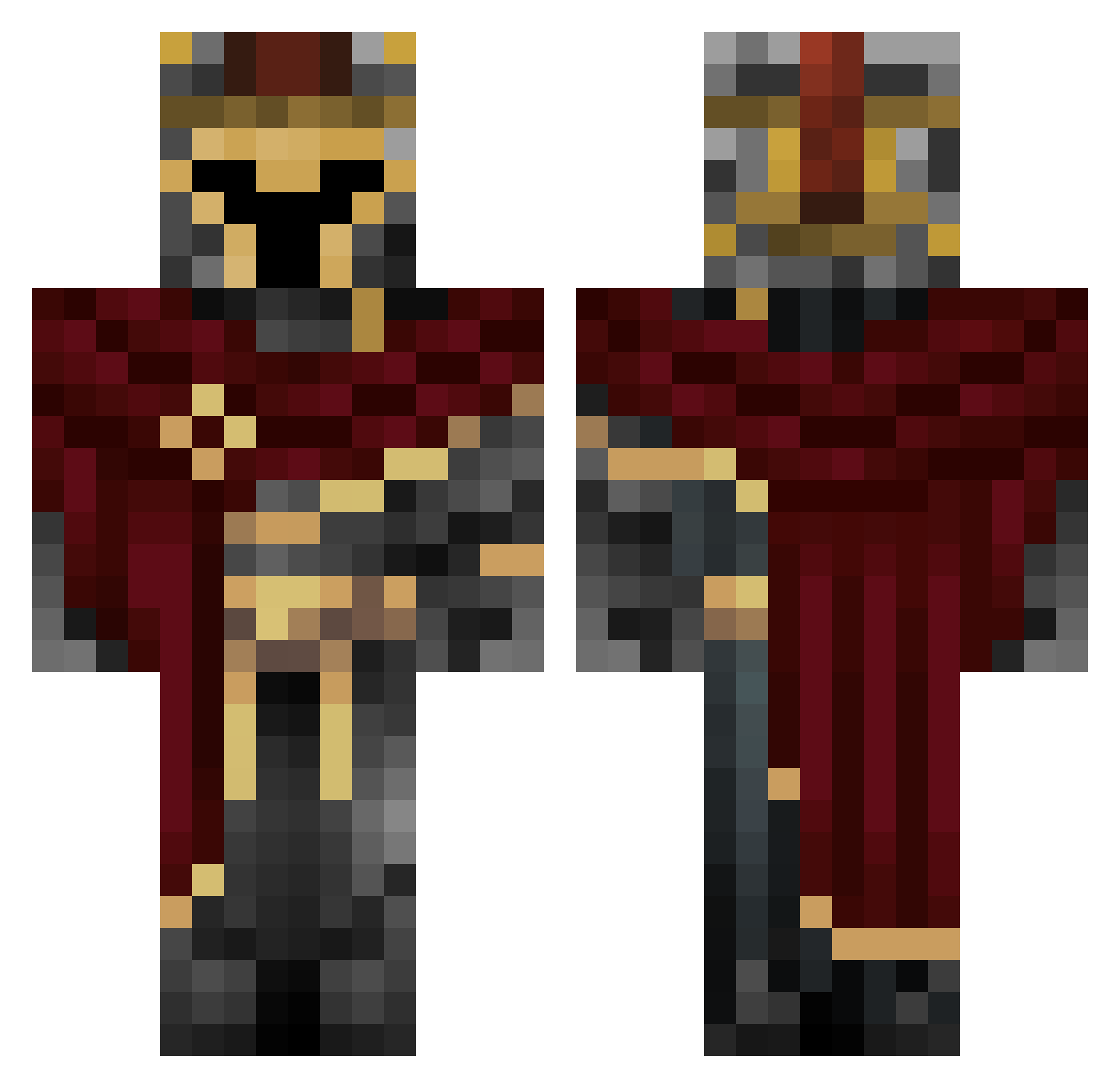
Minecraft skin of Marco_Devs. Rotate the 3D model with your mouse or finger to view the skin from every angle, then download it as a PNG file and use it in Minecraft: Bedrock Edition or Java Edition for free. Rate the skin with stars to help other players find the best skins in our collection.
How to install the Marco_Devs skin
- Press the Download button above to save the skin as a PNG file.
- Minecraft: Bedrock Edition (PE): open the Dressing Room from the main menu (or tap your character → Edit Character), go to Classic Skins → Owned, press the + (new skin) button, choose the downloaded PNG and pick the Classic (Steve) model. Works on PC and mobile; consoles cannot import custom skins.
- Minecraft: Java Edition: open the Minecraft Launcher, go to the Skins tab, click New Skin, load the PNG, pick the Classic (Steve) model and press Save & Use. You can also upload it at minecraft.net → Profile → Change Skin.
The skin does not show up after import - what should I do?
Restart Minecraft and open the Dressing Room again - imported skins sometimes appear only after a restart. Also make sure you selected the imported skin and picked the Classic (Steve) model.
Which model should I choose, Classic or Slim?
This skin is designed for the Classic (Steve) model. If you pick the wrong model, the arms of the skin will look stretched or squeezed.
Is this skin free to use?
Yes. Press Download, save the PNG file and use it in Minecraft: Bedrock Edition or Java Edition - no payment or registration needed. The skin also works on multiplayer servers and Realms.
More Spartan Minecraft skins
More skins
Looking for more? Go back to all Minecraft skins and check the top skins of the week, month and all time, or find any player's skin by nickname.