
 GobblinGhost koolbuilder2005 original_Ramen MrSpecies Spartan_088 benjaminb123 Brainiator13 Papagolf CHEtheKONG Tigertutor ULTRASPARTON lilanglz KadukDC milhouse3254 MiranBC welshy19 Shmedium KarlXYZ mpx13 Hocus_pocus2005 GentlyKiller JulMdama343 Bluefire5001 ThebigeasY1 Ryan666 Spamburger666 avoidinggym jaewoooon meta1head131 stephens1772 timer23 paulcostello SkittOG shadex21 countryboy_5 Panda_WPFY WhosTheGrimRipr jexterminator roosterhead22 jumpstreet21 Sqoj theseuscain Loetschental CashewSoda Derazzo dy1996 yorben2003 Meepto Kamalbos Klayne NightSlasher3333 thewayofthewei S4NDMAN rogue221 Anthoony Canna_Bus TheLobster001 CaptainJustin511 technic83 BrandonBatman
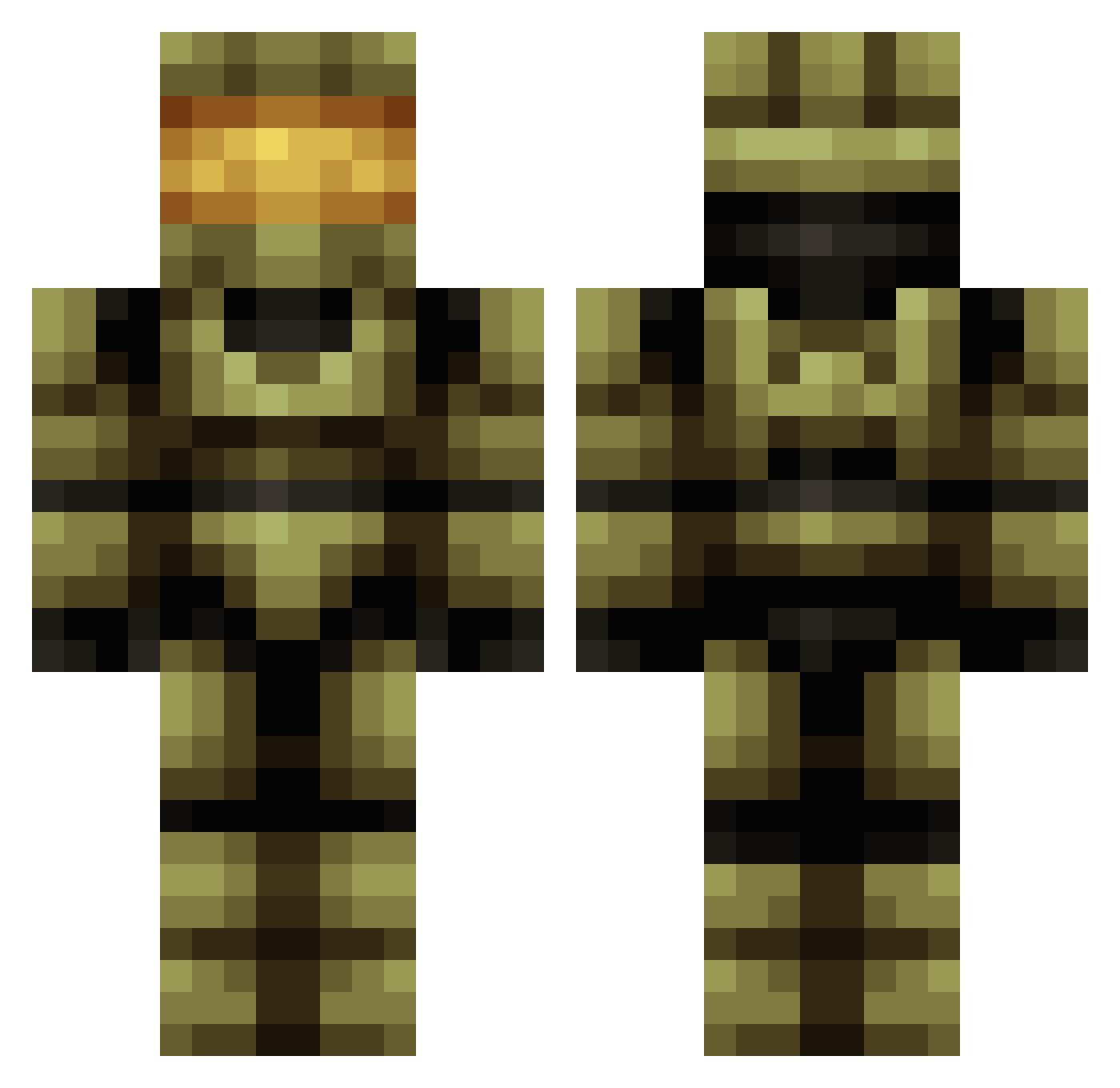
Minecraft skin of DieBibel. Rotate the 3D model with your mouse or finger to view the skin from every angle, then download it as a PNG file and use it in Minecraft: Bedrock Edition or Java Edition for free. Rate the skin with stars to help other players find the best skins in our collection.
How to install the DieBibel skin
- Press the Download button above to save the skin as a PNG file.
- Minecraft: Bedrock Edition (PE): open the Dressing Room from the main menu (or tap your character → Edit Character), go to Classic Skins → Owned, press the + (new skin) button, choose the downloaded PNG and pick the Classic (Steve) model. Works on PC and mobile; consoles cannot import custom skins.
- Minecraft: Java Edition: open the Minecraft Launcher, go to the Skins tab, click New Skin, load the PNG, pick the Classic (Steve) model and press Save & Use. You can also upload it at minecraft.net → Profile → Change Skin.
The skin does not show up after import - what should I do?
Restart Minecraft and open the Dressing Room again - imported skins sometimes appear only after a restart. Also make sure you selected the imported skin and picked the Classic (Steve) model.
Which model should I choose, Classic or Slim?
This skin is designed for the Classic (Steve) model. If you pick the wrong model, the arms of the skin will look stretched or squeezed.
Is this skin free to use?
Yes. Press Download, save the PNG file and use it in Minecraft: Bedrock Edition or Java Edition - no payment or registration needed. The skin also works on multiplayer servers and Realms.
More Master Chief Minecraft skins
See all 537 Master Chief skins
More skins
Looking for more? Go back to all Minecraft skins and check the top skins of the week, month and all time, or find any player's skin by nickname.