
 YungGilbert sh4rksh4rk Gorasama Puppygoatstudios Morrisseyishot maxOsama Spartan02912 impossibro toyota_camry Chief_Fanncy Skydivingmonkeys MrKacacao Rockybear23 Leivauwu Deadpool4997 D_Pendy ThatNastyLlama JCliff26 Krometric GREEKdaFREAK Veteranpants MAstUR1 Overkill SasukeGucciha Martoby heemso Mattmo831 Exsultor Chieftun DomMazzeti69 Logan_two extremenova5000 TheArbiterBoy Kerbal_Warrior deaddogs_____ ManuelBarroilhet Akehurst2704 ____Digger____ BLONDJOKES CPTN1BbLeS Ayyubid RitchFlac inbxundz noizypuppet FerociousFlunky MasterChoof117 Driblex Bleeblebrox sadseal1821 JJMM2 JF937 Throwzen Egglert AspectBinary SnowyFox726 Andydrew232 Valtyx Oropeza seanathon_9 TheMasterChris
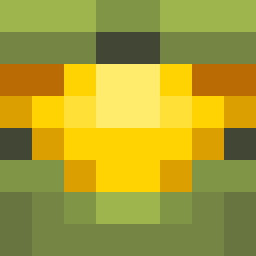
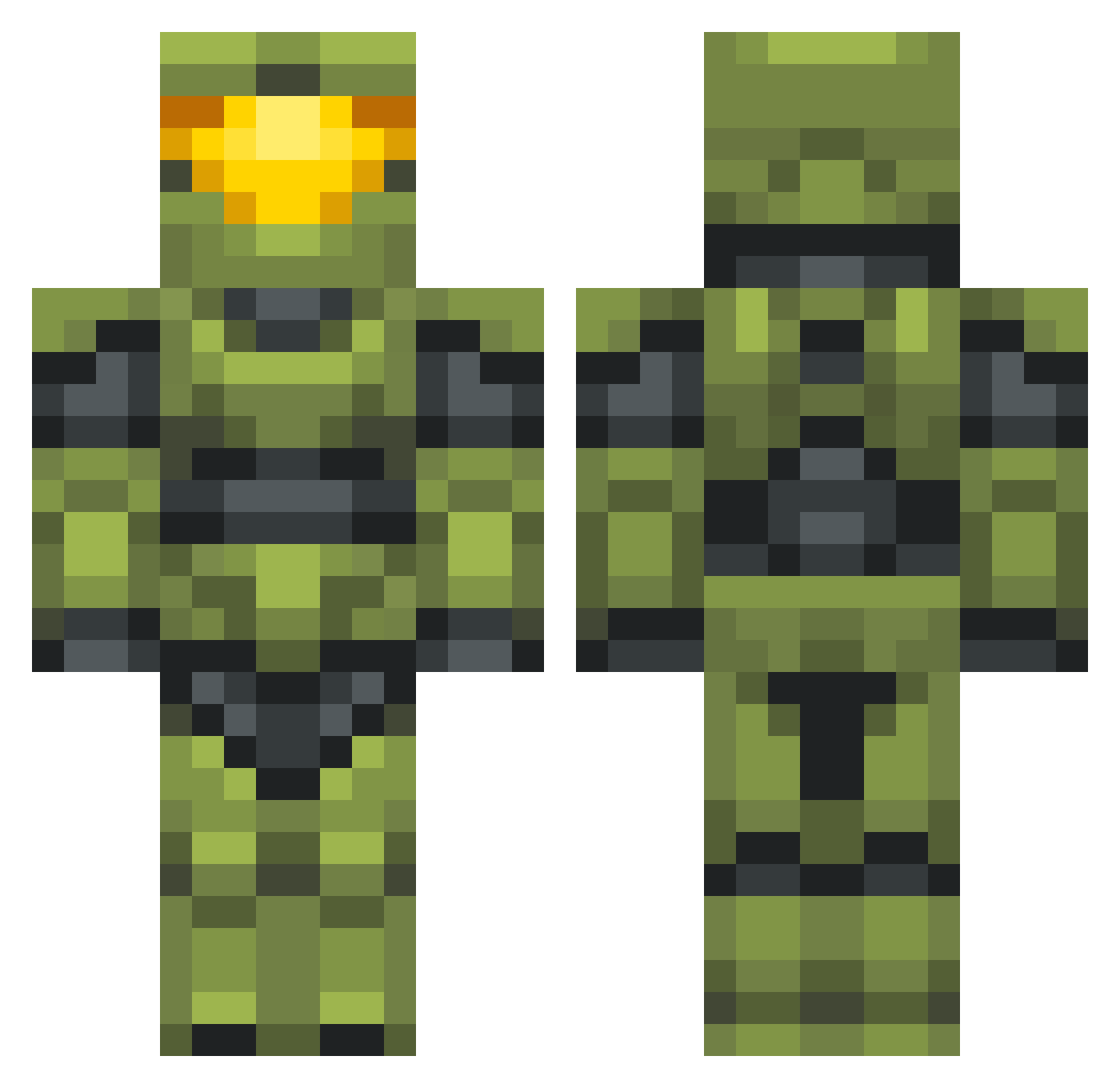
Minecraft skin of conkbandit. Rotate the 3D model with your mouse or finger to view the skin from every angle, then download it as a PNG file and use it in Minecraft: Bedrock Edition or Java Edition for free. Rate the skin with stars to help other players find the best skins in our collection.
How to install the conkbandit skin
- Press the Download button above to save the skin as a PNG file.
- Minecraft: Bedrock Edition (PE): open the Dressing Room from the main menu (or tap your character → Edit Character), go to Classic Skins → Owned, press the + (new skin) button, choose the downloaded PNG and pick the Classic (Steve) model. Works on PC and mobile; consoles cannot import custom skins.
- Minecraft: Java Edition: open the Minecraft Launcher, go to the Skins tab, click New Skin, load the PNG, pick the Classic (Steve) model and press Save & Use. You can also upload it at minecraft.net → Profile → Change Skin.
The skin does not show up after import - what should I do?
Restart Minecraft and open the Dressing Room again - imported skins sometimes appear only after a restart. Also make sure you selected the imported skin and picked the Classic (Steve) model.
Which model should I choose, Classic or Slim?
This skin is designed for the Classic (Steve) model. If you pick the wrong model, the arms of the skin will look stretched or squeezed.
Is this skin free to use?
Yes. Press Download, save the PNG file and use it in Minecraft: Bedrock Edition or Java Edition - no payment or registration needed. The skin also works on multiplayer servers and Realms.
More Master Chief Minecraft skins
See all 538 Master Chief skins
More skins
Looking for more? Go back to all Minecraft skins and check the top skins of the week, month and all time, or find any player's skin by nickname.