
Bonceman - Minecraft Skins & Skin History
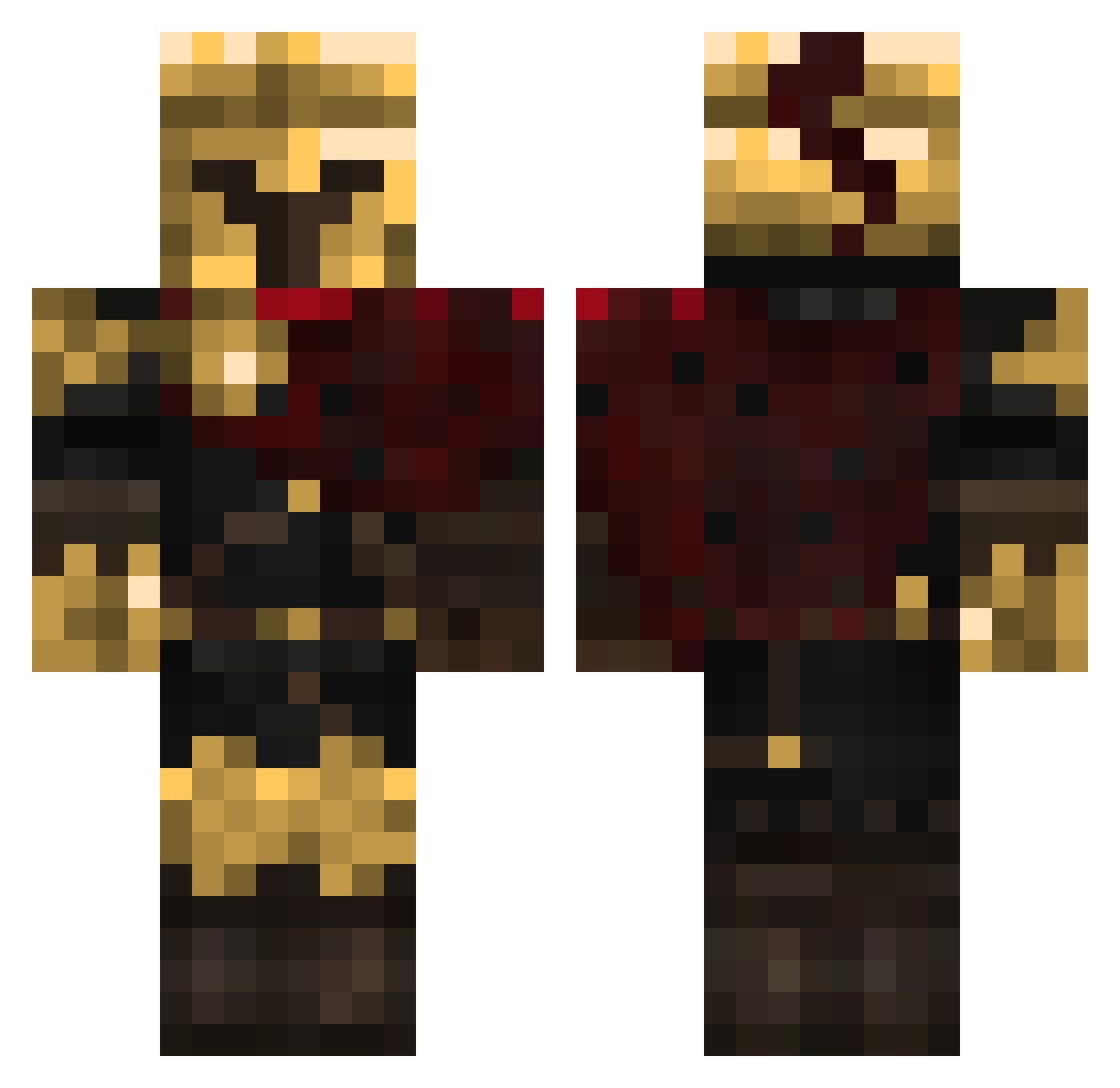
Current Minecraft skin of the player Bonceman, loaded from the official Mojang API. Rotate the 3D model with your mouse or finger, then download the skin as a PNG file and use it in Minecraft: Bedrock Edition or Java Edition for free. When Bonceman changes their skin, this page updates automatically and the old skin stays in the history below.
Other players with this skin (319)
Bonceman was the 223rd player we have seen with this skin, first spotted on 01.10.2026. The same skin was seen on these players. Open a nickname to see their current skin and skin history.
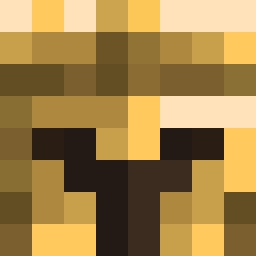 Mranterconix selleshanzafranz KrampusZ3ro Blackhorse777 Sxlfish d1xv4 Texaskid2004 Vortex_467 THIS_IS_SPARTA_7 Hidakaku ItzR4Ze procv Dustyjr_34 blu_ski2k sebada1 PrinceZyzz DeathLOLbit 6zerb Crims0nL0rd Khalvarous pureandclean Awjones14 1D3rLord3 Fiishess ItsKy0to klepnoth Kijao J0nni33 Meeeene Reis102 _TOLKI_ Res3t_tt1ng Tommy1939 notkratrons Musskie AyiSama TopArtistGirl TheRaffofGameYT iitzAngel Samir315 littlertime RacierTick22189 Christopher_Love Acruxis xXClassicFiggyXx WinstonBlack45 TijnTnT MMTNT01 avemqczc Rudolf88 Paulord ALEduck_ Sunthetic joni2500 Gravity_Bun uncool_username Tenrec3435 ducphuc1234 dark001gl 1ceNine
More Spartan Minecraft skins
How to install the Bonceman skin
- Press the Download button above to save the skin as a PNG file.
- Minecraft: Bedrock Edition (PE): open the Dressing Room from the main menu (or tap your character → Edit Character), go to Classic Skins → Owned, press the + (new skin) button, choose the downloaded PNG and pick the Classic (Steve) model. Works on PC and mobile; consoles cannot import custom skins.
- Minecraft: Java Edition: open the Minecraft Launcher, go to the Skins tab, click New Skin, load the PNG, pick the Classic (Steve) model and press Save & Use. You can also upload it at minecraft.net → Profile → Change Skin.
The skin does not show up after import - what should I do?
Restart Minecraft and open the Dressing Room again - imported skins sometimes appear only after a restart. Also make sure you selected the imported skin and picked the Classic (Steve) model.
Which model should I choose, Classic or Slim?
This skin is designed for the Classic (Steve) model. If you pick the wrong model, the arms of the skin will look stretched or squeezed.
Is the skin of Bonceman free to download?
Yes. Press Download, save the PNG file and use it in Minecraft: Bedrock Edition or Java Edition - no payment or registration needed. The skin also works on multiplayer servers and Realms.
More skins
Looking for more? Go back to all Minecraft skins and check the top skins of the week, month and all time, or find any player's skin by nickname.