
The_NXGameur - Minecraft Skins & Skin History
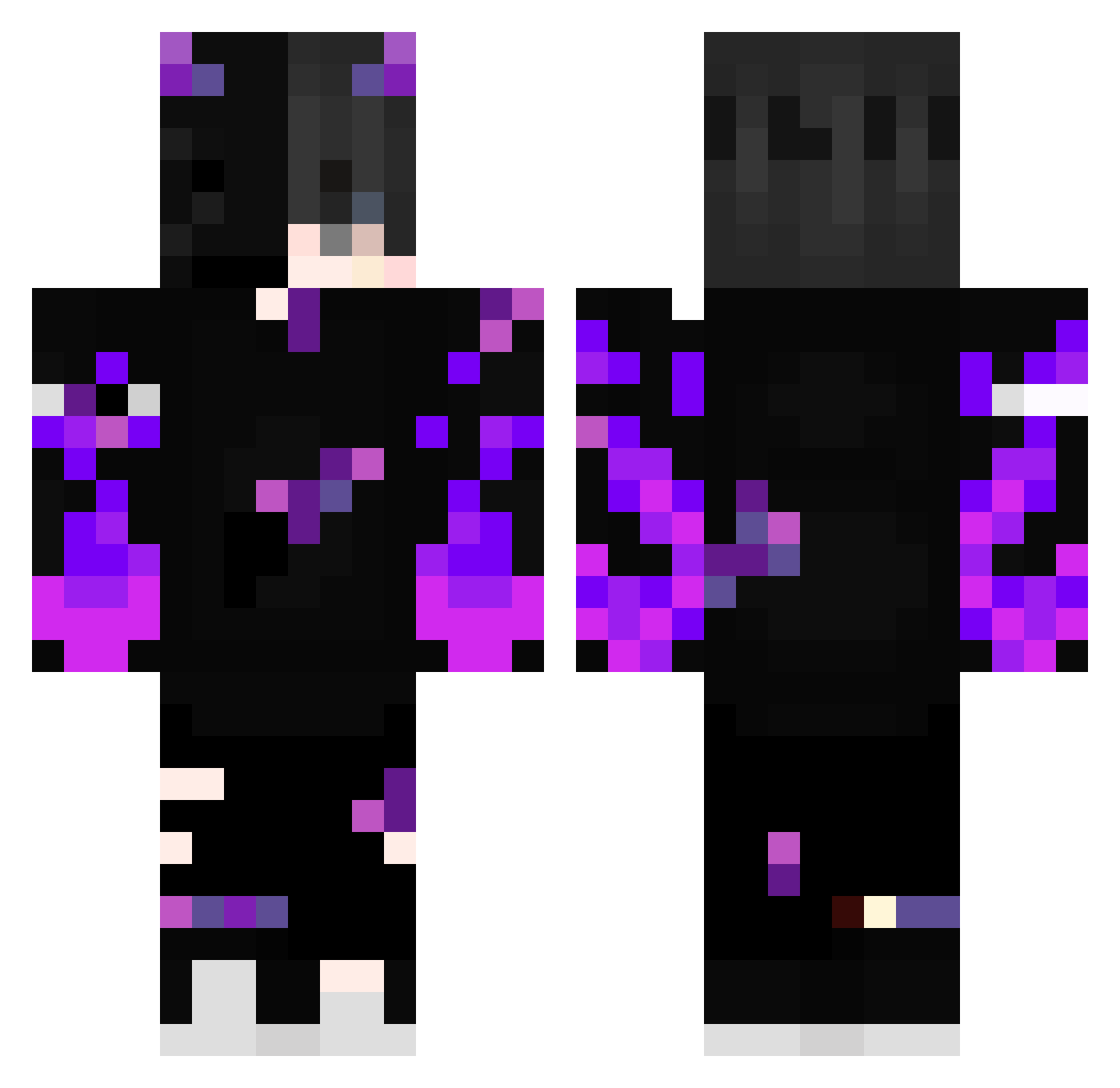
Current Minecraft skin of the player The_NXGameur, loaded from the official Mojang API. Rotate the 3D model with your mouse or finger, then download the skin as a PNG file and use it in Minecraft: Bedrock Edition or Java Edition for free. When The_NXGameur changes their skin, this page updates automatically and the old skin stays in the history below.
Other players with this skin (475)
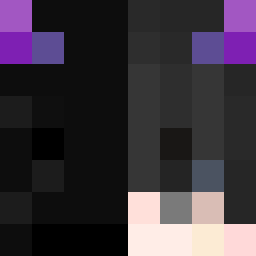
The_NXGameur was the 399th player we have seen with this skin, first spotted on 04.11.2026. The same skin was seen on these players. Open a nickname to see their current skin and skin history.
 Taxmiddd Vedansh_696969 Quer1i pommecrafter Raydorn Lee_69 ltb_miner tocom20 notedyx txtarthur forevergordon SiLaCleGAY Mio0624 ItsMeBil SayZz_Gh Luxaw8 Kevinlovemc ShadowData15 Yxpais_power Dorkiopork Erwanzou nsneko11 bahadir32 ange_lofdeath06 JL_Darkil samusdddd Chickat LinhrgIvC0203 DieHeart WindSteps LateSphere63702 d3mk0 marcodelgiacco END4444 ItsNemiBro Evelone00 xLippx Tajoo091 yahye637 OlsenGamerH Neo444am KAALAANTAAR ANBLOX robbi344 Dark_Pulsar7884 natanielpap kaiiiiii1202 MaybeHELIX Entity_0_EXE _Ezze andorime Pegas007 Alfrxd Alees2011 egqd Feuninjavert21 SHAIMEN3817 Mathfofo UgsJay latinoamerica20
More Demon Minecraft skins
How to install the The_NXGameur skin
- Press the Download button above to save the skin as a PNG file.
- Minecraft: Bedrock Edition (PE): open the Dressing Room from the main menu (or tap your character → Edit Character), go to Classic Skins → Owned, press the + (new skin) button, choose the downloaded PNG and pick the Classic (Steve) model. Works on PC and mobile; consoles cannot import custom skins.
- Minecraft: Java Edition: open the Minecraft Launcher, go to the Skins tab, click New Skin, load the PNG, pick the Classic (Steve) model and press Save & Use. You can also upload it at minecraft.net → Profile → Change Skin.
The skin does not show up after import - what should I do?
Restart Minecraft and open the Dressing Room again - imported skins sometimes appear only after a restart. Also make sure you selected the imported skin and picked the Classic (Steve) model.
Which model should I choose, Classic or Slim?
This skin is designed for the Classic (Steve) model. If you pick the wrong model, the arms of the skin will look stretched or squeezed.
Is the skin of The_NXGameur free to download?
Yes. Press Download, save the PNG file and use it in Minecraft: Bedrock Edition or Java Edition - no payment or registration needed. The skin also works on multiplayer servers and Realms.
More skins
Looking for more? Go back to all Minecraft skins and check the top skins of the week, month and all time, or find any player's skin by nickname.