
Tfry - Minecraft Skins & Skin History
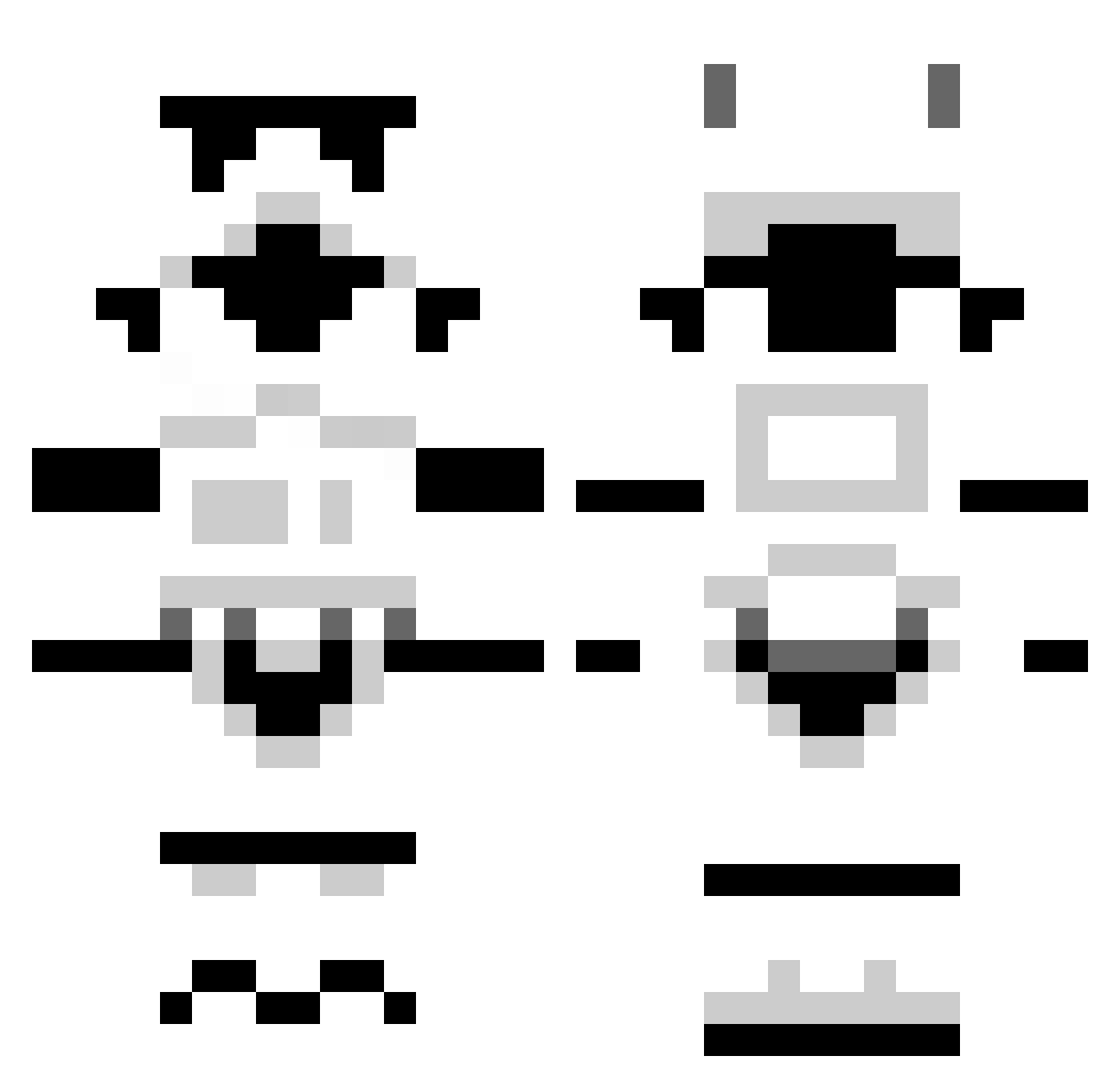
Current Minecraft skin of the player Tfry, loaded from the official Mojang API. Rotate the 3D model with your mouse or finger, then download the skin as a PNG file and use it in Minecraft: Bedrock Edition or Java Edition for free. When Tfry changes their skin, this page updates automatically and the old skin stays in the history below.
Other players with this skin (1262)
Tfry was the 710th player we have seen with this skin, first spotted on 27.09.2026. The same skin was seen on these players. Open a nickname to see their current skin and skin history.
 DolEgon stokepablo nushartj joshuatwxxx 5_yoda Danielle90 J_AJ_BAILEY QuiGonGaylie Sarmat66 TheWilster Tedy2475 Onorous Bluespider5 Sondast Nintenja_17 adam_vivi sarchylee spacklerules Rocketfish007 Stevie6490 droidlove BRETTZ1LLA IraqVET Nader_ bobenjerry Pricelezz Wowbagger455 Ledexe schizophreniak syth101 Aeresis JOBBBA Spirit80 Milkamann Muzzy79 SpandexBob lucasgritsch754 farmorn GodfreyEggs Manigama Kingabbottman Wanderluster fmountcastle FeuermannII Pritch jake_lee11 FruitcakeSupreme Jack_Lina armacthewarrior Goosearms LongHaulGamer Exotic_GamerYT buzza669 joina412 joshwaddington ArizonaSwag DannyPacket chickenpieXD TheGoos3 dylanA2000
More Stormtrooper Minecraft skins
See all 517 Stormtrooper skins
How to install the Tfry skin
- Press the Download button above to save the skin as a PNG file.
- Minecraft: Bedrock Edition (PE): open the Dressing Room from the main menu (or tap your character → Edit Character), go to Classic Skins → Owned, press the + (new skin) button, choose the downloaded PNG and pick the Classic (Steve) model. Works on PC and mobile; consoles cannot import custom skins.
- Minecraft: Java Edition: open the Minecraft Launcher, go to the Skins tab, click New Skin, load the PNG, pick the Classic (Steve) model and press Save & Use. You can also upload it at minecraft.net → Profile → Change Skin.
The skin does not show up after import - what should I do?
Restart Minecraft and open the Dressing Room again - imported skins sometimes appear only after a restart. Also make sure you selected the imported skin and picked the Classic (Steve) model.
Which model should I choose, Classic or Slim?
This skin is designed for the Classic (Steve) model. If you pick the wrong model, the arms of the skin will look stretched or squeezed.
Is the skin of Tfry free to download?
Yes. Press Download, save the PNG file and use it in Minecraft: Bedrock Edition or Java Edition - no payment or registration needed. The skin also works on multiplayer servers and Realms.
More skins
Looking for more? Go back to all Minecraft skins and check the top skins of the week, month and all time, or find any player's skin by nickname.