
TempFiber - Minecraft Skins & Skin History
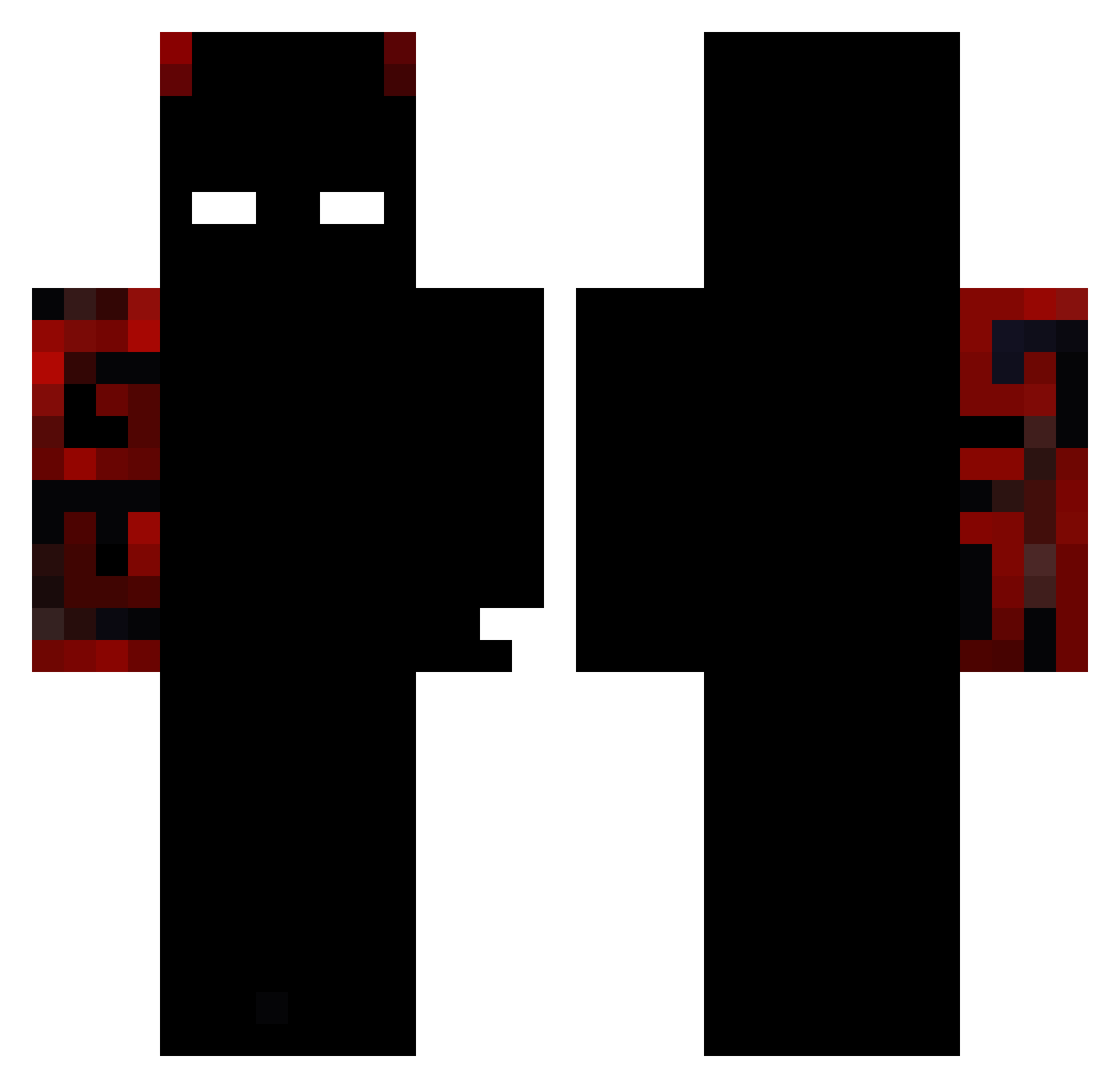
Current Minecraft skin of the player TempFiber, loaded from the official Mojang API. Rotate the 3D model with your mouse or finger, then download the skin as a PNG file and use it in Minecraft: Bedrock Edition or Java Edition for free. When TempFiber changes their skin, this page updates automatically and the old skin stays in the history below.
Other players with this skin (96)
TempFiber was the 24th player we have seen with this skin, first spotted on 14.08.2026. The same skin was seen on these players. Open a nickname to see their current skin and skin history.
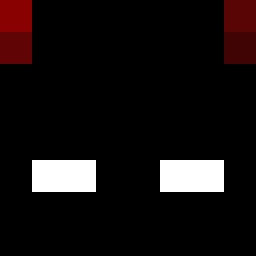 ArtistaAntrax NexiumGlitch HopikErik
 igor990
 BigFelasAI Chaoticgingkid
 Unconquered_King Degradas112 vortex_titan elsapit0777 Elegantx Its_Ronaldo a967
 King__18 Domifyq GunGamer00110010 Kaylezzzmc Bloodbane111 FatherEarth Zayman0814 Ninja3DA
 FilippoDM h0ss3laar FABIO992978 ra4ns0m BoBiczek2012 Nay_Jav
 KachoSanty Flexi_Minecraft NotG4LAK Itzz_michal_ez Miyuki_Start ItzLunexx
 PrettyCape Justranger5 WBPL_Jeff ItzSedrick FilipS213780 alexhalo41 Plxyz pxhiv ImDemon00
 Dr_ET Xabbath Likk_sz hakim1238 Eumesmo0712 Hemorragia_
 ILyDxvine OSeuMano7 ss2107 Sha1dowTapyT
 JeremyKc Juanmues16 TiptopCake10 MANUELPGAMER Sizumitos Jiqazu TheOneLitleDino Ariimakn
More Demon Minecraft skins
How to install the TempFiber skin
- Press the Download button above to save the skin as a PNG file.
- Minecraft: Bedrock Edition (PE): open the Dressing Room from the main menu (or tap your character → Edit Character), go to Classic Skins → Owned, press the + (new skin) button, choose the downloaded PNG and pick the Classic (Steve) model. Works on PC and mobile; consoles cannot import custom skins.
- Minecraft: Java Edition: open the Minecraft Launcher, go to the Skins tab, click New Skin, load the PNG, pick the Classic (Steve) model and press Save & Use. You can also upload it at minecraft.net → Profile → Change Skin.
The skin does not show up after import - what should I do?
Restart Minecraft and open the Dressing Room again - imported skins sometimes appear only after a restart. Also make sure you selected the imported skin and picked the Classic (Steve) model.
Which model should I choose, Classic or Slim?
This skin is designed for the Classic (Steve) model. If you pick the wrong model, the arms of the skin will look stretched or squeezed.
Is the skin of TempFiber free to download?
Yes. Press Download, save the PNG file and use it in Minecraft: Bedrock Edition or Java Edition - no payment or registration needed. The skin also works on multiplayer servers and Realms.
More skins
Looking for more? Go back to all Minecraft skins and check the top skins of the week, month and all time, or find any player's skin by nickname.