
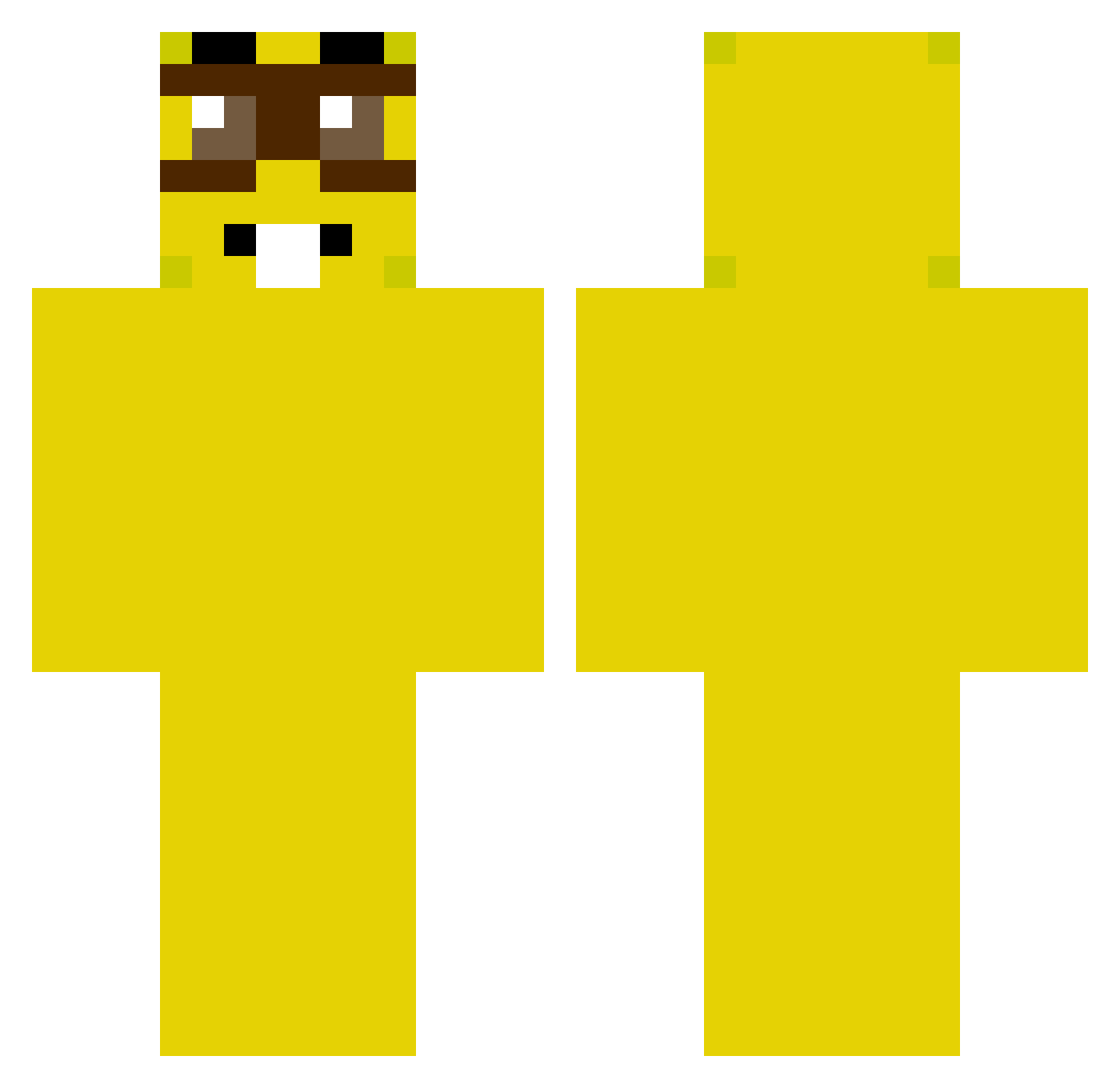
Current Minecraft skin of the player SznycelMason666, loaded from the official Mojang API. Rotate the 3D model with your mouse or finger, then download the skin as a PNG file and use it in Minecraft: Bedrock Edition or Java Edition for free. When SznycelMason666 changes their skin, this page updates automatically and the old skin stays in the history below.
Other players with this skin (233)
SznycelMason666 was the 195th player we have seen with this skin, first spotted on 05.10.2026. The same skin was seen on these players. Open a nickname to see their current skin and skin history.
 Gimeil Mahe040 SaciDeBike lostintrust Duduliero AdoreApple ventilador3642 Magdashrek94382 KJ_GOATw ISpareEgirls stasiuplomyk MrAcee celiaking Lekita21 mata____ vorlah RileyPalmtrees Dancolo TianShen_ ManoMAX9082345 alexplaygo123 Exarious hongeungi8101 quemoca Roookeen danngamer1010 s0fakekk Maypo wazagaming123 Yao11 Vh1e Emoji_09 rotta12 arrozdoce_ Mayestics berne157 oreo4018 DiamantitoNoWeco PipeSama500 OscarRgg RaxRuso Oblock17 Nebulous Sancheezz26 IchBinBoogie Ducobi abnerwd BETO12309 Airen1 etlame100 Derlexium dialgxPR crisxd2303 3monthstolive KendeyFry2 Mariwanero suwmer Marie_Anchovy ZERFETZER5758 1zasck
More Minion Minecraft skins
How to install the SznycelMason666 skin
- Press the Download button above to save the skin as a PNG file.
- Minecraft: Bedrock Edition (PE): open the Dressing Room from the main menu (or tap your character → Edit Character), go to Classic Skins → Owned, press the + (new skin) button, choose the downloaded PNG and pick the Classic (Steve) model. Works on PC and mobile; consoles cannot import custom skins.
- Minecraft: Java Edition: open the Minecraft Launcher, go to the Skins tab, click New Skin, load the PNG, pick the Classic (Steve) model and press Save & Use. You can also upload it at minecraft.net → Profile → Change Skin.
The skin does not show up after import - what should I do?
Restart Minecraft and open the Dressing Room again - imported skins sometimes appear only after a restart. Also make sure you selected the imported skin and picked the Classic (Steve) model.
Which model should I choose, Classic or Slim?
This skin is designed for the Classic (Steve) model. If you pick the wrong model, the arms of the skin will look stretched or squeezed.
Is the skin of SznycelMason666 free to download?
Yes. Press Download, save the PNG file and use it in Minecraft: Bedrock Edition or Java Edition - no payment or registration needed. The skin also works on multiplayer servers and Realms.
More skins
Looking for more? Go back to all Minecraft skins and check the top skins of the week, month and all time, or find any player's skin by nickname.