
Songa2005 - Minecraft Skins & Skin History
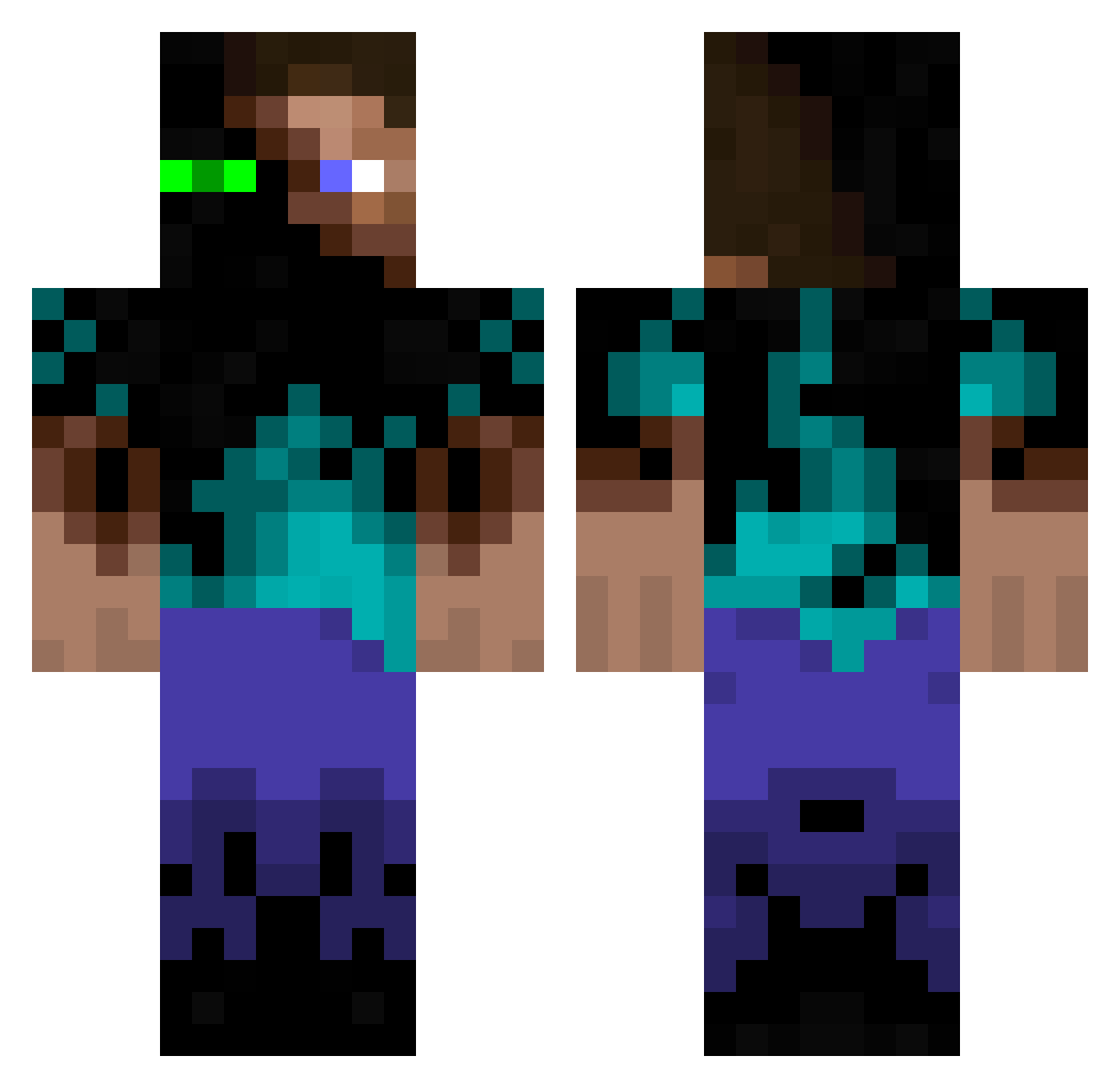
Current Minecraft skin of the player Songa2005, loaded from the official Mojang API. Rotate the 3D model with your mouse or finger, then download the skin as a PNG file and use it in Minecraft: Bedrock Edition or Java Edition for free. When Songa2005 changes their skin, this page updates automatically and the old skin stays in the history below.
Other players with this skin (939)
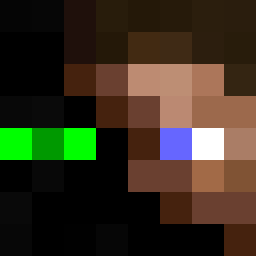
Songa2005 was the 789th player we have seen with this skin, first spotted on 08.10.2026. The same skin was seen on these players. Open a nickname to see their current skin and skin history.
 ErfuFane iancaldwell atomtompa TOMANIZOR Pezafiable Clonezila IgotsthatJuicee Viggeb HippiiixD tp002 jak00001 l16russell BEDMAN95 VKRIZMA EmrikCringeAF Mr_Kibb mineTachs CBassDYan assasine39 law65 remcraft_50 2542012 Taneli99 soul______aeter KewlKiid13 LordOxi iDaaankz Knut85 SquatchBait sodokachi timmyswag Phase10 xINecroZ Speeedymauss Tedmine j0306 IsaacRiccadonna SupriseAdoption victorguerra kaleo217 YouNifiUs Hammchops Brzzrs Pixelyman Diablo168 d3v0 sammy_z Ethan91786 Nephilim_Fallen Kuvira15 d3d4you corjosh Raimaskin vaaporized LETHALxGORRILA Ki7hy joshhitter98 monteiro02 Owenonfire Jager610
More Glowing Eyes Minecraft skins
See all 2316 Glowing Eyes skins
How to install the Songa2005 skin
- Press the Download button above to save the skin as a PNG file.
- Minecraft: Bedrock Edition (PE): open the Dressing Room from the main menu (or tap your character → Edit Character), go to Classic Skins → Owned, press the + (new skin) button, choose the downloaded PNG and pick the Classic (Steve) model. Works on PC and mobile; consoles cannot import custom skins.
- Minecraft: Java Edition: open the Minecraft Launcher, go to the Skins tab, click New Skin, load the PNG, pick the Classic (Steve) model and press Save & Use. You can also upload it at minecraft.net → Profile → Change Skin.
The skin does not show up after import - what should I do?
Restart Minecraft and open the Dressing Room again - imported skins sometimes appear only after a restart. Also make sure you selected the imported skin and picked the Classic (Steve) model.
Which model should I choose, Classic or Slim?
This skin is designed for the Classic (Steve) model. If you pick the wrong model, the arms of the skin will look stretched or squeezed.
Is the skin of Songa2005 free to download?
Yes. Press Download, save the PNG file and use it in Minecraft: Bedrock Edition or Java Edition - no payment or registration needed. The skin also works on multiplayer servers and Realms.
More skins
Looking for more? Go back to all Minecraft skins and check the top skins of the week, month and all time, or find any player's skin by nickname.