
Santination - Minecraft Skins & Skin History
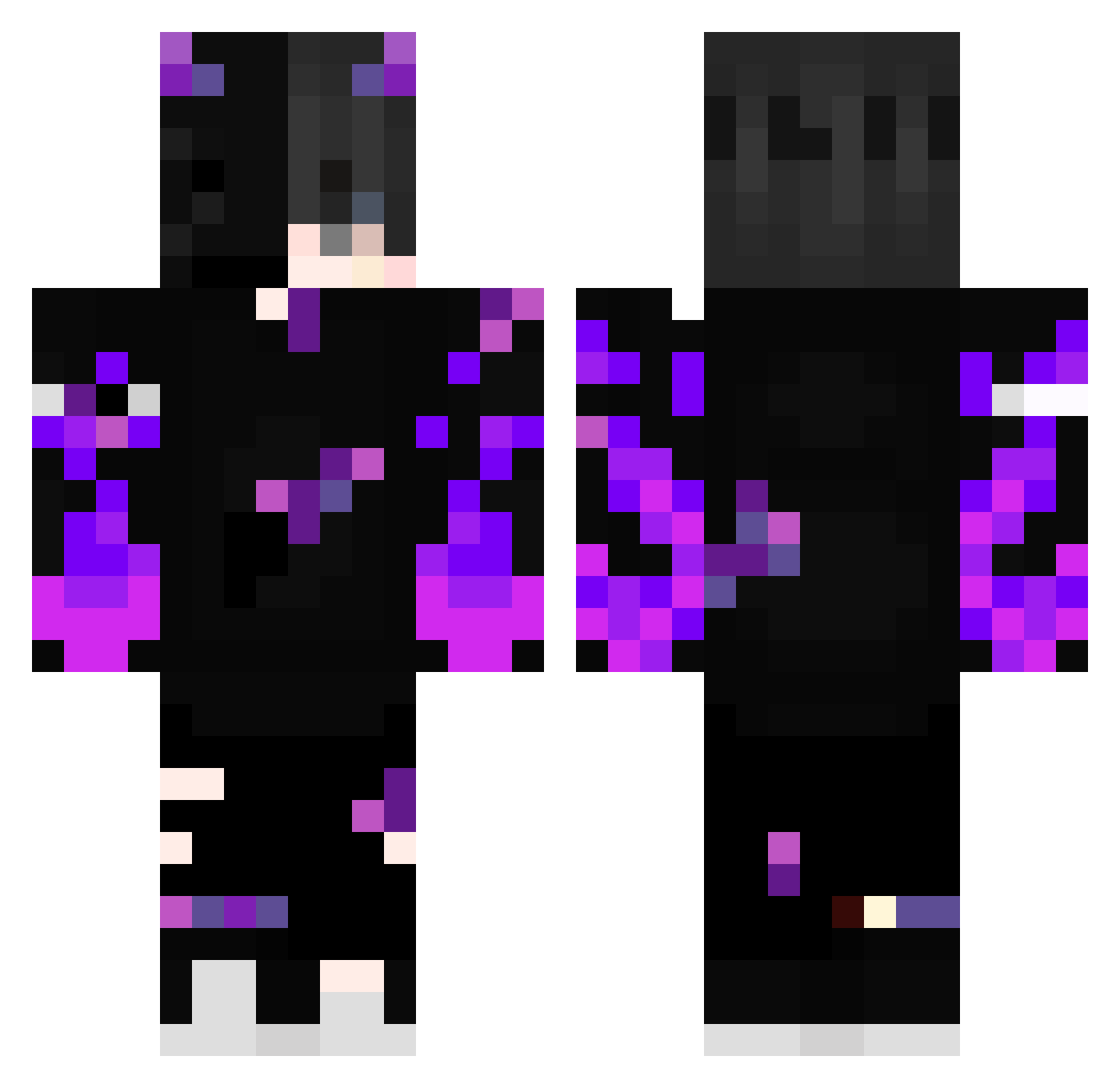
Current Minecraft skin of the player Santination, loaded from the official Mojang API. Rotate the 3D model with your mouse or finger, then download the skin as a PNG file and use it in Minecraft: Bedrock Edition or Java Edition for free. When Santination changes their skin, this page updates automatically and the old skin stays in the history below.
Other players with this skin (388)
Santination was the 53rd player we have seen with this skin, first spotted on 06.08.2026. The same skin was seen on these players. Open a nickname to see their current skin and skin history.
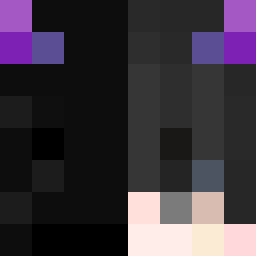 Shadow_Wraxx crepezl
 hoafos methem SINSstar doctor_silence69 JrFahruroji BenjiBoyRLP FelixOnAlpenSalz FormaLord TheFankGamer
 _espera_ TudorPro29 FrenzyGrey Luffylebgdu7458 Ninja_Keks_25 prosek12334 luisgustavo0963 Cwessley25 weeishy GREGO_MC YvesBissouma8 eduwds Spiritosx ControleNeto ForcePolo_NS
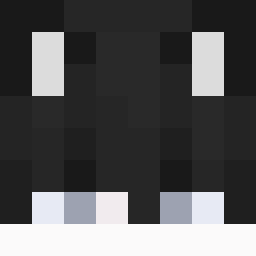 ReXx_mika
 Gargamel42 own_help Toni__18 IAMSOLUS _YVELTA_ olek20221 Gwen23 ELEVATEDGAMING NotHuman19 LoLka0055 Ezziaan CRKay Realaty_mag_Accs buraziru Shadow_Knight_90 E97Butter_Birne KodeySenpai bernardohp2010 _saLy_ SifuLaurin IDG_MC mateuszpolak12 a505ana JacksonR42069 Renigher berat3134
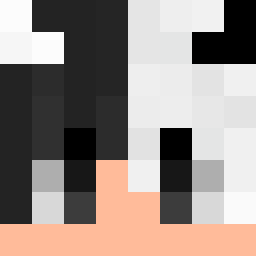 Mr_Luik Bordexy Tavaresszz wielkijurek KaWooM99 Malakaabi_ Andreuiito
More Demon Minecraft skins
How to install the Santination skin
- Press the Download button above to save the skin as a PNG file.
- Minecraft: Bedrock Edition (PE): open the Dressing Room from the main menu (or tap your character → Edit Character), go to Classic Skins → Owned, press the + (new skin) button, choose the downloaded PNG and pick the Classic (Steve) model. Works on PC and mobile; consoles cannot import custom skins.
- Minecraft: Java Edition: open the Minecraft Launcher, go to the Skins tab, click New Skin, load the PNG, pick the Classic (Steve) model and press Save & Use. You can also upload it at minecraft.net → Profile → Change Skin.
The skin does not show up after import - what should I do?
Restart Minecraft and open the Dressing Room again - imported skins sometimes appear only after a restart. Also make sure you selected the imported skin and picked the Classic (Steve) model.
Which model should I choose, Classic or Slim?
This skin is designed for the Classic (Steve) model. If you pick the wrong model, the arms of the skin will look stretched or squeezed.
Is the skin of Santination free to download?
Yes. Press Download, save the PNG file and use it in Minecraft: Bedrock Edition or Java Edition - no payment or registration needed. The skin also works on multiplayer servers and Realms.
More skins
Looking for more? Go back to all Minecraft skins and check the top skins of the week, month and all time, or find any player's skin by nickname.