
PanDzidek - Minecraft Skins & Skin History
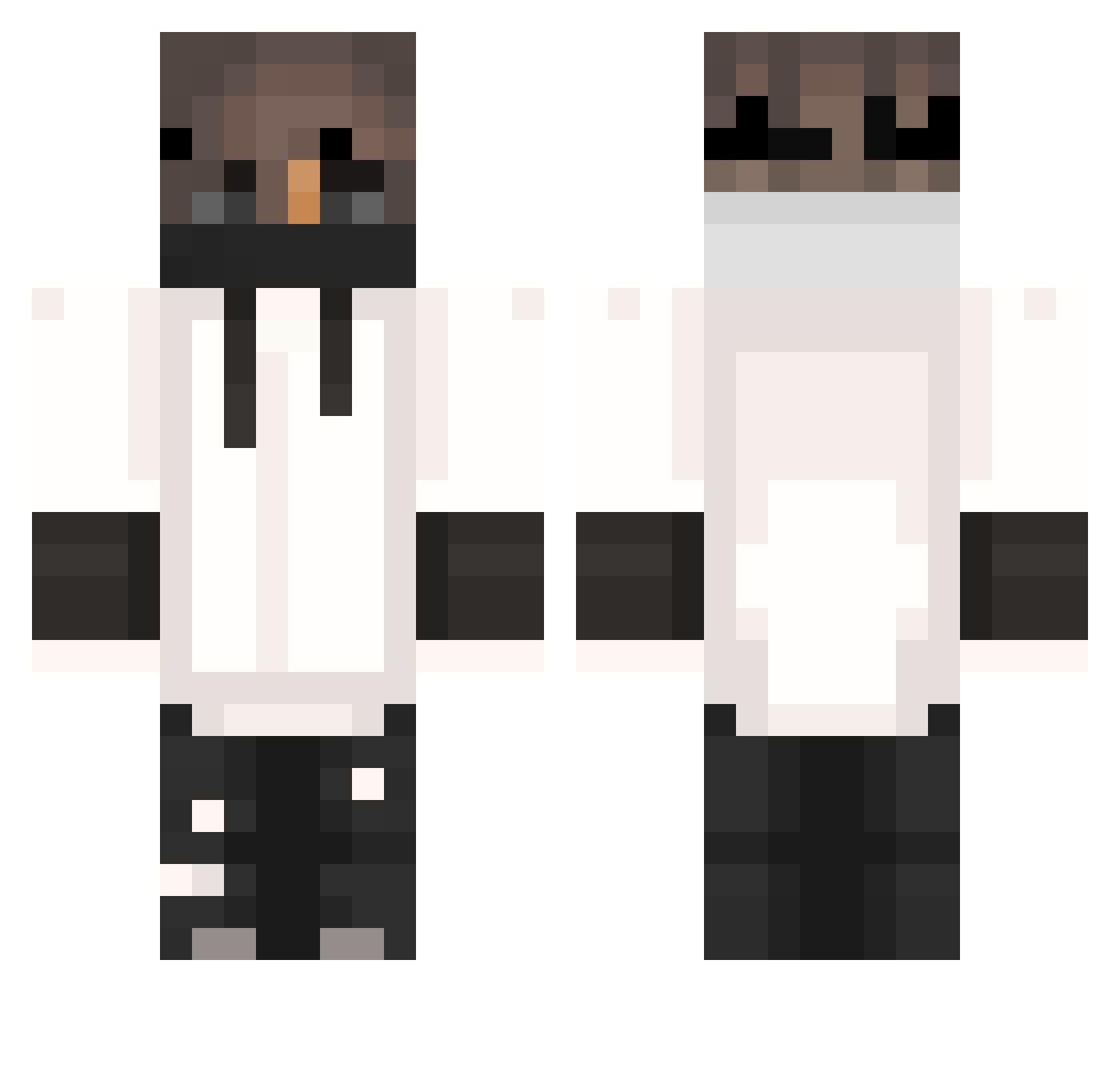
Current Minecraft skin of the player PanDzidek, loaded from the official Mojang API. Rotate the 3D model with your mouse or finger, then download the skin as a PNG file and use it in Minecraft: Bedrock Edition or Java Edition for free. When PanDzidek changes their skin, this page updates automatically and the old skin stays in the history below.
Other players with this skin (404)
PanDzidek was the 69th player we have seen with this skin, first spotted on 18.08.2026. The same skin was seen on these players. Open a nickname to see their current skin and skin history.
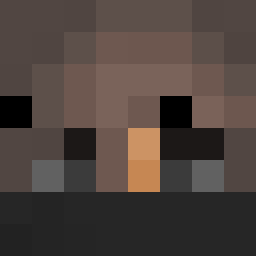 ItzMakoto_ Mr_ScottY NovaTheGodl Nathi_11 Kueyk Sirocco35 Derp_Dino744 ZXDeathShadow 38speedy PokiosLaRafale Exotiq73 Panic_Bot4423 PEDROZA29 Mrbodzio 1ogann Bryan0130 KinqRichard GianGi_ bagster2102 Xinn__07 Paulo_Games01 M4rtinqK zSyntexxx hipciou Ironman_81 Hype_rion Zerwox1 Acuras Deloyd Andre22R Thunder_Steel NoT_ShAdE1231 koteczek0778pl_ Reeeeeeeeeee2 Skyee__ kevin_jz unawakened_dream Demented_Puppy Angelloko saeed1234 CanerUcar Marsik_Barsik2v lovesexsomuch JYU2 insinepurple Jaguara1 eNakamyto MikkelKrogh KingLamaron Daannnx SkollTuborg SarcasticCuddls ayyrxnic_ ItzKless Awomota Elfraude Mody904 Joker0055 xx_crafter Whatabimmer
More Mask Minecraft skins
How to install the PanDzidek skin
- Press the Download button above to save the skin as a PNG file.
- Minecraft: Bedrock Edition (PE): open the Dressing Room from the main menu (or tap your character → Edit Character), go to Classic Skins → Owned, press the + (new skin) button, choose the downloaded PNG and pick the Classic (Steve) model. Works on PC and mobile; consoles cannot import custom skins.
- Minecraft: Java Edition: open the Minecraft Launcher, go to the Skins tab, click New Skin, load the PNG, pick the Classic (Steve) model and press Save & Use. You can also upload it at minecraft.net → Profile → Change Skin.
The skin does not show up after import - what should I do?
Restart Minecraft and open the Dressing Room again - imported skins sometimes appear only after a restart. Also make sure you selected the imported skin and picked the Classic (Steve) model.
Which model should I choose, Classic or Slim?
This skin is designed for the Classic (Steve) model. If you pick the wrong model, the arms of the skin will look stretched or squeezed.
Is the skin of PanDzidek free to download?
Yes. Press Download, save the PNG file and use it in Minecraft: Bedrock Edition or Java Edition - no payment or registration needed. The skin also works on multiplayer servers and Realms.
More skins
Looking for more? Go back to all Minecraft skins and check the top skins of the week, month and all time, or find any player's skin by nickname.