
Nilsemann97 - Minecraft Skins & Skin History
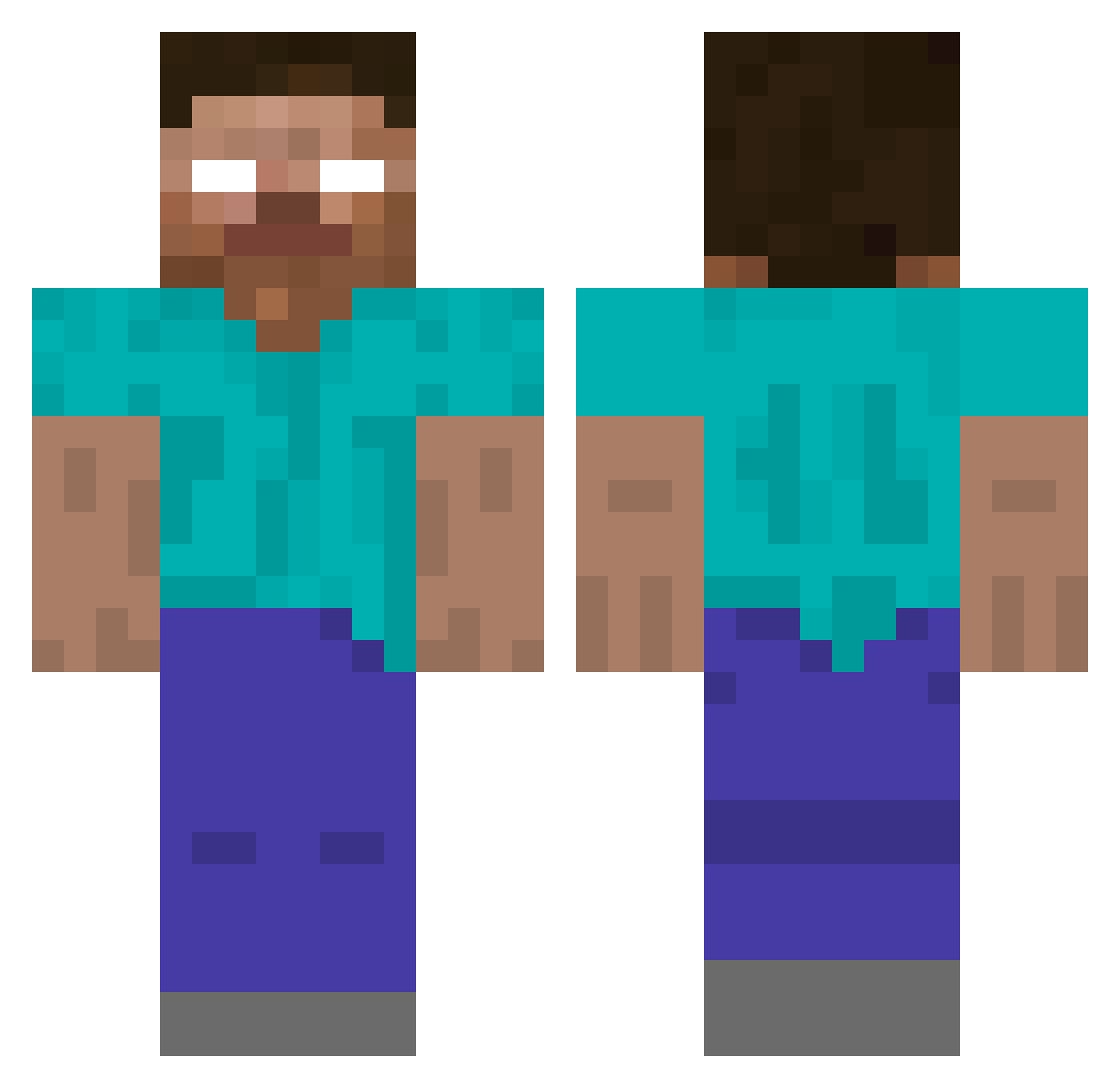
Current Minecraft skin of the player Nilsemann97, loaded from the official Mojang API. Rotate the 3D model with your mouse or finger, then download the skin as a PNG file and use it in Minecraft: Bedrock Edition or Java Edition for free. When Nilsemann97 changes their skin, this page updates automatically and the old skin stays in the history below.
Other players with this skin (424)
Nilsemann97 was the 177th player we have seen with this skin, first spotted on 10.09.2026. The same skin was seen on these players. Open a nickname to see their current skin and skin history.
 10_thirty_11 ykko redhalo86 CLISBO dunnoshine Doffen2012 aloysius42 hotdude7777 wille12 Taelynn2004 Massi000 Georgedika achmed_ bauerranger scottishladdie31 sidsworld Brancecraft NICKASH12399 Philosophes WICKEDxBUBBLES Jamieson10 masterjaxon2000 MiningNinja98 missa1206 kirksrule SaltyPeanut42 soccer_dude_1 Carderlino cakeface2000 MasterAwse Mr_bartee LtRustikal jakeylol EyseR Xomatt trent_david mariuxen THOMAS911911 zumiezdude132 frenkenetor nicholas_italy Ghurs Zombieslyer98 ImpexFX aangu5 Gizzyguy Lord_Turtle573 t2tbloodbath smot42 ahils Chieffy22 bluebunny6163 Seanbone386 RedEye45 tarantulaman49 heriberto125 DemonicCheese7 animal360 Hgleave MikeEhrmantraut3
More Herobrine Minecraft skins
How to install the Nilsemann97 skin
- Press the Download button above to save the skin as a PNG file.
- Minecraft: Bedrock Edition (PE): open the Dressing Room from the main menu (or tap your character → Edit Character), go to Classic Skins → Owned, press the + (new skin) button, choose the downloaded PNG and pick the Classic (Steve) model. Works on PC and mobile; consoles cannot import custom skins.
- Minecraft: Java Edition: open the Minecraft Launcher, go to the Skins tab, click New Skin, load the PNG, pick the Classic (Steve) model and press Save & Use. You can also upload it at minecraft.net → Profile → Change Skin.
The skin does not show up after import - what should I do?
Restart Minecraft and open the Dressing Room again - imported skins sometimes appear only after a restart. Also make sure you selected the imported skin and picked the Classic (Steve) model.
Which model should I choose, Classic or Slim?
This skin is designed for the Classic (Steve) model. If you pick the wrong model, the arms of the skin will look stretched or squeezed.
Is the skin of Nilsemann97 free to download?
Yes. Press Download, save the PNG file and use it in Minecraft: Bedrock Edition or Java Edition - no payment or registration needed. The skin also works on multiplayer servers and Realms.
More skins
Looking for more? Go back to all Minecraft skins and check the top skins of the week, month and all time, or find any player's skin by nickname.