
Myth4202 - Minecraft Skins & Skin History
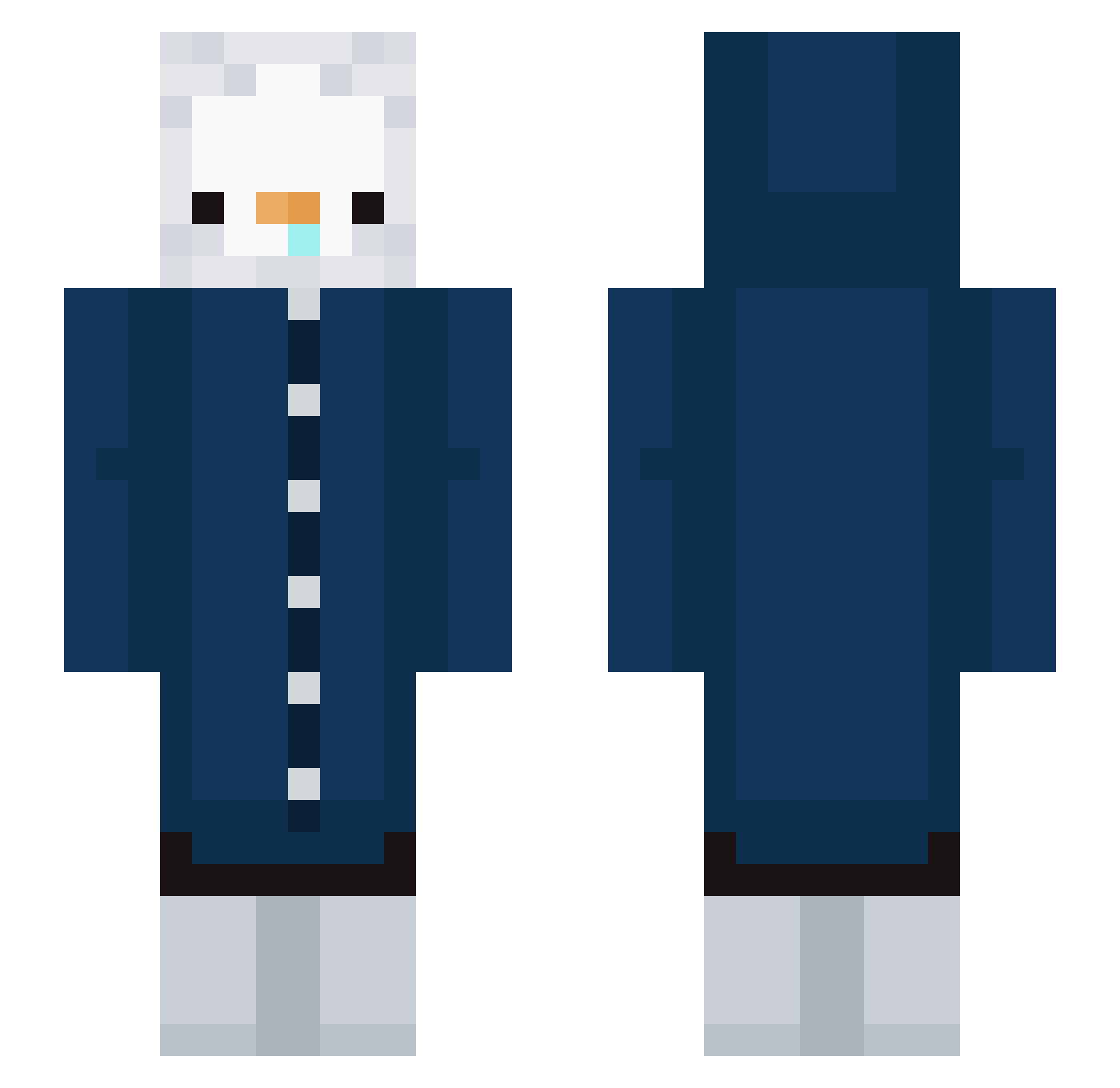
Current Minecraft skin of the player Myth4202, loaded from the official Mojang API. Rotate the 3D model with your mouse or finger, then download the skin as a PNG file and use it in Minecraft: Bedrock Edition or Java Edition for free. When Myth4202 changes their skin, this page updates automatically and the old skin stays in the history below.
Other players with this skin (273)
Myth4202 was the 154th player we have seen with this skin, first spotted on 29.09.2026. The same skin was seen on these players. Open a nickname to see their current skin and skin history.
 PinguimPinguim paleon44 Y__JY Laviperenoir Neruyogurt SIRASUdon inuzzzz XieNouRan promising1125 Khyaeb IX11L rodyaog ha7a fartgoblin3 ivaeded Imy0110 simbaonpc Demonetize LJHyeung aimoun12 qouan ViktorRiisen swagginout BalgEunBul Zyberorg k3_daz0 electric_m00n WeadenT_ Cocolatea_1234 protob008g trenchcoatcats YuKiNaNp Fire_night12 Ruby36 koprolitek lizachhkaa Eskimo_Penguin taewon16_ Eving moko_3 Attico_neto playpig a_pyeon Peng_b123 Ping___9 Perfumy blackfivek baru0922 baseballcraft10 TylerCaveness pukok 1_MRatao_1 haettu110 lucasvm ussiy777 Sombrerrro GROGGY950814 99M4RCO Zyqenor YoungSpud123
More Duck Minecraft skins
How to install the Myth4202 skin
- Press the Download button above to save the skin as a PNG file.
- Minecraft: Bedrock Edition (PE): open the Dressing Room from the main menu (or tap your character → Edit Character), go to Classic Skins → Owned, press the + (new skin) button, choose the downloaded PNG and pick the Slim (Alex) model. Works on PC and mobile; consoles cannot import custom skins.
- Minecraft: Java Edition: open the Minecraft Launcher, go to the Skins tab, click New Skin, load the PNG, pick the Slim (Alex) model and press Save & Use. You can also upload it at minecraft.net → Profile → Change Skin.
The skin does not show up after import - what should I do?
Restart Minecraft and open the Dressing Room again - imported skins sometimes appear only after a restart. Also make sure you selected the imported skin and picked the Slim (Alex) model.
Which model should I choose, Classic or Slim?
This skin is designed for the Slim (Alex) model. If you pick the wrong model, the arms of the skin will look stretched or squeezed.
Is the skin of Myth4202 free to download?
Yes. Press Download, save the PNG file and use it in Minecraft: Bedrock Edition or Java Edition - no payment or registration needed. The skin also works on multiplayer servers and Realms.
More skins
Looking for more? Go back to all Minecraft skins and check the top skins of the week, month and all time, or find any player's skin by nickname.