
Mal_kvENLq - Minecraft Skins & Skin History
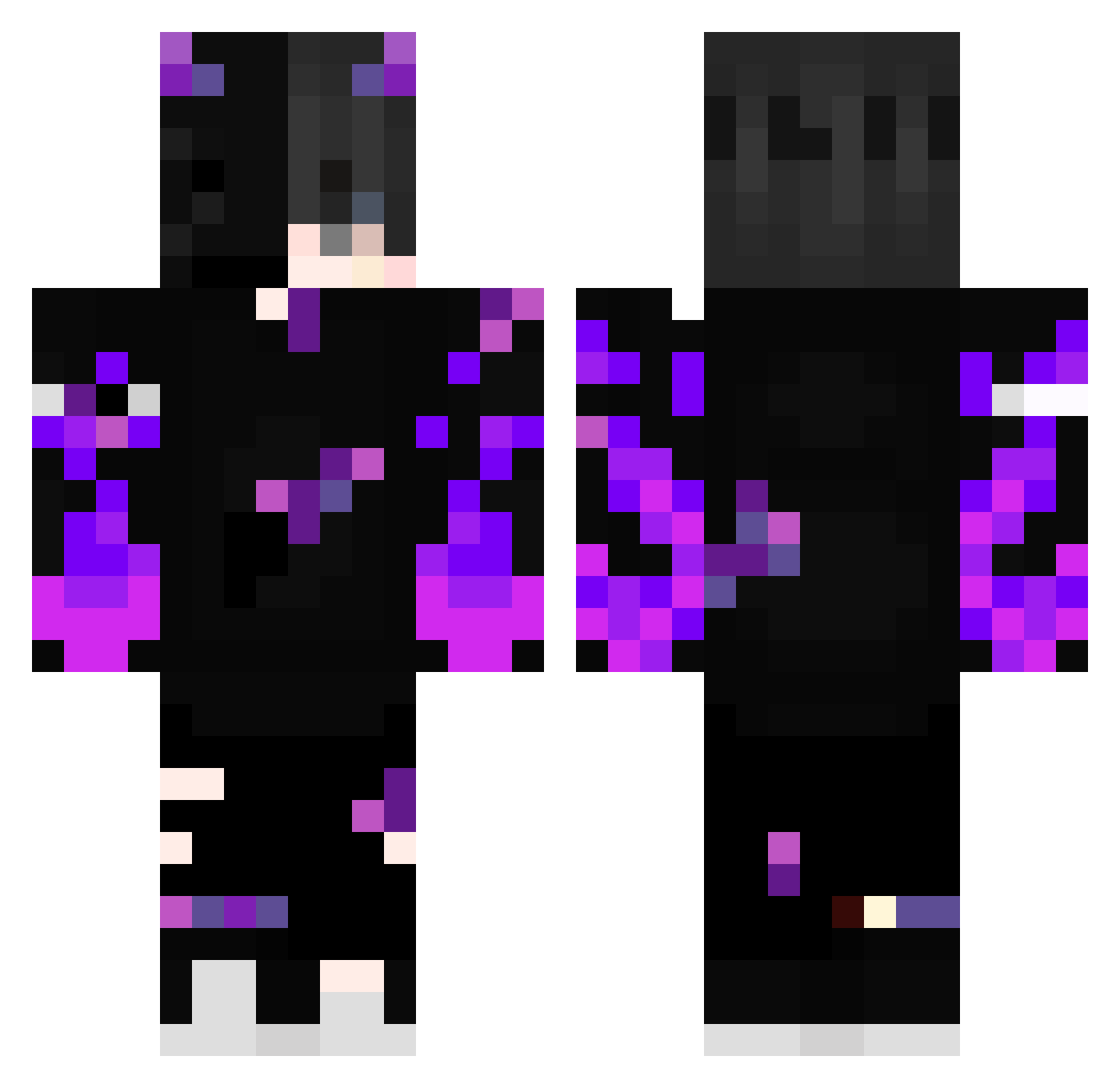
Current Minecraft skin of the player Mal_kvENLq, loaded from the official Mojang API. Rotate the 3D model with your mouse or finger, then download the skin as a PNG file and use it in Minecraft: Bedrock Edition or Java Edition for free. When Mal_kvENLq changes their skin, this page updates automatically and the old skin stays in the history below.
Other players with this skin (388)
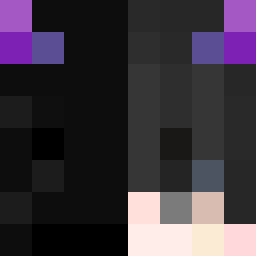
Mal_kvENLq was the 311th player we have seen with this skin, first spotted on 15.10.2026. The same skin was seen on these players. Open a nickname to see their current skin and skin history.
 PR1ISVX Brenin13 UGlitchedRemade Endergamer442 JustThibz Antho2290 Ecyqa Mimil0 gamingby11 vALXIX489 Bibino0100 197_Realaty Okami98 sag2019999 Betai1 HahaitsJJ bobek1105 Iltizqualle Daniele2017 Sakul30 LeGamer005 DonaJoaninha211 oguirabelo AirAutumn1712 Tutin4Bianc4_ ly_9P78q_1223 Loganator232 Xarnend The_Dresher Febbe06 shisui982734 Curado0r MisterF_L_P qazerkiller galvanisee2 Roronazoro06 Mela_Man Hon3y__Bee vasbilly45 Qutef Vayw iKurama91 Linixvyt Mi_Null seedyReasonable StevieJobbie biiigflexi b4tt3ry4c1d_06 Kaanike BRanhelo daniwlhs manrique2026 Shercodr jesusfighter BlazeReapar NotSenpai27 akgucluerahmetss RonezeL Hayak_ fisek07
More Demon Minecraft skins
How to install the Mal_kvENLq skin
- Press the Download button above to save the skin as a PNG file.
- Minecraft: Bedrock Edition (PE): open the Dressing Room from the main menu (or tap your character → Edit Character), go to Classic Skins → Owned, press the + (new skin) button, choose the downloaded PNG and pick the Classic (Steve) model. Works on PC and mobile; consoles cannot import custom skins.
- Minecraft: Java Edition: open the Minecraft Launcher, go to the Skins tab, click New Skin, load the PNG, pick the Classic (Steve) model and press Save & Use. You can also upload it at minecraft.net → Profile → Change Skin.
The skin does not show up after import - what should I do?
Restart Minecraft and open the Dressing Room again - imported skins sometimes appear only after a restart. Also make sure you selected the imported skin and picked the Classic (Steve) model.
Which model should I choose, Classic or Slim?
This skin is designed for the Classic (Steve) model. If you pick the wrong model, the arms of the skin will look stretched or squeezed.
Is the skin of Mal_kvENLq free to download?
Yes. Press Download, save the PNG file and use it in Minecraft: Bedrock Edition or Java Edition - no payment or registration needed. The skin also works on multiplayer servers and Realms.
More skins
Looking for more? Go back to all Minecraft skins and check the top skins of the week, month and all time, or find any player's skin by nickname.