
Lozovaca - Minecraft Skins & Skin History
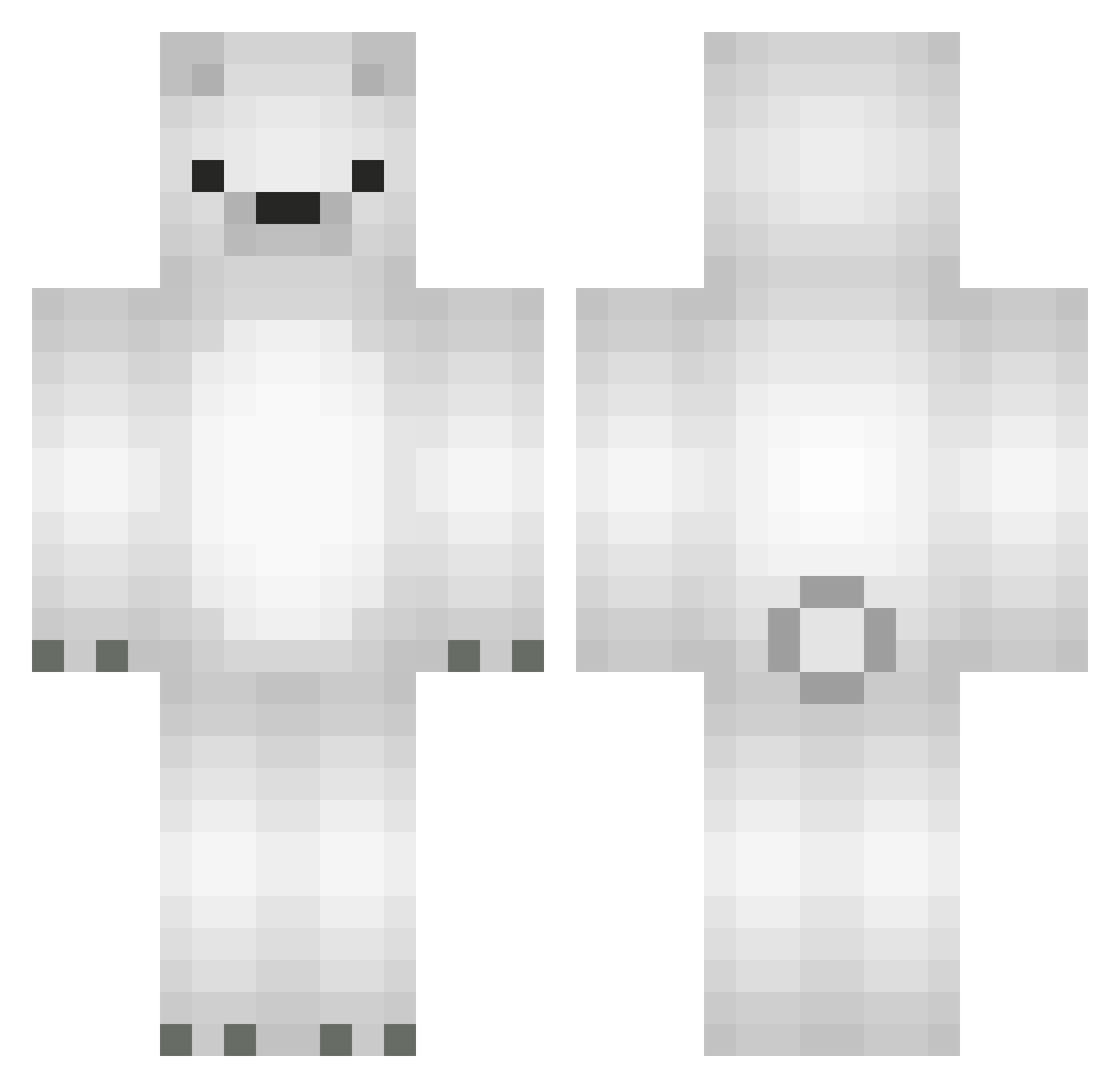
Current Minecraft skin of the player Lozovaca, loaded from the official Mojang API. Rotate the 3D model with your mouse or finger, then download the skin as a PNG file and use it in Minecraft: Bedrock Edition or Java Edition for free. When Lozovaca changes their skin, this page updates automatically and the old skin stays in the history below.
Other players with this skin (566)
Lozovaca was the 566th player we have seen with this skin, first spotted on 31.10.2026. The same skin was seen on these players. Open a nickname to see their current skin and skin history.
 natsukumaaa To_dot hanamey_ MSsos_PvP Blue_777 PolarioBeario PIPOOU hannahb5 schlickmann_ joshkutakoff MinHatt MessiTK Fluorine_9 hillaaaa___ Osorio7u7r BrandonKillChan sdrftg S94F xgoose_ Sandwxch ahb07 _nyaaaaaaa_ shimako108 benbebe sprenzo_LP sakamoira Yggdrasil22 gustnp NamedAnonymous lovemeto2 GamjaGom Firecracker_777 yukisinomiya haenoo Ginger1111 ThrownDice __aBz_ l0ovo0l Kijhou seonu1107 09_kpl ImmJun Ic3Cube Xx_b4tm4n_xX brnjaccl TeddyBoo181 Kind4 kimlael Selphie_0716 Iccybear Igorekkkk HSK_DunDunRST gensui0721 Tznan2023 mnchan95 EFE_G JooSung53 GreeeeenMDR sagisagi eSwarthy
More Polar Bear Minecraft skins
How to install the Lozovaca skin
- Press the Download button above to save the skin as a PNG file.
- Minecraft: Bedrock Edition (PE): open the Dressing Room from the main menu (or tap your character → Edit Character), go to Classic Skins → Owned, press the + (new skin) button, choose the downloaded PNG and pick the Classic (Steve) model. Works on PC and mobile; consoles cannot import custom skins.
- Minecraft: Java Edition: open the Minecraft Launcher, go to the Skins tab, click New Skin, load the PNG, pick the Classic (Steve) model and press Save & Use. You can also upload it at minecraft.net → Profile → Change Skin.
The skin does not show up after import - what should I do?
Restart Minecraft and open the Dressing Room again - imported skins sometimes appear only after a restart. Also make sure you selected the imported skin and picked the Classic (Steve) model.
Which model should I choose, Classic or Slim?
This skin is designed for the Classic (Steve) model. If you pick the wrong model, the arms of the skin will look stretched or squeezed.
Is the skin of Lozovaca free to download?
Yes. Press Download, save the PNG file and use it in Minecraft: Bedrock Edition or Java Edition - no payment or registration needed. The skin also works on multiplayer servers and Realms.
More skins
Looking for more? Go back to all Minecraft skins and check the top skins of the week, month and all time, or find any player's skin by nickname.