
 1ns4n3_b0yZ K4ISA420 RW17689RW Dream098 Nuanzo allypal1 Waillibear JOHHNYJOE LuciTheViking Nikoooo0123 ByHermit Wiseu00 AlphaEmu2247 ler8333 MasterHarsh Rev_Frosch Lusia28 freakinjerk BagelOpsSix NX_US Simogabry AnddieFromUni Mondgold not_ikun hichhunt9966 Seo846 jammy1004 Snowferr Noelle1108 stealthhunter247 pawcioooooooo LEOic Xz_Astro_zX molshopen12 lEuphorial WALLYBEAR_YT Devu14 aschulte22 Wontti Wallibear HeidiGeb CheetahCheet236 Asault_A wallibear__ MysticPhunky Caz222 Amaurixyz jackie12343 naroie NIKA_OP KARTHIKROCK muniiiii Kathrick EthanRescue Bloodhoodz KB_Pro sirchent Isaiah4G Montyyx JackalofDawn
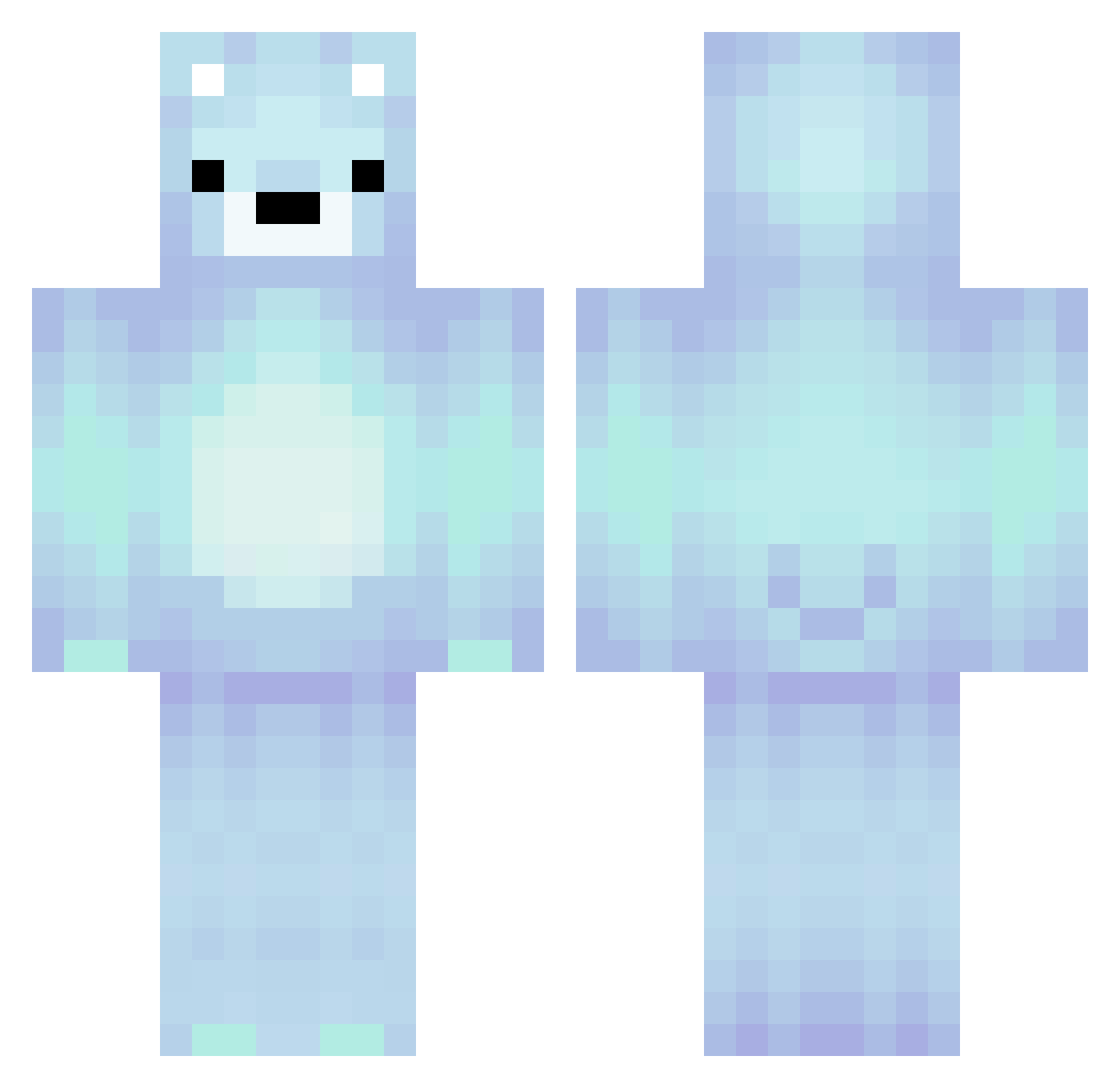
Minecraft skin of pawcioooooooo. Rotate the 3D model with your mouse or finger to view the skin from every angle, then download it as a PNG file and use it in Minecraft: Bedrock Edition or Java Edition for free. Rate the skin with stars to help other players find the best skins in our collection.
How to install the pawcioooooooo skin
- Press the Download button above to save the skin as a PNG file.
- Minecraft: Bedrock Edition (PE): open the Dressing Room from the main menu (or tap your character → Edit Character), go to Classic Skins → Owned, press the + (new skin) button, choose the downloaded PNG and pick the Classic (Steve) model. Works on PC and mobile; consoles cannot import custom skins.
- Minecraft: Java Edition: open the Minecraft Launcher, go to the Skins tab, click New Skin, load the PNG, pick the Classic (Steve) model and press Save & Use. You can also upload it at minecraft.net → Profile → Change Skin.
The skin does not show up after import - what should I do?
Restart Minecraft and open the Dressing Room again - imported skins sometimes appear only after a restart. Also make sure you selected the imported skin and picked the Classic (Steve) model.
Which model should I choose, Classic or Slim?
This skin is designed for the Classic (Steve) model. If you pick the wrong model, the arms of the skin will look stretched or squeezed.
Is this skin free to use?
Yes. Press Download, save the PNG file and use it in Minecraft: Bedrock Edition or Java Edition - no payment or registration needed. The skin also works on multiplayer servers and Realms.
More Polar Bear Minecraft skins
More skins
Looking for more? Go back to all Minecraft skins and check the top skins of the week, month and all time, or find any player's skin by nickname.