
 RACONthereal MyZiikO OlekWoz Pixel_543 cai990304 1ajshygbn potasS _GunWoo hudp0wer RefekPL TerreurSpeedXIV VINICIUSPLAYER 0xnk Milliy_1004 Quang_MC zurnn Mitoxiah 70O7 Jayleah mattyisthebest w_Berke_w Serzik000 Lalauu04 CzeKK Matekk_ xKrzych3 Profesor_X_ Guiz1nxz2 YUSUFSELIM Spaggooter TheLegolas_ ReaperRow78 xPhqnt0m cchr3048 EILILI M4TOU5 JASIEK2497 ___akeno___ HecksToggled hubert1424 Miczar_ GhostLama Frosty123_ zTeoZin_ Jack_1128 Darkexho DaCookieBaron _rkok_ Peekiii BIGBO100 polakrobak123 LJH0815 LukasGamer13 RGTWASTER Egoit LoveScenario8222 Zacharias158 enry13 AceAxy__ ItzShadow_____
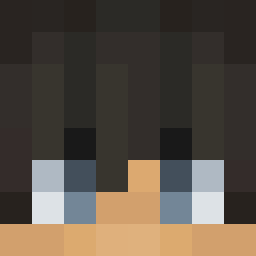
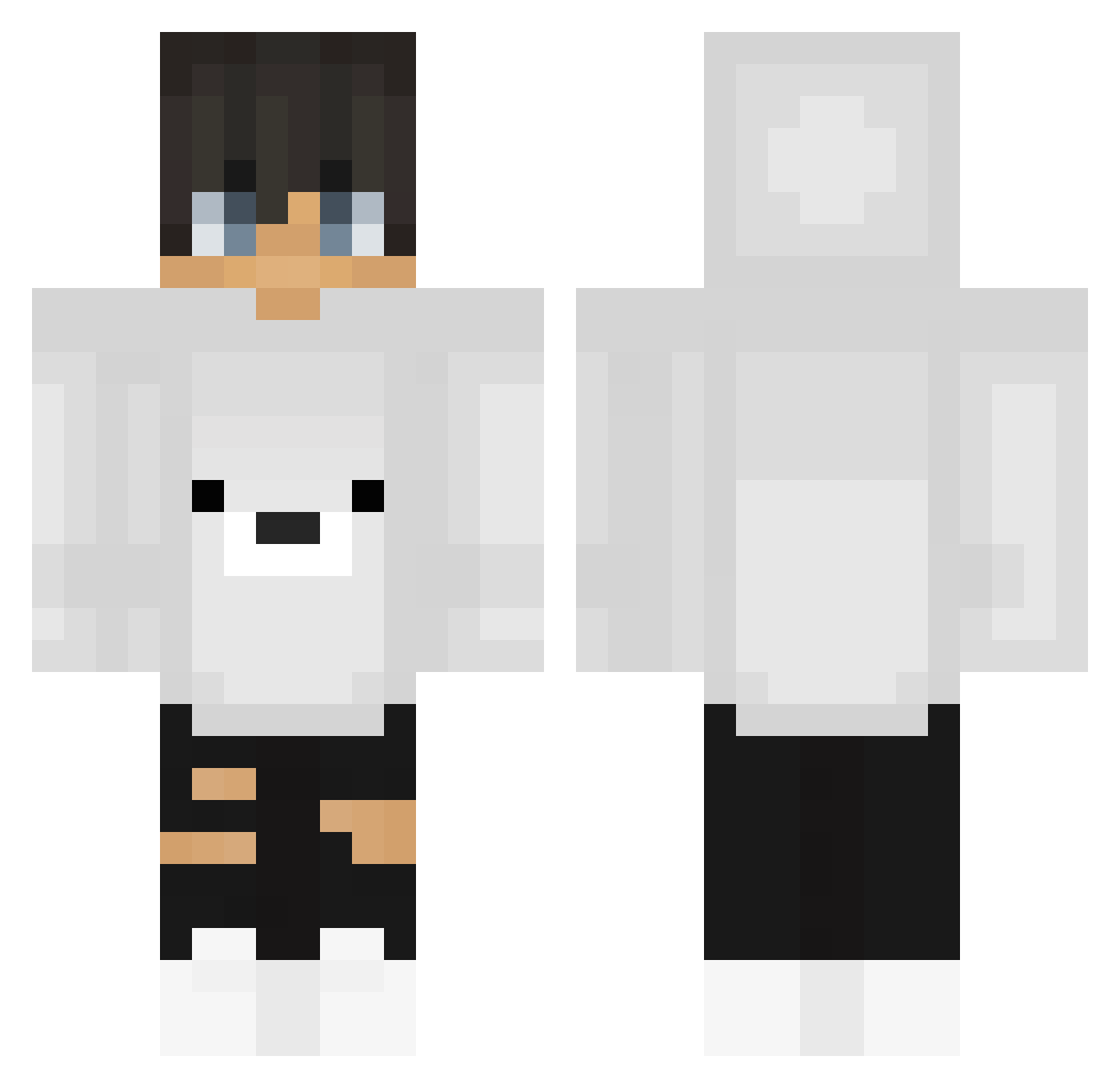
Minecraft skin of iDell. Rotate the 3D model with your mouse or finger to view the skin from every angle, then download it as a PNG file and use it in Minecraft: Bedrock Edition or Java Edition for free. Rate the skin with stars to help other players find the best skins in our collection.
How to install the iDell skin
- Press the Download button above to save the skin as a PNG file.
- Minecraft: Bedrock Edition (PE): open the Dressing Room from the main menu (or tap your character → Edit Character), go to Classic Skins → Owned, press the + (new skin) button, choose the downloaded PNG and pick the Classic (Steve) model. Works on PC and mobile; consoles cannot import custom skins.
- Minecraft: Java Edition: open the Minecraft Launcher, go to the Skins tab, click New Skin, load the PNG, pick the Classic (Steve) model and press Save & Use. You can also upload it at minecraft.net → Profile → Change Skin.
The skin does not show up after import - what should I do?
Restart Minecraft and open the Dressing Room again - imported skins sometimes appear only after a restart. Also make sure you selected the imported skin and picked the Classic (Steve) model.
Which model should I choose, Classic or Slim?
This skin is designed for the Classic (Steve) model. If you pick the wrong model, the arms of the skin will look stretched or squeezed.
Is this skin free to use?
Yes. Press Download, save the PNG file and use it in Minecraft: Bedrock Edition or Java Edition - no payment or registration needed. The skin also works on multiplayer servers and Realms.
More Polar Bear Minecraft skins
More skins
Looking for more? Go back to all Minecraft skins and check the top skins of the week, month and all time, or find any player's skin by nickname.