
Korddas - Minecraft Skins & Skin History
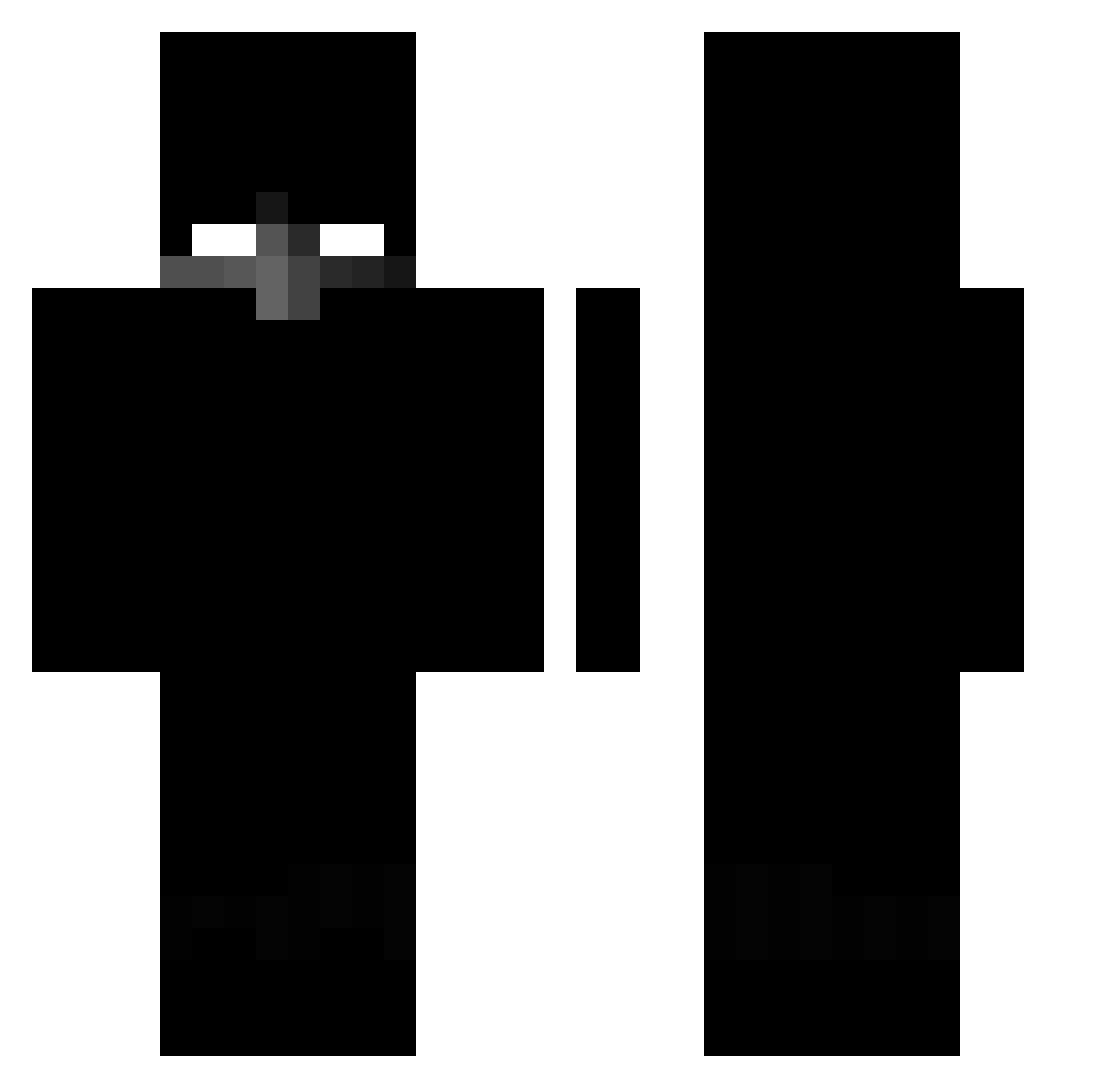
Current Minecraft skin of the player Korddas, loaded from the official Mojang API. Rotate the 3D model with your mouse or finger, then download the skin as a PNG file and use it in Minecraft: Bedrock Edition or Java Edition for free. When Korddas changes their skin, this page updates automatically and the old skin stays in the history below.
Other players with this skin (432)
Korddas was the 201st player we have seen with this skin, first spotted on 16.09.2026. The same skin was seen on these players. Open a nickname to see their current skin and skin history.
 Suphur Raptor27 NorthSideN0Limit _T3xic sgt_smoke6071 NyKoW_ Slone_13 SauceNao bigwinalladin7 pepinillo_crudo defutogaming Kenvy jundh1 Diper3403 mariosgknv BarciuLLLa xumibot Sp0c0nyVntoni jorgi613 120_Hz Dr_Fontana XDoji ANTWWAANN ivanete381 panoso_tom sin9750 darkshadowxxx qravierend saulangas MrBkrmn radkociernava ellnurz ImaStealYourSock Bad_Luk1n__ Crazynxkk GegenStandpunkt Aurora_Ilkw8QK jslh666 strawhatfeend oddperc Kosi9k fulchx DaviZero DarkThunderGG agentxe zumbrega landy_Chris Ashvin007 neyzen999 v8cesar JAUNEK monikagizara bbishark_24 Gehesos xan_dev LucasKKKKK Vatlix Hiszpan77 crowned2314 Krtqeek_
More Herobrine Minecraft skins
How to install the Korddas skin
- Press the Download button above to save the skin as a PNG file.
- Minecraft: Bedrock Edition (PE): open the Dressing Room from the main menu (or tap your character → Edit Character), go to Classic Skins → Owned, press the + (new skin) button, choose the downloaded PNG and pick the Classic (Steve) model. Works on PC and mobile; consoles cannot import custom skins.
- Minecraft: Java Edition: open the Minecraft Launcher, go to the Skins tab, click New Skin, load the PNG, pick the Classic (Steve) model and press Save & Use. You can also upload it at minecraft.net → Profile → Change Skin.
The skin does not show up after import - what should I do?
Restart Minecraft and open the Dressing Room again - imported skins sometimes appear only after a restart. Also make sure you selected the imported skin and picked the Classic (Steve) model.
Which model should I choose, Classic or Slim?
This skin is designed for the Classic (Steve) model. If you pick the wrong model, the arms of the skin will look stretched or squeezed.
Is the skin of Korddas free to download?
Yes. Press Download, save the PNG file and use it in Minecraft: Bedrock Edition or Java Edition - no payment or registration needed. The skin also works on multiplayer servers and Realms.
More skins
Looking for more? Go back to all Minecraft skins and check the top skins of the week, month and all time, or find any player's skin by nickname.