
Junhyung08 - Minecraft Skins & Skin History
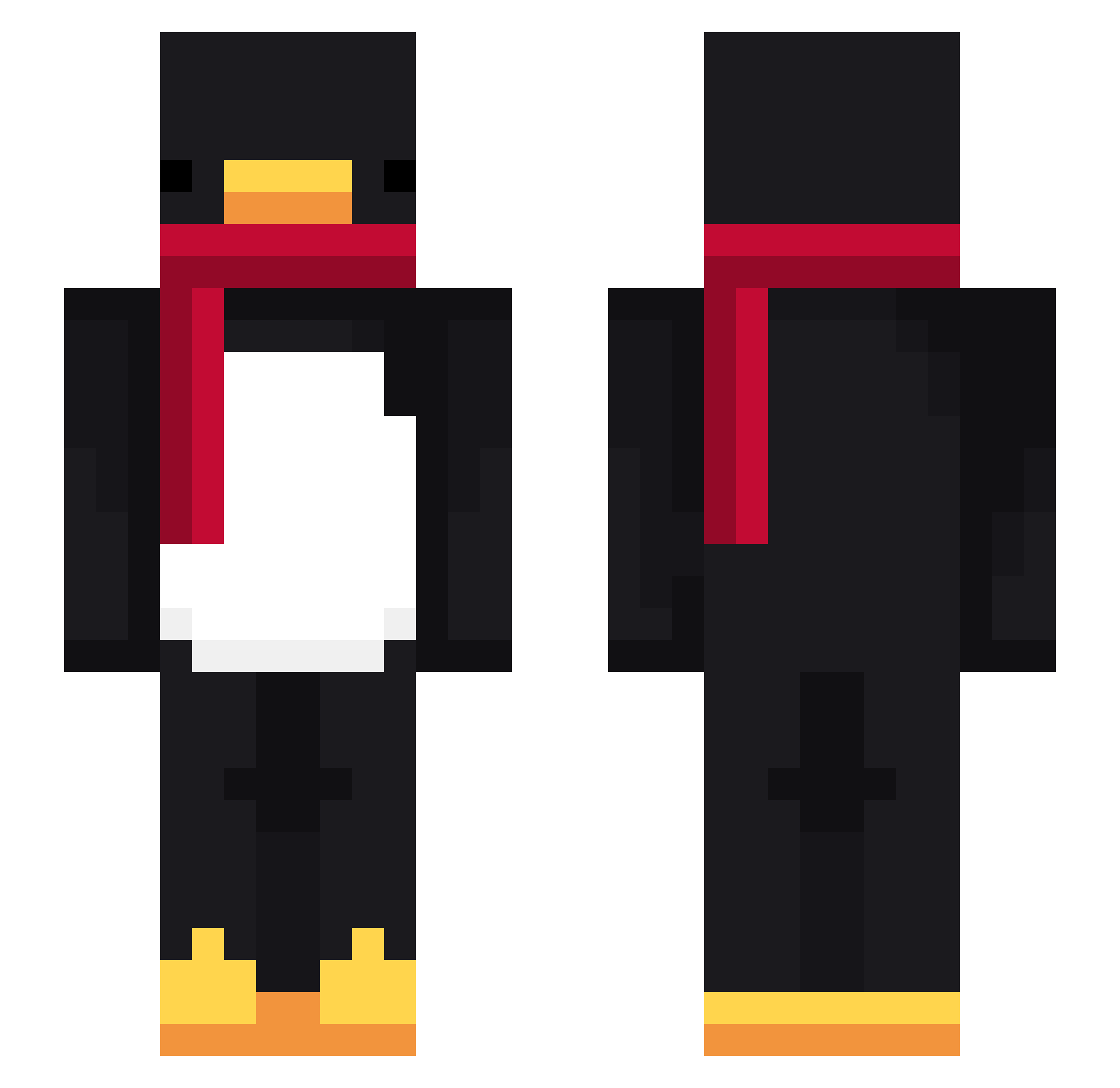
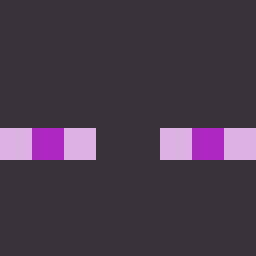
Current Minecraft skin of the player Junhyung08, loaded from the official Mojang API. Rotate the 3D model with your mouse or finger, then download the skin as a PNG file and use it in Minecraft: Bedrock Edition or Java Edition for free. When Junhyung08 changes their skin, this page updates automatically and the old skin stays in the history below.
Other players with this skin (715)
Junhyung08 was the 86th player we have seen with this skin, first spotted on 03.08.2026. The same skin was seen on these players. Open a nickname to see their current skin and skin history.
 Ily7G Tanlan_ha Calvin_SoySauce notxylem k0mwu sup_man45554 noahga77 zyphiy Geeerma bombocladt9 raveh96IX9NK kimtawhan Lxioz VcDXNecromus Stiga23 wavee19 zVarelaYT GabHv
 jwsuo LinhoqMwg0219 KYOWOL gyuhyeon10 Nutellaistbaba zarekkkkk mandoo4778 SirAwesome99999
 mystic33110 Unger99 Esporterz4 LabubuTeam_65jb0 meow5meow5 jyeon0423 kinggadkimswoooo
 AntoineMagnat23
 Danny13256 sailormoon005 donibobesfan123
 Lindin24 TheEnigmar DamnPinas zChorro69z SamuelDG03
 dogstickles Jeipiter taexyun Kuties_27 goldfish_PVP mertyangol
 chefGil2004 peacetoffy LilGoudaX
 Lqway myungseo7080 SrTetee PASIRhcqzqcbd5zg Vinaceh
 Shadowkiiu Daniel14FV mangguouu kaito20139696
More Penguin Minecraft skins
How to install the Junhyung08 skin
- Press the Download button above to save the skin as a PNG file.
- Minecraft: Bedrock Edition (PE): open the Dressing Room from the main menu (or tap your character → Edit Character), go to Classic Skins → Owned, press the + (new skin) button, choose the downloaded PNG and pick the Slim (Alex) model. Works on PC and mobile; consoles cannot import custom skins.
- Minecraft: Java Edition: open the Minecraft Launcher, go to the Skins tab, click New Skin, load the PNG, pick the Slim (Alex) model and press Save & Use. You can also upload it at minecraft.net → Profile → Change Skin.
The skin does not show up after import - what should I do?
Restart Minecraft and open the Dressing Room again - imported skins sometimes appear only after a restart. Also make sure you selected the imported skin and picked the Slim (Alex) model.
Which model should I choose, Classic or Slim?
This skin is designed for the Slim (Alex) model. If you pick the wrong model, the arms of the skin will look stretched or squeezed.
Is the skin of Junhyung08 free to download?
Yes. Press Download, save the PNG file and use it in Minecraft: Bedrock Edition or Java Edition - no payment or registration needed. The skin also works on multiplayer servers and Realms.
More skins
Looking for more? Go back to all Minecraft skins and check the top skins of the week, month and all time, or find any player's skin by nickname.