
INDOMPRO - Minecraft Skins & Skin History
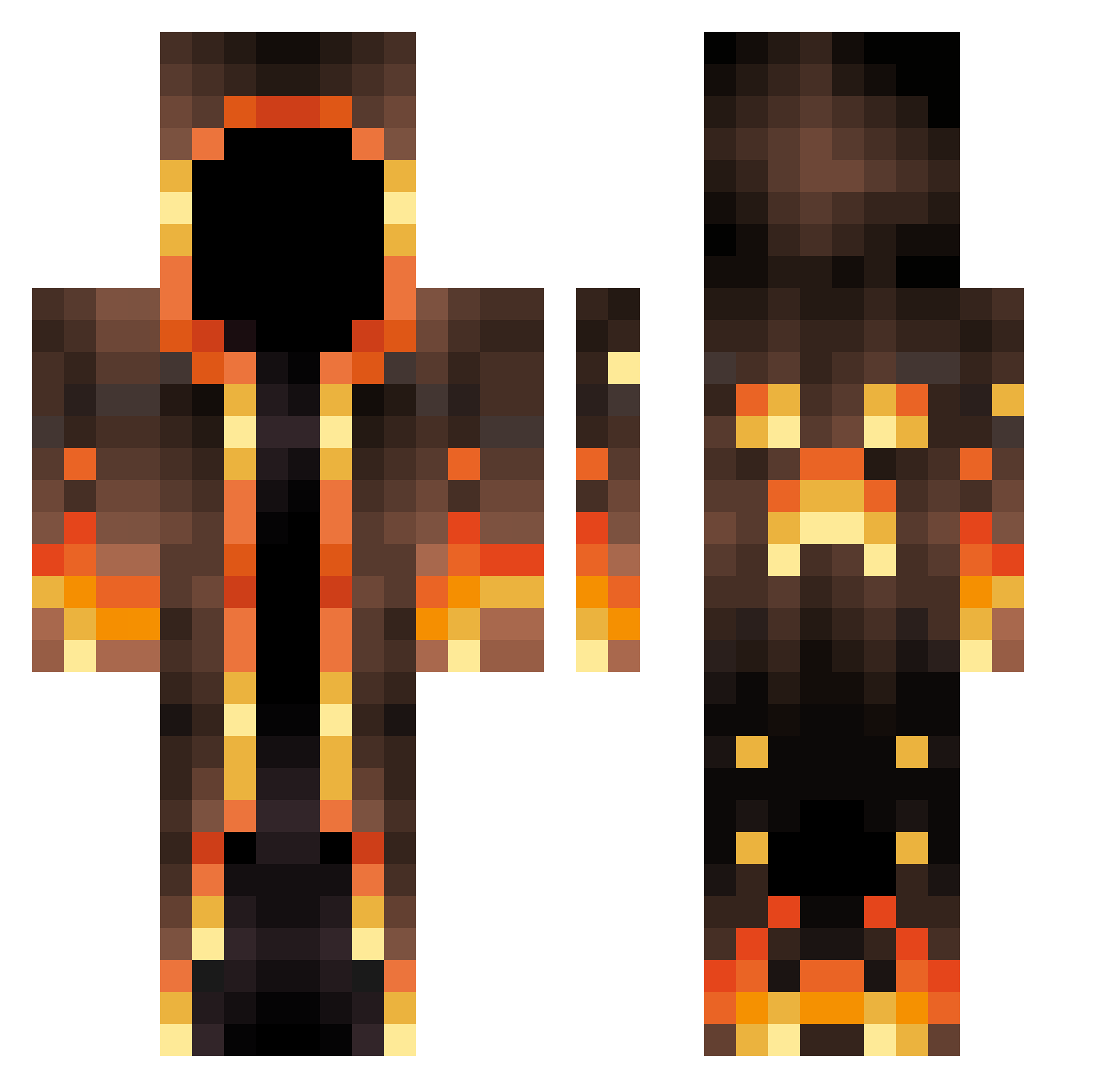
Current Minecraft skin of the player INDOMPRO, loaded from the official Mojang API. Rotate the 3D model with your mouse or finger, then download the skin as a PNG file and use it in Minecraft: Bedrock Edition or Java Edition for free. When INDOMPRO changes their skin, this page updates automatically and the old skin stays in the history below.
Other players with this skin (547)
INDOMPRO was the 118th player we have seen with this skin, first spotted on 12.08.2026. The same skin was seen on these players. Open a nickname to see their current skin and skin history.
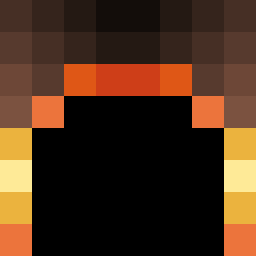 TheExZoo xevenos KingGlizzy1 Faulmensch1234 FrogMan90 OnlyChainn vivatron56 FX_Ghost3043 RandomKid_57 End3rStr1k3 Boomerboii dadods Patsynpaddy JellyCthulhu Latitude32 Kuhnner cxlf9 ADawg4056 XJesters4LifeX PeanutNades Giorgos_GR07 McGabe4212 J0selyn shrey19 doggyydog20 KenJee20 woa1h I_SoSorry LeanderDrakeson jerry0396 Hillbur Montardd WI1DK9 kaundinya5 dude98362v2 amimator00 Tornadoipsimus Galahorne azj0 RichMango328353 LIL_C_2003 Kqnstt WindSter_YT AsutoraL000 xVeGaFR tarryLin Melk765 Doomscore Tyson_7100 Nakirax Nikody Joabe181 JulioKOTZ riton64 Sams_mit_Punkten Coolguy444444 Reaperwithin Enno707 tony_jm_stark Railow28
More Magma Minecraft skins
How to install the INDOMPRO skin
- Press the Download button above to save the skin as a PNG file.
- Minecraft: Bedrock Edition (PE): open the Dressing Room from the main menu (or tap your character → Edit Character), go to Classic Skins → Owned, press the + (new skin) button, choose the downloaded PNG and pick the Classic (Steve) model. Works on PC and mobile; consoles cannot import custom skins.
- Minecraft: Java Edition: open the Minecraft Launcher, go to the Skins tab, click New Skin, load the PNG, pick the Classic (Steve) model and press Save & Use. You can also upload it at minecraft.net → Profile → Change Skin.
The skin does not show up after import - what should I do?
Restart Minecraft and open the Dressing Room again - imported skins sometimes appear only after a restart. Also make sure you selected the imported skin and picked the Classic (Steve) model.
Which model should I choose, Classic or Slim?
This skin is designed for the Classic (Steve) model. If you pick the wrong model, the arms of the skin will look stretched or squeezed.
Is the skin of INDOMPRO free to download?
Yes. Press Download, save the PNG file and use it in Minecraft: Bedrock Edition or Java Edition - no payment or registration needed. The skin also works on multiplayer servers and Realms.
More skins
Looking for more? Go back to all Minecraft skins and check the top skins of the week, month and all time, or find any player's skin by nickname.