
 HK_Nakki Dataphase _Haribosz_ Blechi48 CinderSage KermitCrimess SilverSlayer122 JordanGamer3D Chosen_Undeadd Redthanial Snacky_002 __card SPICYSPICYbaby2 chasebeleren Crusader_27 LeviathanSheol TheChars Python_Gamer07 rossomex12 Selbstmorde DefconZeroV2 kyrtje RhinoBoy286 Frtzz BoringMan7 Rufian_yt Bea5tmode tiger123py LycheeSauce ImmensePowerFail _Mxchs phall74 spikelemon2435 SilentDagger56 Dymation75 Mr_Softee Ggultra1228 jamoniberico_9 Ahmedaru yay0x Isgeny Knight_Adriiank LaManchaland Bicycle132 LeoDerLemur FrontlineChief ghettobird_ FreeLimewirePro TheBigThinker2 Pog_ChampPog Threefix Tyras2142 SoulofCinder13 ImSoLost0 Redrum2 jestermiles_ Judge_Gabranth SpiciestTwink TrashPandaYeet_ Karasu_No_Yurei
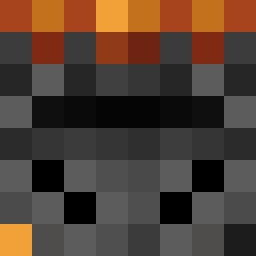
Minecraft skin of ImmoralDread. Rotate the 3D model with your mouse or finger to view the skin from every angle, then download it as a PNG file and use it in Minecraft: Bedrock Edition or Java Edition for free. Rate the skin with stars to help other players find the best skins in our collection.
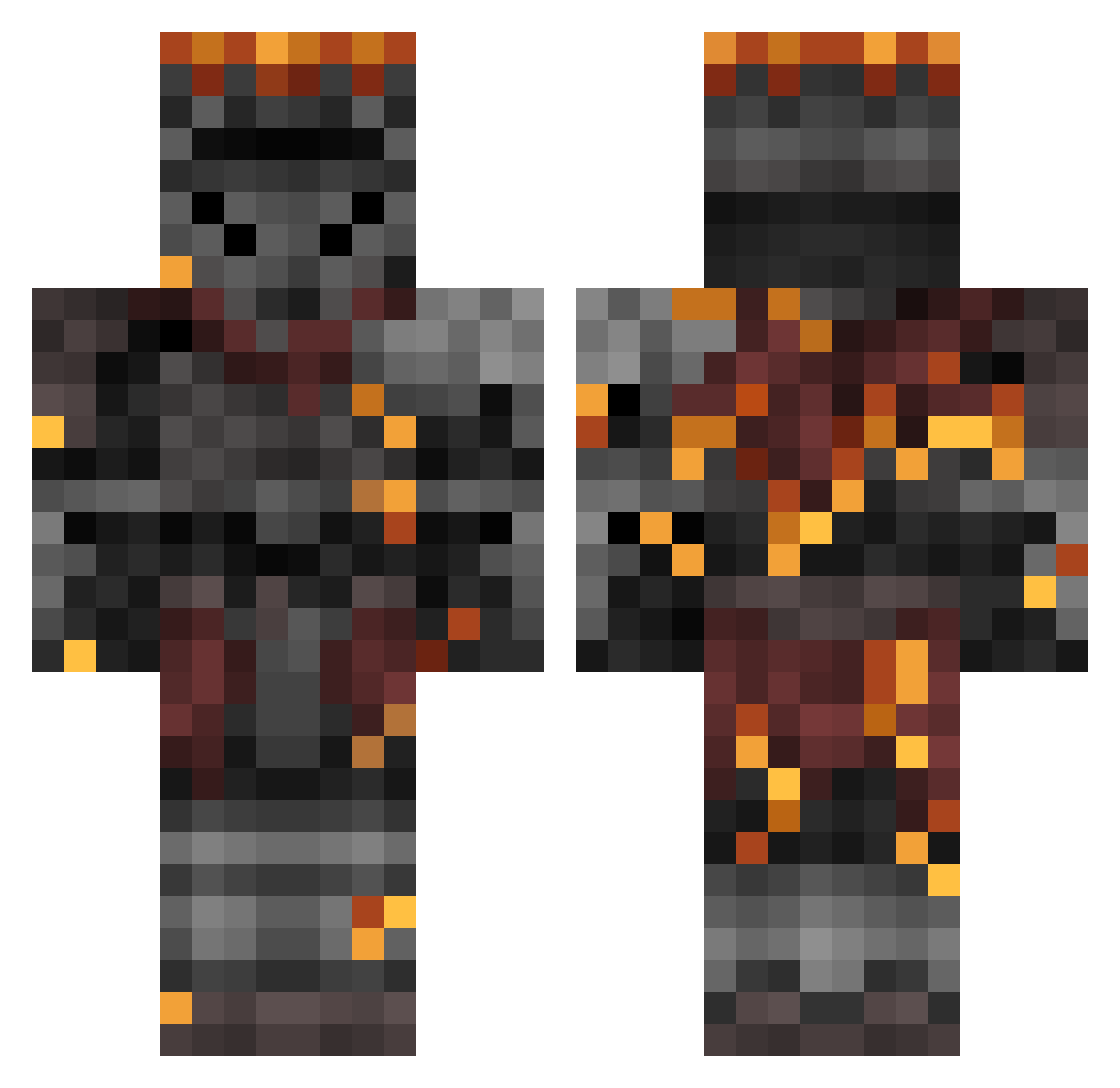
How to install the ImmoralDread skin
- Press the Download button above to save the skin as a PNG file.
- Minecraft: Bedrock Edition (PE): open the Dressing Room from the main menu (or tap your character → Edit Character), go to Classic Skins → Owned, press the + (new skin) button, choose the downloaded PNG and pick the Classic (Steve) model. Works on PC and mobile; consoles cannot import custom skins.
- Minecraft: Java Edition: open the Minecraft Launcher, go to the Skins tab, click New Skin, load the PNG, pick the Classic (Steve) model and press Save & Use. You can also upload it at minecraft.net → Profile → Change Skin.
The skin does not show up after import - what should I do?
Restart Minecraft and open the Dressing Room again - imported skins sometimes appear only after a restart. Also make sure you selected the imported skin and picked the Classic (Steve) model.
Which model should I choose, Classic or Slim?
This skin is designed for the Classic (Steve) model. If you pick the wrong model, the arms of the skin will look stretched or squeezed.
Is this skin free to use?
Yes. Press Download, save the PNG file and use it in Minecraft: Bedrock Edition or Java Edition - no payment or registration needed. The skin also works on multiplayer servers and Realms.
More Netherite Armor Minecraft skins
See all 81 Netherite Armor skins
More skins
Looking for more? Go back to all Minecraft skins and check the top skins of the week, month and all time, or find any player's skin by nickname.