
How_Are_You_Plat - Minecraft Skins & Skin History
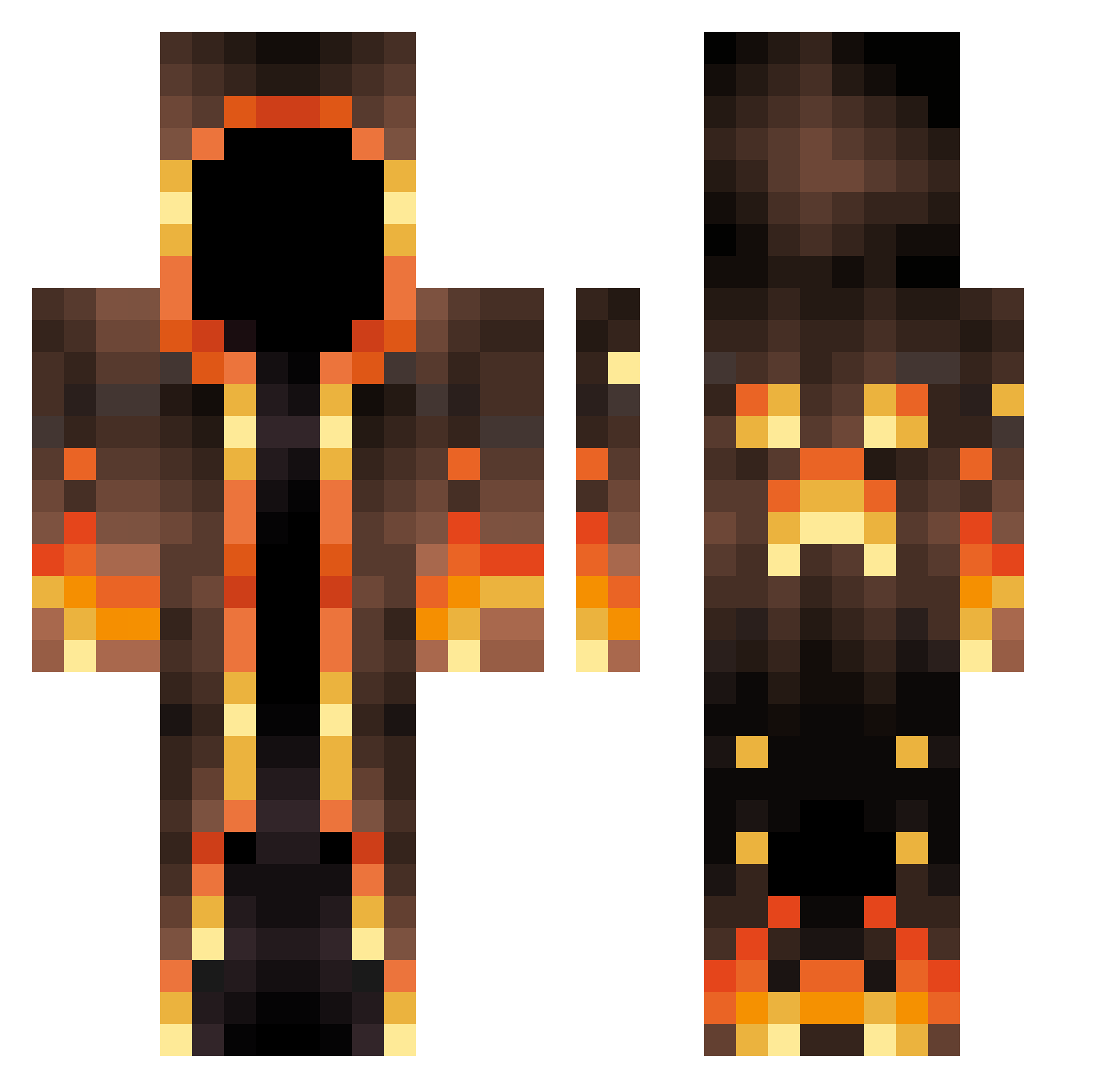
Current Minecraft skin of the player How_Are_You_Plat, loaded from the official Mojang API. Rotate the 3D model with your mouse or finger, then download the skin as a PNG file and use it in Minecraft: Bedrock Edition or Java Edition for free. When How_Are_You_Plat changes their skin, this page updates automatically and the old skin stays in the history below.
Other players with this skin (547)
How_Are_You_Plat was the 169th player we have seen with this skin, first spotted on 22.08.2026. The same skin was seen on these players. Open a nickname to see their current skin and skin history.
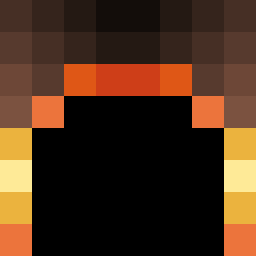 Nameless_69 SirFordy TMANTUFF Mistrzu2217 D_case Gabi39600 JibberJabbo Max595959 SacredScooter Unitywitcher12 LGDFPV SilentWrath1231 Fire404 DILLVADER Patrickope fallendavid dbalsgP Shenn0nG Absolutist Chaffy827 bksmilton EtaUta the_magicien Fritzkola95 _Meliodaas_ adrienrdlc Blessed186 Detective_ponhik CDuval24 CYCSamuel crazeejester1 Jacob0913 Yho11 Gretahhhhh3796 LeoPool JulianBokx __przypadek__ cypeh TheLastRonin96 ShrillDesert438 AzskoSup08 DarkPinPin Liedjeee Ahmad398 ItsaBeaver Oc_AK_Tw ShortLeger PottsyPlayz RandyMelodyy blockbuster_rj tony_jm_stark olivergame11 keith_d34 JoshI3oy Coolguy444444 Davidr004CZ riton64 tlo_msmc_9n5 JulioKOTZ maguloooooooo
More Magma Minecraft skins
How to install the How_Are_You_Plat skin
- Press the Download button above to save the skin as a PNG file.
- Minecraft: Bedrock Edition (PE): open the Dressing Room from the main menu (or tap your character → Edit Character), go to Classic Skins → Owned, press the + (new skin) button, choose the downloaded PNG and pick the Classic (Steve) model. Works on PC and mobile; consoles cannot import custom skins.
- Minecraft: Java Edition: open the Minecraft Launcher, go to the Skins tab, click New Skin, load the PNG, pick the Classic (Steve) model and press Save & Use. You can also upload it at minecraft.net → Profile → Change Skin.
The skin does not show up after import - what should I do?
Restart Minecraft and open the Dressing Room again - imported skins sometimes appear only after a restart. Also make sure you selected the imported skin and picked the Classic (Steve) model.
Which model should I choose, Classic or Slim?
This skin is designed for the Classic (Steve) model. If you pick the wrong model, the arms of the skin will look stretched or squeezed.
Is the skin of How_Are_You_Plat free to download?
Yes. Press Download, save the PNG file and use it in Minecraft: Bedrock Edition or Java Edition - no payment or registration needed. The skin also works on multiplayer servers and Realms.
More skins
Looking for more? Go back to all Minecraft skins and check the top skins of the week, month and all time, or find any player's skin by nickname.