
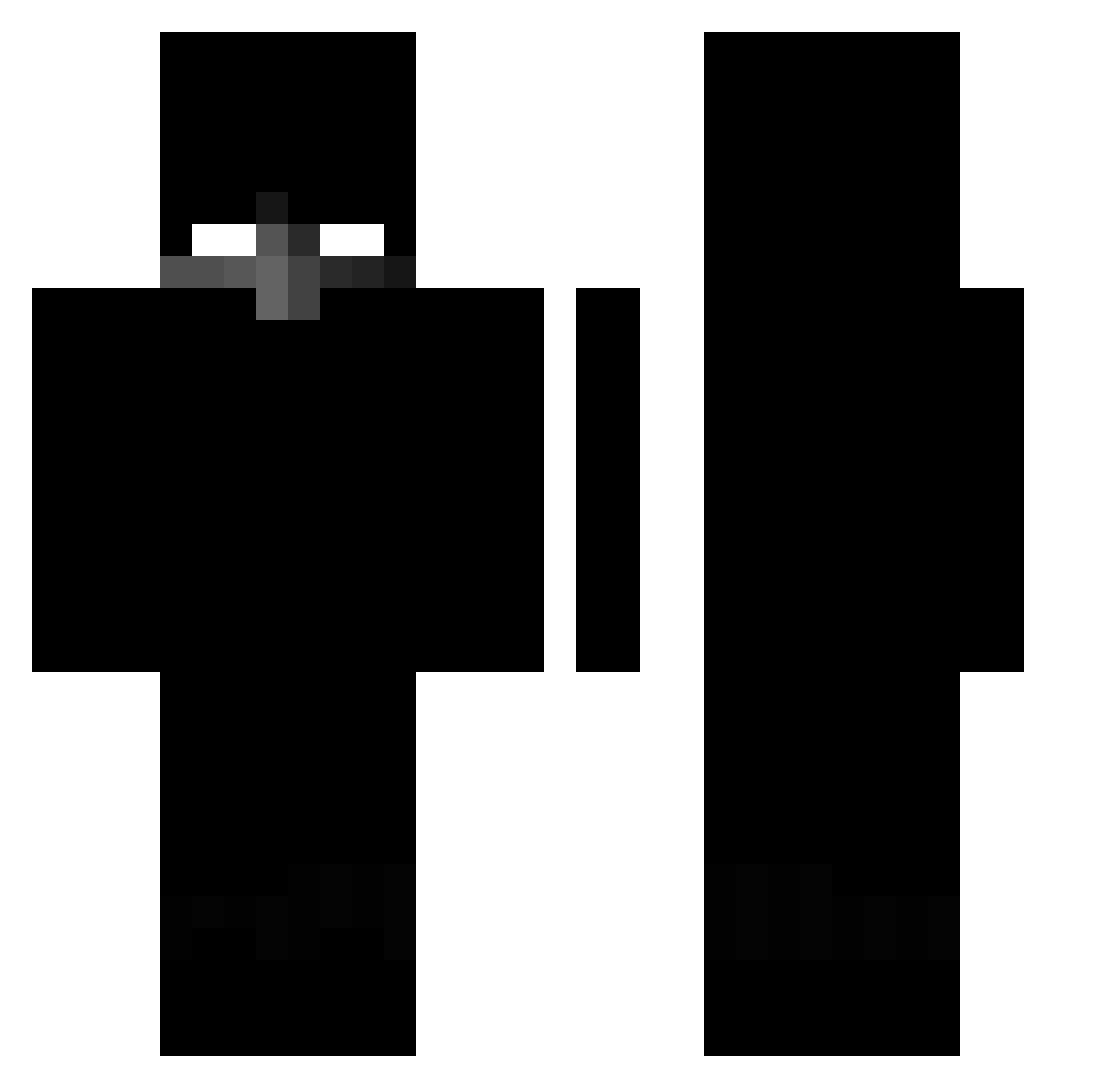
Current Minecraft skin of the player Hirxd, loaded from the official Mojang API. Rotate the 3D model with your mouse or finger, then download the skin as a PNG file and use it in Minecraft: Bedrock Edition or Java Edition for free. When Hirxd changes their skin, this page updates automatically and the old skin stays in the history below.
Other players with this skin (340)
Hirxd was the 59th player we have seen with this skin, first spotted on 10.08.2026. The same skin was seen on these players. Open a nickname to see their current skin and skin history.
 1caliburn BibleReal weisskish Norox_123 by_psiholast 46afh perfectlovesu beskoww Hellboy_Devil L0tfi02 Isoulmao
 w1fi_ DqrkX1 yAnaa_BW_ Chikawaii rpak danxuanoo Klocinio6 Aerilll danilokfm _ILuxeru_ miniKALA Alvaelmasproxd0 PongBest elizeuzinho mattex009 zerrp1sm PoloLuxky ImHarmful Baibey 816x aximxli JUSSIXD k0l4cja 3FES301453 Marecekk19 jachurek Werial Forschti Musketwiper Burnheart Bones0802 Prevised xzvyy7 XBazekziomek czaro792 Sw3ZZyy N7aj Maxiicek_
 Itzlocalboyz Zozsy Demoncruz byluis100 Angellored Shuish_ KUBAPRO_337 _GoobkaGrob_ iTzJulioXx ta4rnishedUnspe akyett
More Herobrine Minecraft skins
How to install the Hirxd skin
- Press the Download button above to save the skin as a PNG file.
- Minecraft: Bedrock Edition (PE): open the Dressing Room from the main menu (or tap your character → Edit Character), go to Classic Skins → Owned, press the + (new skin) button, choose the downloaded PNG and pick the Classic (Steve) model. Works on PC and mobile; consoles cannot import custom skins.
- Minecraft: Java Edition: open the Minecraft Launcher, go to the Skins tab, click New Skin, load the PNG, pick the Classic (Steve) model and press Save & Use. You can also upload it at minecraft.net → Profile → Change Skin.
The skin does not show up after import - what should I do?
Restart Minecraft and open the Dressing Room again - imported skins sometimes appear only after a restart. Also make sure you selected the imported skin and picked the Classic (Steve) model.
Which model should I choose, Classic or Slim?
This skin is designed for the Classic (Steve) model. If you pick the wrong model, the arms of the skin will look stretched or squeezed.
Is the skin of Hirxd free to download?
Yes. Press Download, save the PNG file and use it in Minecraft: Bedrock Edition or Java Edition - no payment or registration needed. The skin also works on multiplayer servers and Realms.
More skins
Looking for more? Go back to all Minecraft skins and check the top skins of the week, month and all time, or find any player's skin by nickname.