
GqB233 - Minecraft Skins & Skin History
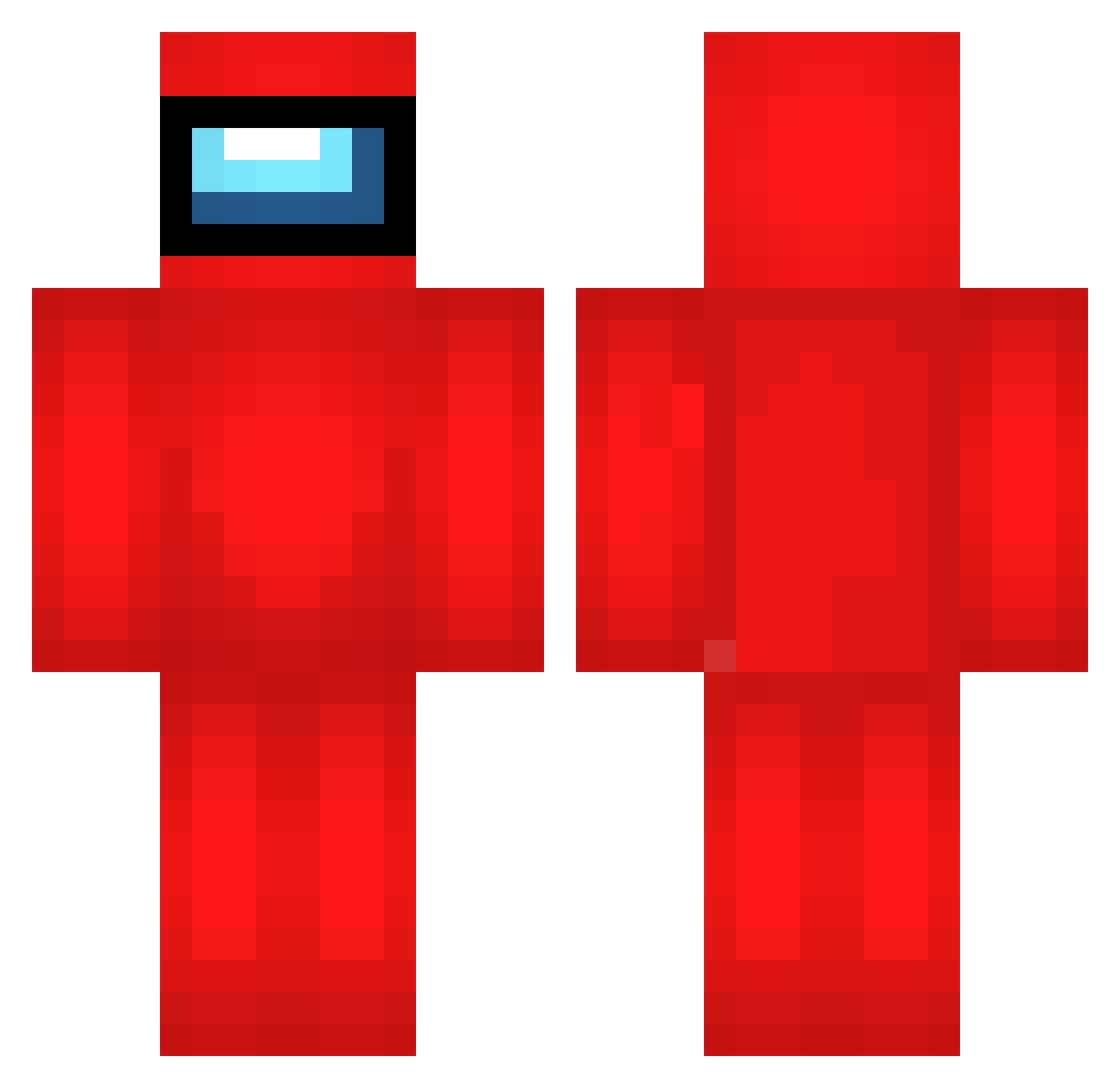
Current Minecraft skin of the player GqB233, loaded from the official Mojang API. Rotate the 3D model with your mouse or finger, then download the skin as a PNG file and use it in Minecraft: Bedrock Edition or Java Edition for free. When GqB233 changes their skin, this page updates automatically and the old skin stays in the history below.
Other players with this skin (693)
GqB233 was the 327th player we have seen with this skin, first spotted on 18.09.2026. The same skin was seen on these players. Open a nickname to see their current skin and skin history.
 I_HACKED_U BWY837 aiZ407 tamevariable Sir_Taro HtI44 lexibians weesalee oIu123 fvy313 micherdom Iei642 mwA572 mIl398 TlO80 tKz386 Fanto99 zJh769 HMr878 QAl165 sPw167 fSV264 TMZ626 zDP569 LXq241 pqH974 MKu535 Wtk975 MMc754 qQv371 zci617 wxl628 Thresh_soul dWi520 XKr738 sIC204 cVn955 Pizza2137_ VMY388 FJt28 mYe388 tJu907 MRq275 Ssy508 qDeaths eNB235 ciaastek_ rRE219 iamkatt abQ630 KNI825 jvt562 ocome135 Alertinqs skerzz xinian00 JRL348 EgG465 iHg382 lEw94
More Crewmate Minecraft skins
How to install the GqB233 skin
- Press the Download button above to save the skin as a PNG file.
- Minecraft: Bedrock Edition (PE): open the Dressing Room from the main menu (or tap your character → Edit Character), go to Classic Skins → Owned, press the + (new skin) button, choose the downloaded PNG and pick the Classic (Steve) model. Works on PC and mobile; consoles cannot import custom skins.
- Minecraft: Java Edition: open the Minecraft Launcher, go to the Skins tab, click New Skin, load the PNG, pick the Classic (Steve) model and press Save & Use. You can also upload it at minecraft.net → Profile → Change Skin.
The skin does not show up after import - what should I do?
Restart Minecraft and open the Dressing Room again - imported skins sometimes appear only after a restart. Also make sure you selected the imported skin and picked the Classic (Steve) model.
Which model should I choose, Classic or Slim?
This skin is designed for the Classic (Steve) model. If you pick the wrong model, the arms of the skin will look stretched or squeezed.
Is the skin of GqB233 free to download?
Yes. Press Download, save the PNG file and use it in Minecraft: Bedrock Edition or Java Edition - no payment or registration needed. The skin also works on multiplayer servers and Realms.
More skins
Looking for more? Go back to all Minecraft skins and check the top skins of the week, month and all time, or find any player's skin by nickname.