
GG_Mochigg - Minecraft Skins & Skin History
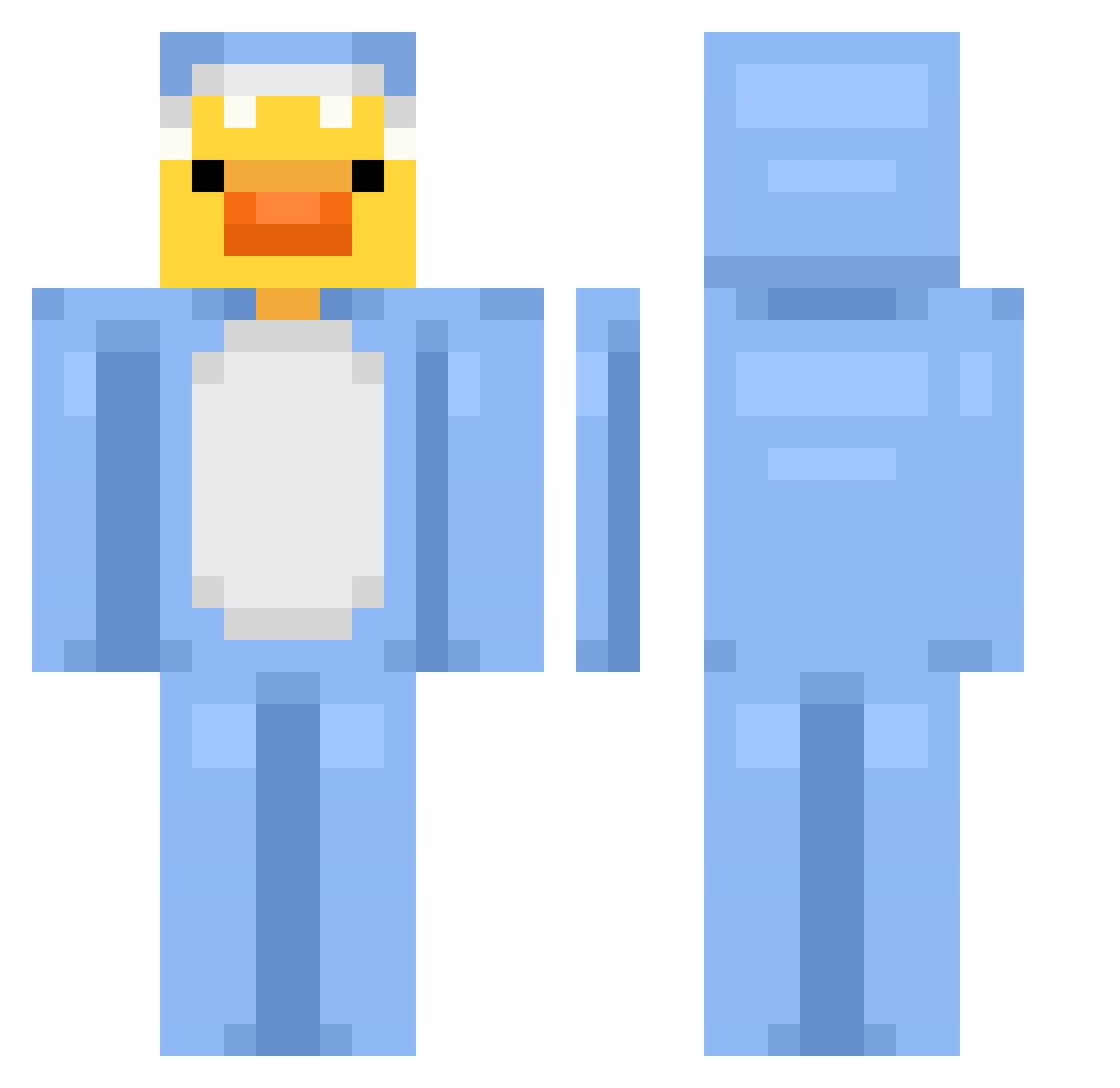
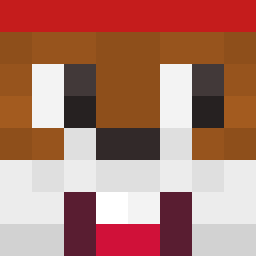
Current Minecraft skin of the player GG_Mochigg, loaded from the official Mojang API. Rotate the 3D model with your mouse or finger, then download the skin as a PNG file and use it in Minecraft: Bedrock Edition or Java Edition for free. When GG_Mochigg changes their skin, this page updates automatically and the old skin stays in the history below.
Other players with this skin (707)
GG_Mochigg was the 59th player we have seen with this skin, first spotted on 01.08.2026. The same skin was seen on these players. Open a nickname to see their current skin and skin history.
 cinna2
 mysaaanhastar PetarM_2012 NotWrap JJJInOO sunsettloverr wtap0 Daujum_Marce Beastie7887 Agnews YamMayu KiDo424 Ana12435 gracusiek1234 scarlet200612 FluxGamer7 ruma325 ItsSnoms shokipoki Ramen1142 SlickShark youngeun05 ducksickreturns pahtji Papazu_ rawr_grrr kyon524
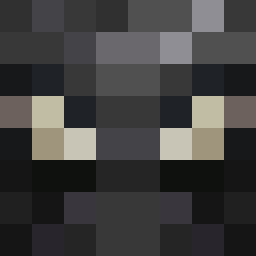 Wuzzdd ammamm24 GizhaThePyramid Vh3xl0l TheWki ZZQQSS
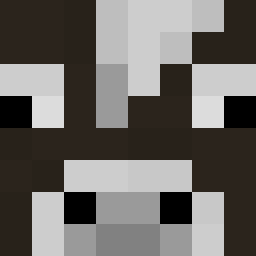 DAXXXER sviels DudetheDuke2012 MiniOMG jooty08 ImLovelyLia Ikun_gjb grenyer2013 NIMO131 Luis6GO hoseinsins AryalKTM pedro22dd Mc6Nugget9 taehyun_jeon Basoolti_507 Thomas3892
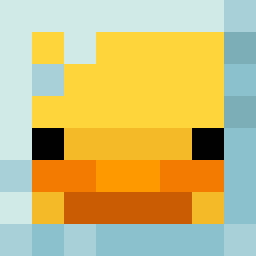 Tama_3
 Dragongirl2022 notkeltie xMarkster Regic 297kk Insonniia luddberg FabsPlayz Chickenteryaki
More Onesie Minecraft skins
How to install the GG_Mochigg skin
- Press the Download button above to save the skin as a PNG file.
- Minecraft: Bedrock Edition (PE): open the Dressing Room from the main menu (or tap your character → Edit Character), go to Classic Skins → Owned, press the + (new skin) button, choose the downloaded PNG and pick the Classic (Steve) model. Works on PC and mobile; consoles cannot import custom skins.
- Minecraft: Java Edition: open the Minecraft Launcher, go to the Skins tab, click New Skin, load the PNG, pick the Classic (Steve) model and press Save & Use. You can also upload it at minecraft.net → Profile → Change Skin.
The skin does not show up after import - what should I do?
Restart Minecraft and open the Dressing Room again - imported skins sometimes appear only after a restart. Also make sure you selected the imported skin and picked the Classic (Steve) model.
Which model should I choose, Classic or Slim?
This skin is designed for the Classic (Steve) model. If you pick the wrong model, the arms of the skin will look stretched or squeezed.
Is the skin of GG_Mochigg free to download?
Yes. Press Download, save the PNG file and use it in Minecraft: Bedrock Edition or Java Edition - no payment or registration needed. The skin also works on multiplayer servers and Realms.
More skins
Looking for more? Go back to all Minecraft skins and check the top skins of the week, month and all time, or find any player's skin by nickname.