
 joceee05 ImGoodAtEggwars Zythxy ThePiojo7 koma_oxo Daneal1313 Chen297 ShadyBobb BanoffeePie013 Nekomeshi_ Merret P3rwolf DarkinGYT17 Neuron25 Arbigate Wildbear04 ncrutyu Akajacar Fireablazea Flxss Risotto627 LCzinnXxX Caermess Bertramowox3 ElBrayan08 AshQuetchut Macho_kjh Floe1337 KarmicCar258106 aly5andro ___Yumo GabyRecout serstly Tippers Humeuria XxparcurxX PaggaDoek FENO2021 NoEyedLizard HanDock DarkNearo miikun_ DavL1 AnnatheBee Happyz minokazu0225 skeletise XIceBearz SkibbidiBopMDada MONACAT2 pusko123 Kiddokomet Filipits26 BearIlho Citrosek Warllam Kedennon saber_Gamer_dz mongsel ElSantos01
Minecraft skin of especial_kevito. Rotate the 3D model with your mouse or finger to view the skin from every angle, then download it as a PNG file and use it in Minecraft: Bedrock Edition or Java Edition for free. Rate the skin with stars to help other players find the best skins in our collection.
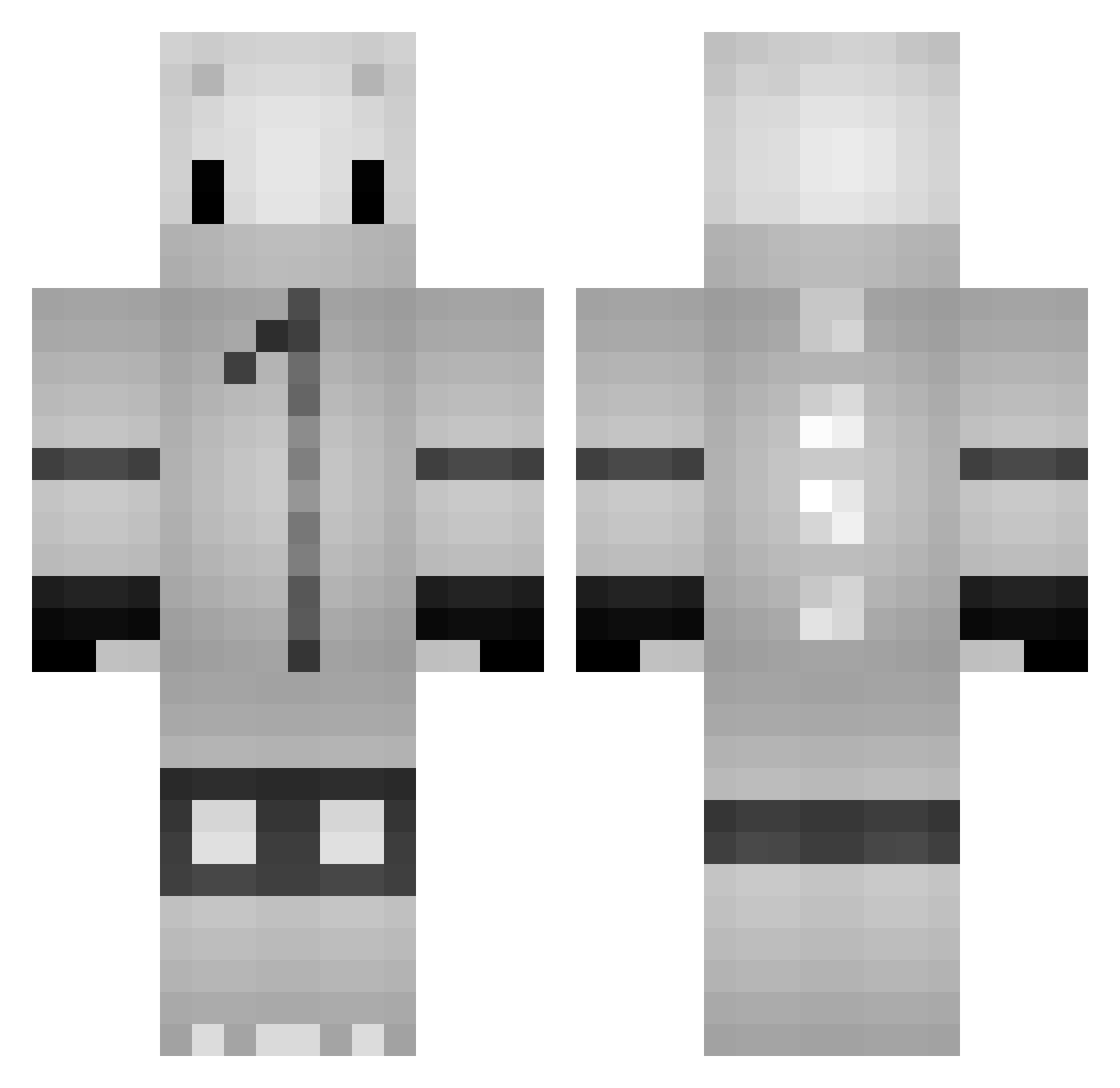
How to install the especial_kevito skin
- Press the Download button above to save the skin as a PNG file.
- Minecraft: Bedrock Edition (PE): open the Dressing Room from the main menu (or tap your character → Edit Character), go to Classic Skins → Owned, press the + (new skin) button, choose the downloaded PNG and pick the Classic (Steve) model. Works on PC and mobile; consoles cannot import custom skins.
- Minecraft: Java Edition: open the Minecraft Launcher, go to the Skins tab, click New Skin, load the PNG, pick the Classic (Steve) model and press Save & Use. You can also upload it at minecraft.net → Profile → Change Skin.
The skin does not show up after import - what should I do?
Restart Minecraft and open the Dressing Room again - imported skins sometimes appear only after a restart. Also make sure you selected the imported skin and picked the Classic (Steve) model.
Which model should I choose, Classic or Slim?
This skin is designed for the Classic (Steve) model. If you pick the wrong model, the arms of the skin will look stretched or squeezed.
Is this skin free to use?
Yes. Press Download, save the PNG file and use it in Minecraft: Bedrock Edition or Java Edition - no payment or registration needed. The skin also works on multiplayer servers and Realms.
More Kigurumi Minecraft skins
More skins
Looking for more? Go back to all Minecraft skins and check the top skins of the week, month and all time, or find any player's skin by nickname.