
serstly - Minecraft Skins & Skin History
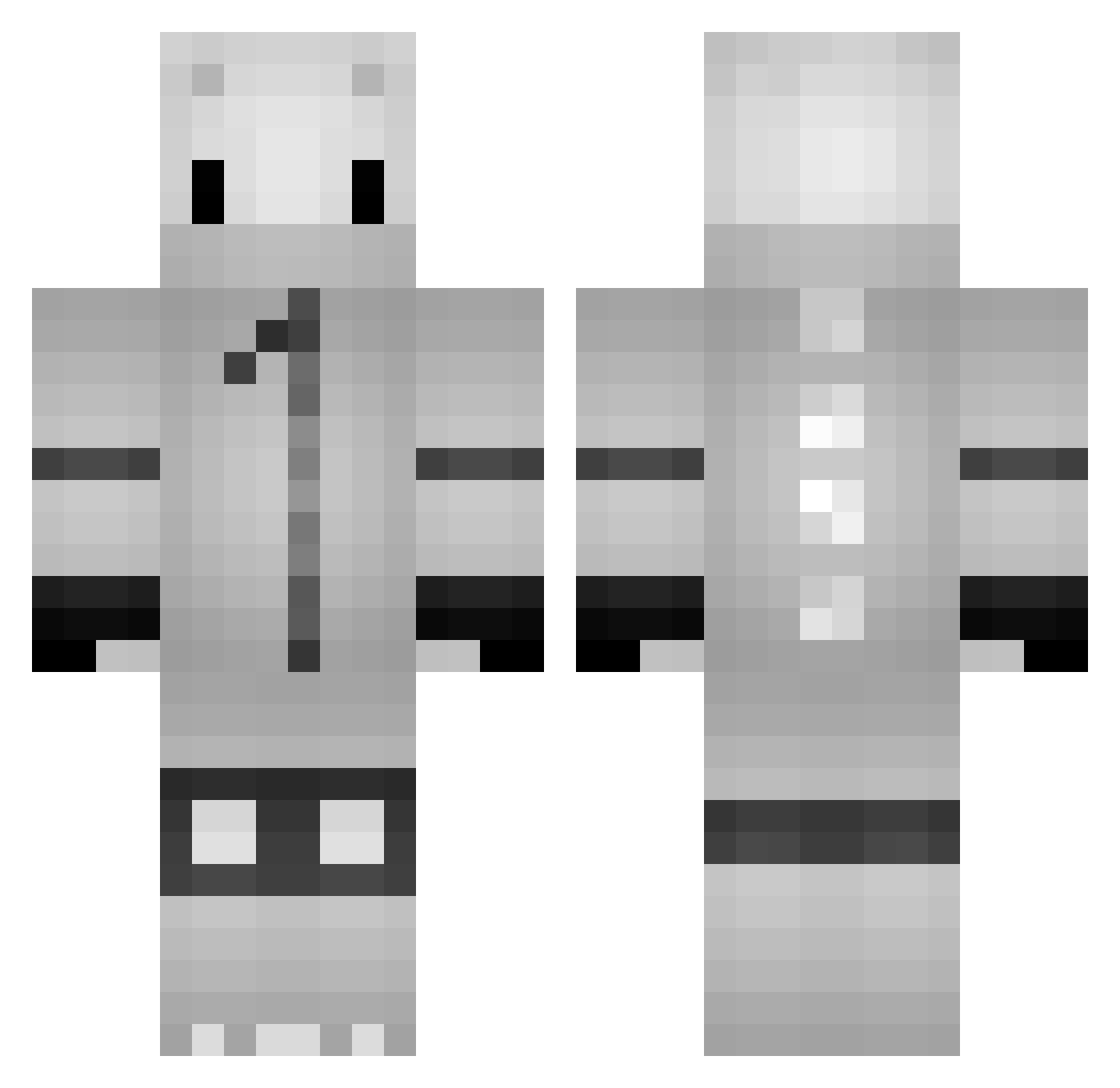
Current Minecraft skin of the player serstly, loaded from the official Mojang API. Rotate the 3D model with your mouse or finger, then download the skin as a PNG file and use it in Minecraft: Bedrock Edition or Java Edition for free. When serstly changes their skin, this page updates automatically and the old skin stays in the history below.
Other players with this skin (127)
serstly was the 125th player we have seen with this skin, first spotted on 18.10.2026. The same skin was seen on these players. Open a nickname to see their current skin and skin history.
 Tippers XxparcurxX PaggaDoek ___Yumo aly5andro KarmicCar258106 NoEyedLizard DarkNearo miikun_ SkibbidiBopMDada ElSantos01 NikotinNik xFolivorax SmashingRoy sPxLeen Lobodestructor2 ldeniedl MC_WiseNeko yagmur0000 ItsFlco Storkker YuriNico10 9tenjo duhast_ DILK_Enjoyer Darkidiouz trollguy22 Okie_Surfer Txsa Ratounette zexor1998 JasonL1688 yoru2167 AlexTsuki_ Bacon4lunch Xcrayonex Walllus D1MZI WASDokkaebi Fideo_ SterPolar Expandability scrimleted handmoon Hanisberg KKWTN blappity Sidhoon Lijianzhe alifberry phomphun NineMeowz AceofSpaid iWqnt2Win asterisque XCbuster JUNiblock0 poy157 zRazn DavL1
More Kigurumi Minecraft skins
How to install the serstly skin
- Press the Download button above to save the skin as a PNG file.
- Minecraft: Bedrock Edition (PE): open the Dressing Room from the main menu (or tap your character → Edit Character), go to Classic Skins → Owned, press the + (new skin) button, choose the downloaded PNG and pick the Classic (Steve) model. Works on PC and mobile; consoles cannot import custom skins.
- Minecraft: Java Edition: open the Minecraft Launcher, go to the Skins tab, click New Skin, load the PNG, pick the Classic (Steve) model and press Save & Use. You can also upload it at minecraft.net → Profile → Change Skin.
The skin does not show up after import - what should I do?
Restart Minecraft and open the Dressing Room again - imported skins sometimes appear only after a restart. Also make sure you selected the imported skin and picked the Classic (Steve) model.
Which model should I choose, Classic or Slim?
This skin is designed for the Classic (Steve) model. If you pick the wrong model, the arms of the skin will look stretched or squeezed.
Is the skin of serstly free to download?
Yes. Press Download, save the PNG file and use it in Minecraft: Bedrock Edition or Java Edition - no payment or registration needed. The skin also works on multiplayer servers and Realms.
More skins
Looking for more? Go back to all Minecraft skins and check the top skins of the week, month and all time, or find any player's skin by nickname.