
FxyeTix - Minecraft Skins & Skin History
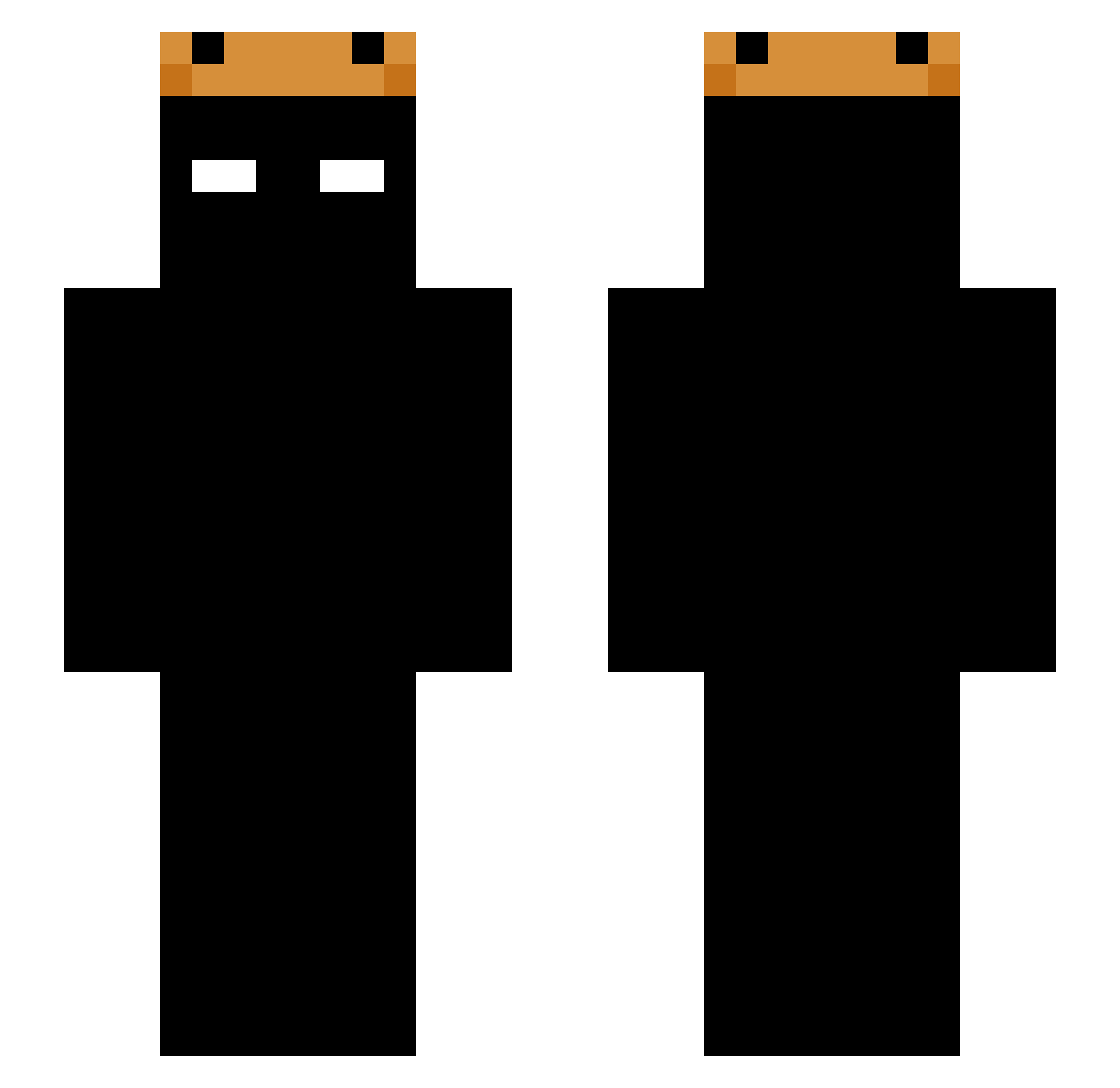
Current Minecraft skin of the player FxyeTix, loaded from the official Mojang API. Rotate the 3D model with your mouse or finger, then download the skin as a PNG file and use it in Minecraft: Bedrock Edition or Java Edition for free. When FxyeTix changes their skin, this page updates automatically and the old skin stays in the history below.
Other players with this skin (225)
FxyeTix was the 36th player we have seen with this skin, first spotted on 15.08.2026. The same skin was seen on these players. Open a nickname to see their current skin and skin history.
 Xiaodong_18 souma0503 TigreSalvaje Ineserai susumina X_XAinX_X sinfours AmirAlone chen7672 grillonm GpipeG1108 MANYBIRD Goiabb TBPTBP oNqb Snapiiix sharktato grasidk isodidthat HelperAlt2 IceTV_ Shaytaan Ha_Kl Kovalec2 DarkVengeance1 Castelo45 neqownsu W1z4rD27 mrfenci skarbiec SuspiciousCodes Hopexz zNyro_ ZiggyZonko SOSMALL122333 tyrannicalDiref drakenluys cabelod9 Bombaclataa HerosTimere99 FengXizz Shadow_TRB owen0307 YoungKierek onic93 pysl ttvReelio ABUBUSAI228 Aix1123 hope164 Duardinhoo WapPieTH Cocasus Tomcioromcio JECH123 dark_soul4693 xSmokin VITN007 BWill2016 xiaohbr006
More Shadow Minecraft skins
How to install the FxyeTix skin
- Press the Download button above to save the skin as a PNG file.
- Minecraft: Bedrock Edition (PE): open the Dressing Room from the main menu (or tap your character → Edit Character), go to Classic Skins → Owned, press the + (new skin) button, choose the downloaded PNG and pick the Slim (Alex) model. Works on PC and mobile; consoles cannot import custom skins.
- Minecraft: Java Edition: open the Minecraft Launcher, go to the Skins tab, click New Skin, load the PNG, pick the Slim (Alex) model and press Save & Use. You can also upload it at minecraft.net → Profile → Change Skin.
The skin does not show up after import - what should I do?
Restart Minecraft and open the Dressing Room again - imported skins sometimes appear only after a restart. Also make sure you selected the imported skin and picked the Slim (Alex) model.
Which model should I choose, Classic or Slim?
This skin is designed for the Slim (Alex) model. If you pick the wrong model, the arms of the skin will look stretched or squeezed.
Is the skin of FxyeTix free to download?
Yes. Press Download, save the PNG file and use it in Minecraft: Bedrock Edition or Java Edition - no payment or registration needed. The skin also works on multiplayer servers and Realms.
More skins
Looking for more? Go back to all Minecraft skins and check the top skins of the week, month and all time, or find any player's skin by nickname.